

Ui Lab Sketchware
Ui Lab Sketchware screenshots (8)





Description Ui Lab Sketchware
A Tool That Bridges the Gap Between Design and Code
In mobile app development, particularly within environments like Sketchware, a common bottleneck emerges: developers and designers possess the logic but struggle with the polished, professional UI that makes an app stand out. Manually coding complex backgrounds and view elements is time-consuming and requires deep Java expertise. This is the precise gap that Ui Lab Sketchware by Shree Shyam Developers is engineered to fill. It functions not as a standalone design suite, but as a specialized utility that integrates directly into a Sketchware workflow, automating the generation of visual Java code to elevate project aesthetics systematically.
Core Functionality and Analytical Breakdown
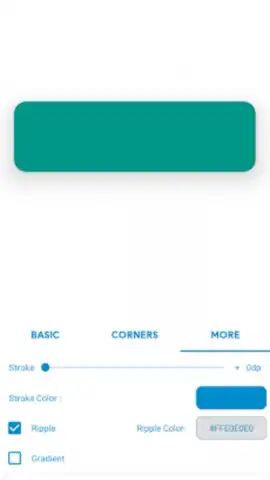
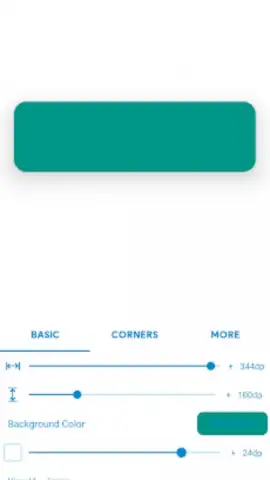
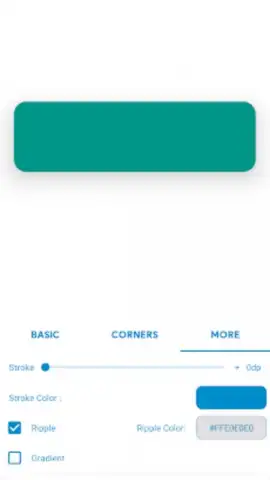
The application operates on a principle of code generation for visual components. Its primary function is to produce clean, ready-to-use Java code for creating backgrounds and styling views within Sketchware projects. This process removes the need for the user to write this UI layer code manually. The interface is built for utility, presenting a focused set of options for customizing these generated elements. Users can define parameters, and the tool outputs the corresponding code block, which can then be integrated directly. This method significantly reduces repetitive tasks and potential syntax errors associated with manual UI coding.
A key observation is the app's targeted nature. It does not aim to be a full-scale IDE or graphic editor; instead, it serves as a force multiplier for Sketchware users. By handling the granular Java code for visual design, it allows the developer to concentrate on application logic and structure. The claim of an ad-free experience, facilitated by what the developer terms 'Turbo' mode, indicates a focus on uninterrupted workflow, which is a critical consideration in a utility tool. The emphasis on consistent updates suggests the developer is actively refining the code library and compatibility, which is essential for keeping pace with Sketchware's own evolution.
Feature Set Overview
- Generates Java code for UI elements
- Creates custom backgrounds for views
- Streamlines Sketchware project customization
- Ad-free operational environment
Limited Offer: Download the Mobile App Now
This specialized utility represents a clear efficiency gain for a specific audience. For Sketchware developers looking to professionalize their app interfaces without diving deep into UI code manuals, this tool offers a tangible shortcut. Exclusive access to its current feature set is available for all users. Download Ui Lab Sketchware today to integrate this code-generation capability directly into your development process.
Heads up: you'll need wifi for most features. Some cool stuff is extra.
 GooglePlay


