

Ultra AutoClicker
Ultra AutoClicker screenshots (7)
Description Ultra AutoClicker
Tired of manual tapping? Automate repetitive tasks with a single tap.
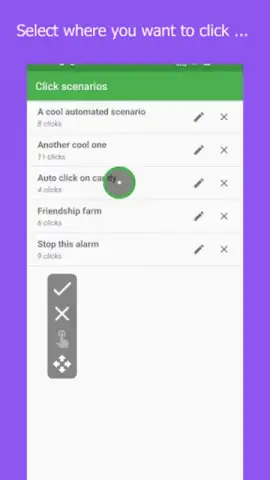
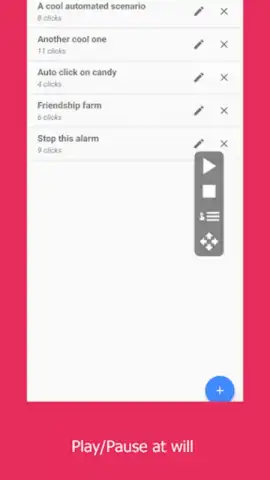
Ultra AutoClicker provides a robust automation tool for Android devices, designed to execute sequences of screen taps and gestures without constant manual input. It operates by allowing you to record and set custom click intervals, target specific screen coordinates, and run automated sequences for extended periods. The core functionality centers on creating and managing multiple click profiles for different applications or tasks, turning repetitive interactions into a hands-free process.
Core Functionality and Tools
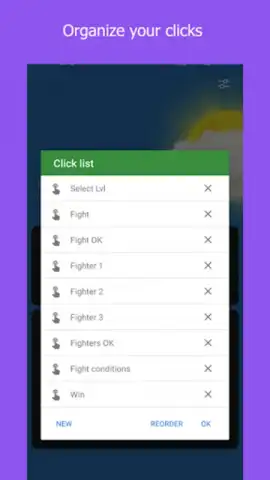
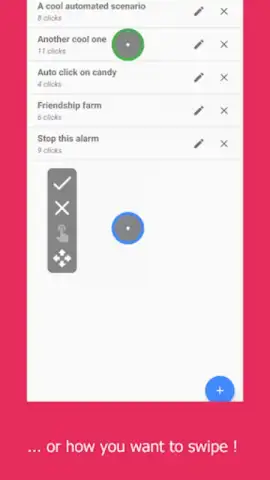
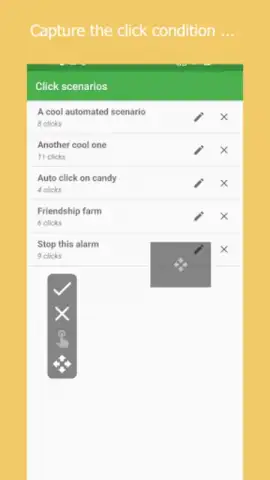
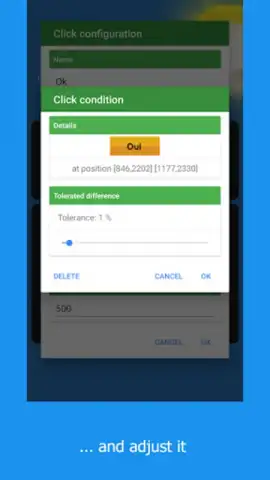
The application enables precise control over automated actions through a configurable overlay interface. You can set the exact tap location by coordinates or a visual selector, define the delay between clicks in milliseconds, and choose the total number of cycles or an unlimited run. The system includes a gesture recorder for simulating swipes and more complex touch patterns, alongside a task scheduler to launch profiles at predetermined times.
Key Operational Advantages
- Multi-point recording: Set up complex sequences involving several tap locations in a defined order.
- Adjustable speed control: Fine-tune the tap frequency from rapid bursts to slow, deliberate intervals.
- Background operation: Maintain automated sequences while using other apps or with the screen off, depending on device permissions.
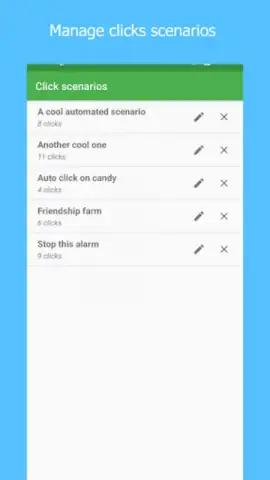
- Profile management: Save, label, and quickly switch between distinct automation setups for various games or productivity apps.
Download the Ultra AutoClicker mobile app now and unlock unlimited automation—exclusive early access provides full functionality at no cost for a limited time.
Heads up: you'll need wifi for initial download and updates. Some advanced scheduling features may require additional permissions.


