
Unity Remote 4
Unity Remote 4 screenshots (5)
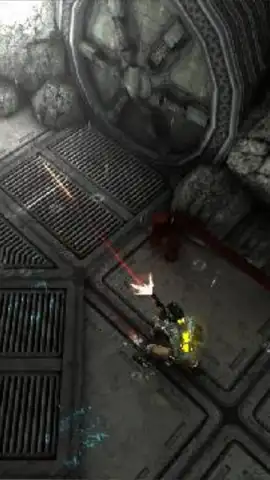
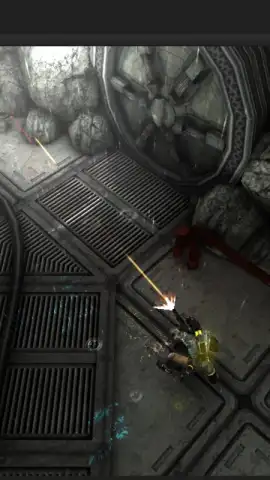
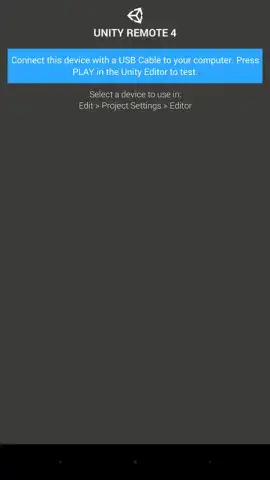
Description Unity Remote 4
A Bridge Between Vision and Execution
For developers and creators working in the Unity engine, the gap between the editor on a desktop and the final experience on a mobile device can be a significant workflow bottleneck. Constantly building, deploying, and testing on hardware interrupts creative flow and slows iteration to a crawl. Unity Remote 4 directly addresses this core inefficiency, transforming your Android device into a seamless, real-time input and preview window for your Unity Editor projects. It eliminates the tedious compile-deploy cycle for basic testing, allowing you to focus on refining touch controls, accelerometer responses, and screen layouts with immediate feedback.
Core Functionality and Seamless Integration
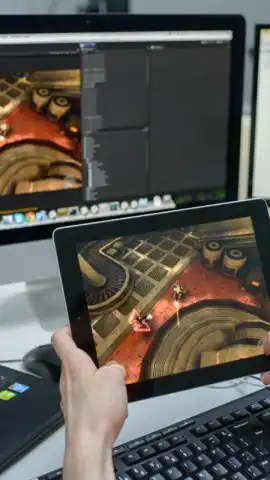
This utility operates by establishing a wireless connection between the Unity Editor running on your computer and the Android device running the Unity Remote 4 app. Once paired, the mobile device mirrors the Game view from the editor and streams back all its sensor data. You can interact with your project using your device's multi-touch screen, gyroscope, accelerometer, and other hardware inputs as if it were running a standalone build. This is particularly invaluable for testing mobile-specific interactions—such as swipe gestures, tilt-based mechanics, or virtual joystick responsiveness—without leaving the development environment. The app supports multiple connected devices simultaneously, enabling comparative testing across different screen sizes and hardware capabilities directly from a single editor instance.
Key Operational Advantages
The primary strength of Unity Remote 4 lies in its focused utility and streamlined performance.
- Real-Time Input Mirroring: Provides instantaneous transmission of touch, multi-touch, and accelerometer data from your device to the Unity Editor.
- Live Game View Preview: Streams the visual output from your editor's Game window directly to your mobile device's screen for accurate visual assessment.
- Multi-Device Testing Support: Connect and interact with several Android devices at once from one Unity Editor session for efficient comparison.
- Eliminates Build Deployment: Test core input and basic visual functionality without creating time-consuming development builds for your device.
- Direct Unity Editor Integration: Functions as a native extension within the Unity development environment for a cohesive, low-latency workflow.
We suggest trying Unity Remote 4 to experience a dramatically accelerated mobile development and testing workflow, where your creative adjustments are reflected in near real-time.
Requires a network connection for communication with the Unity Editor on your local computer. The utility itself is free; use within the Unity development environment.



