
Universal Remote Controls
Universal Remote Controls screenshots (7)
Description Universal Remote Controls
A Single App to Command Your Entire Home Entertainment System
Universal Remote Controls consolidates control of your television, streaming device, soundbar, and set-top box into one interface on your smartphone. This application transforms your Android device into a centralized hub, eliminating the clutter of multiple physical remotes. It operates by emulating infrared (IR) signals through your phone's built-in IR blaster or by connecting to devices over Wi-Fi, providing a unified solution for managing diverse home electronics from a range of manufacturers.
Core Functionality and Operational Mechanics
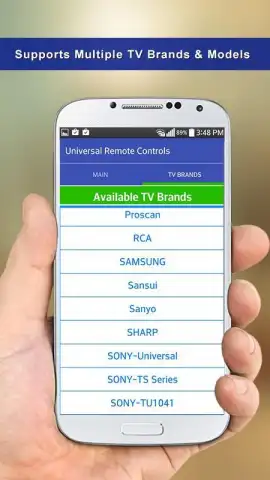
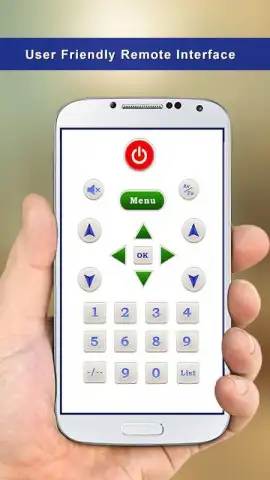
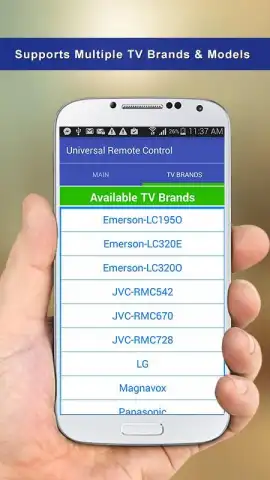
The app's primary function is device emulation, requiring an initial setup where you select your device brand and model from an extensive, categorized database. For IR-controlled devices, the app learns commands directly from your original remote to ensure compatibility. The interface presents a customizable control panel, where you can arrange buttons for power, volume, channel control, input selection, and navigation keys to mirror the layout of a traditional remote. An advanced feature allows for macro programming, where a sequence of commands—such as "Watch TV," which powers on the television, selects the correct HDMI input, and boots the set-top box—can be executed with a single tap.
Key Advantages of the Digital Remote Solution
- Extensive Hardware Compatibility: Supports thousands of device models from major brands like Samsung, LG, Sony, and Roku, with regular database updates for new electronics.
- Customizable Interface Layout: Users can create and save unique remote panels for different devices or activities, tailoring button placement and size for intuitive use.
- Macro Command Sequencing: Automates complex, multi-step operations into one-touch activities, streamlining routines like switching between gaming and media playback.
Get your unified command center and streamline your entertainment setup today.
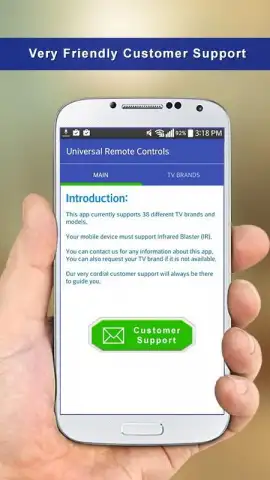
Requires an internet connection for initial database setup and updates. Functionality for infrared control depends on your mobile device having a built-in IR blaster. The app may contain offers for in-app purchases.


