
Urdu English Keyboard Emoji
Urdu English Keyboard Emoji screenshots (9)
Description Urdu English Keyboard Emoji
Typing on a mobile device often forces a choice between languages, creating a fragmented experience for multilingual users who need to switch keyboards constantly. This app addresses that friction by integrating Urdu and English input into a single, unified interface, removing the barrier between two distinct linguistic systems.
Core Input Functionality
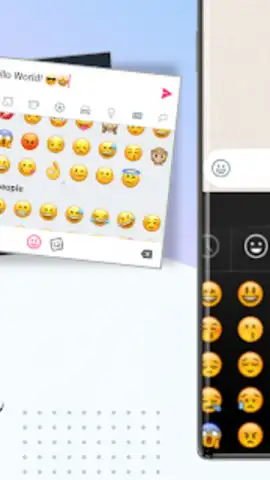
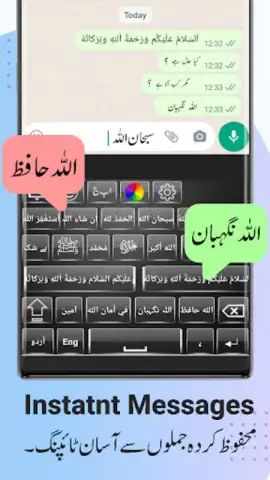
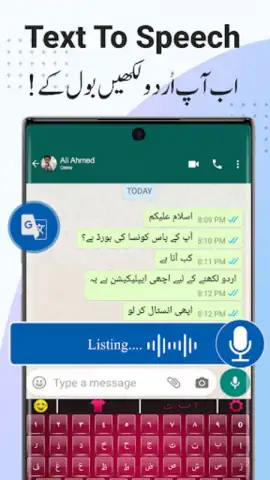
The keyboard operates as a system-wide replacement, enabling seamless text entry in both Urdu and English without switching applications. It utilizes a custom rendering engine for the Urdu Nastaliq script, ensuring proper character joining and diacritic placement that matches traditional typographic standards. The predictive text engine is trained on contemporary corpora from both languages, analyzing word frequency and contextual usage patterns to offer accurate suggestions. A dedicated emoji panel provides categorized access to the full Unicode emoji set, searchable by keywords in both supported languages. The keyboard supports multiple input methods, including gesture typing for English and a customizable layout for Urdu that can be toggled between phonetic and direct Urdu character mapping.
User Experience and Customization
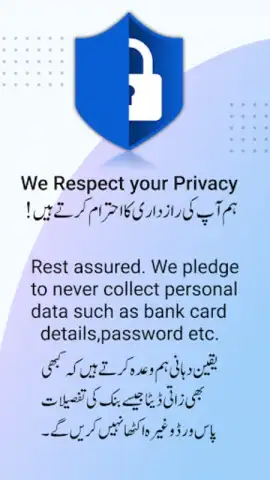
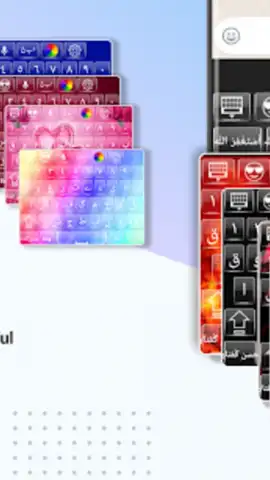
Performance is optimized for minimal latency, with keypress registration and haptic feedback calibrated for speed. The design interface offers a suite of visual customizations, allowing users to adjust key shape, background imagery, font size for better legibility, and vibration intensity. A clipboard manager extends functionality by retaining a history of copied text across both languages, with options to pin frequently used phrases. Privacy is handled locally; language models and personal dictionaries are processed on-device, with no requirement for cloud-based data transmission for core typing functions.
- Bilingual Prediction Engine: Delivers context-aware word suggestions and auto-correction for both Urdu and English sentences.
- Advanced Theme Studio: Create custom keyboard backgrounds with personal photos, gradient colors, and adjustable key transparency.
- One-Touch Emoji & Symbol Access: A dedicated toolbar provides instant panels for emojis, Urdu punctuation, and common symbols.
We suggest trying Urdu English Keyboard Emoji for a consolidated and efficient typing solution that handles two languages gracefully.
Requires an internet connection for initial setup and theme downloads. The app may contain optional in-app purchases for premium theme packs.
 GooglePlay


