

Vanced Tube
Vanced Tube screenshots (4)
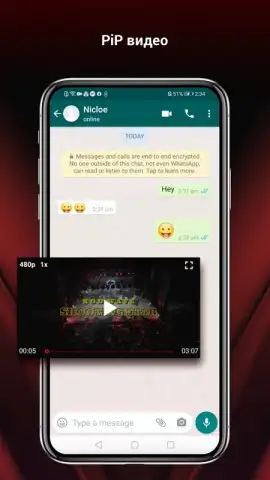
Description Vanced Tube
Looking for a way to watch YouTube videos without the constant interruption of ads, and with the ability to play audio in the background? Vanced Tube provides a modified client for the YouTube platform, delivering core functionality with significant user-experience enhancements. This analysis examines its operational mechanics, core feature set, and practical implementation as a standalone application that runs parallel to the official YouTube app.
Core Functionality and Operational Independence
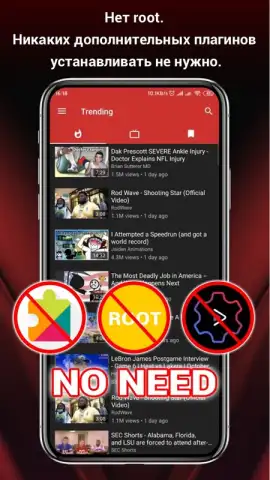
Vanced Tube operates as a separate application, meaning it does not require you to uninstall the official YouTube client. Both applications can coexist on the same device without conflict. User authentication is optional; you can use the app anonymously for browsing and playback. However, logging in with a Google account is necessary to access personalized features such as subscription feeds, video history, and saved playlists. The primary interface mirrors the standard YouTube layout, ensuring immediate familiarity while integrating its modified features directly into the playback and navigation layers.
Primary Feature Analysis: Ad Blocking and Background Playback
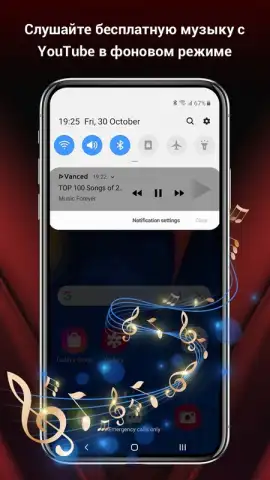
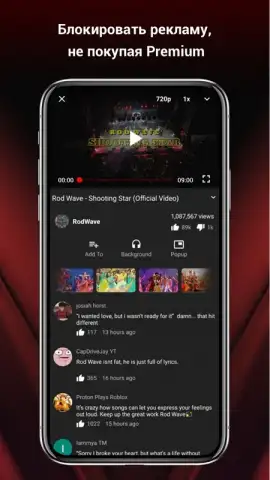
The integrated ad-blocking functionality is a central component. It operates by intercepting and preventing ad requests from loading at the start, middle, and end of videos. This results in uninterrupted playback for all content hosted on the platform. A second defining feature is background and offline screen playback. The standard YouTube application halts video or audio playback when minimized or when the device screen turns off. Vanced Tube modifies this behavior, allowing audio to continue playing. This is particularly practical for music videos, podcasts, or long-form content, enabling audio consumption while using other apps or with the screen locked to conserve battery life.
Extended Utility and Playback Environment
Beyond ad removal, the application provides a suite of user-configurable settings typically found in premium services. This includes the ability to override default video resolution settings, enable pinch-to-zoom on all videos, and disable community posts and other UI elements. The combination of ad-free viewing and background playback effectively transforms the app into a functional music streaming service. Users can create and listen to playlists without video ads, with the audio component remaining active in the background, a feature not available in the base, non-premium version of the official YouTube app.
Installation Method and Technical Considerations
Vanced Tube is distributed as an APK file, requiring manual download and installation from sources outside of the Google Play Store. This process necessitates enabling installation from "Unknown Sources" in your device's security settings. The version reviewed, 5.5.80.311, indicates ongoing development to maintain compatibility with YouTube's backend updates. It is important to source the APK from the official developer channel to ensure integrity and security.
- Integrated ad-blocking for all videos
- Background & offline screen audio playback
- Optional login for personalization
- Runs alongside official YouTube app
The functionality offered directly addresses the most common limitations of the standard viewing experience. Download the Vanced Tube APK now to implement these modifications. Do not wait to start watching content without mandatory ad interruptions and with full control over playback.
Internet required. IAP available.


