
Video and GIF Memes
Video and GIF Memes screenshots (7)
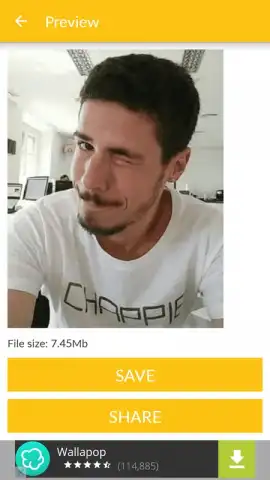
Description Video and GIF Memes
Turn Any Moment into a Shareable Masterpiece
Imagine scrolling through your camera roll and finding that perfect, hilarious three-second clip from a friend's birthday. You know it would make the ultimate reaction GIF for your group chat, but the video is two minutes long. Manually trimming and converting feels like a chore. What if you could isolate that golden moment and transform it into a seamless, looping GIF in under a minute? That’s the instant creative freedom waiting for you. This tool hands you the keys to your media library, allowing you to extract the funniest, most dramatic, or most memorable snippets and repackage them as the perfect shareable format.
Craft with Precision and Ease
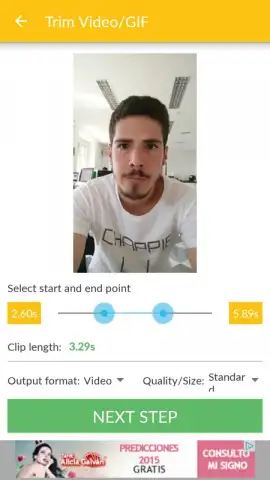
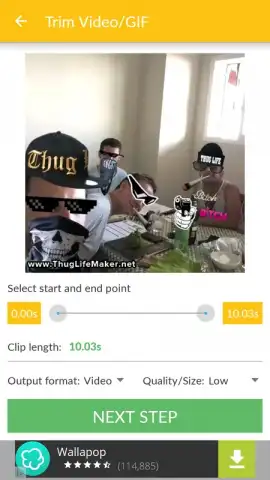
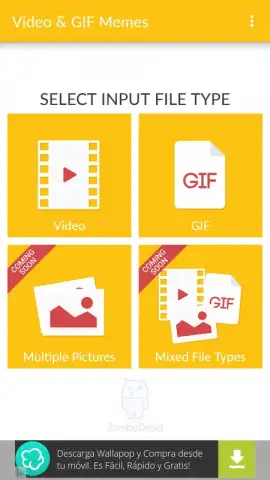
The process is designed for speed and simplicity. You start by selecting any video from your device’s storage. The app then presents you with an intuitive trimming interface, letting you pinpoint the exact start and end points of your chosen clip. Whether you’re working with a one-minute clip or a twenty-minute vlog, you can carve out a crisp five-second segment destined to become a GIF. The same principle works in reverse: locate any GIF saved on your phone, and the app can effortlessly convert it back into a standard video file, making it compatible with platforms that don’t support animations.
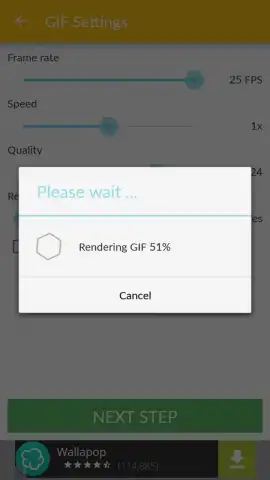
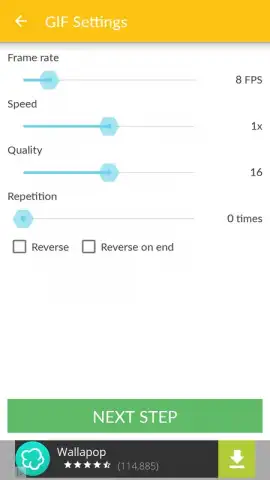
Once your segment is selected, you gain full control over the final output. A dedicated settings panel lets you fine-tune the quality to balance file size and clarity. Adjust the frames per second for smoother motion or lower it for a classic, choppy GIF aesthetic. You can also modify the resolution to ensure your creation looks sharp. For added impact, apply speed controls to create slow-motion or fast-forward effects, and set any GIF to loop continuously for maximum comedic or dramatic effect.
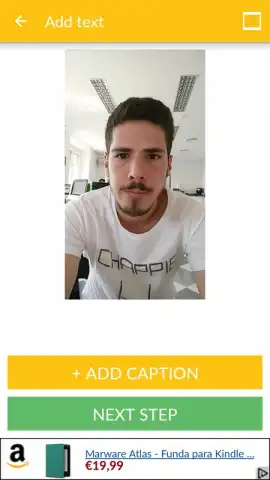
Your creations become truly personal with the integrated text overlay tool. This isn’t just a basic caption; it’s a full customization suite. Tap anywhere on the video preview to place your text box, then type your witty quote, punchline, or label. Choose from a selection of fonts to match the mood—be it bold, elegant, or playful. Then, pick the perfect color from a palette to make your words pop against the background. This transforms a simple clip into a contextual meme, ready to convey exactly what you mean.
- Bidirectional Conversion: Seamlessly create GIFs from video files or convert existing GIFs back into standard video formats.
- Surgical Trimming: Use a simple slider to extract the perfect short segment from even the longest videos with frame-accurate precision.
- Output Quality Control: Manually set the FPS (frames per second) and resolution of your final GIF or video for optimal quality and shareability.
- Dynamic Editing Tools: Apply speed adjustments (slow down or speed up) and set videos or GIFs to loop endlessly.
- Advanced Text Overlay: Add customizable text with a choice of fonts and colors, placing it anywhere on the frame for professional-looking memes.
- Turbo Experience: An enhanced, ad-free version is available for an uninterrupted and streamlined creative workflow.
The app excels through its focused functionality. While it doesn’t overwhelm with countless complex filters or effects, it masters the core tasks of conversion and basic customization with a clean, intuitive interface. The output quality is consistently reliable, producing clean, ready-to-share files every time. It turns your phone into a quick-response meme factory, putting powerful editing tools in your pocket that are both accessible and effective.
Start creating and sharing your viral content today. Download the mobile app now and claim your creative advantage!
Internet required. IAP available.
 GooglePlay


