

Video App for VK
Video App for VK screenshots (16)


Description Video App for VK
Looking for a streamlined way to manage your entire VK video experience from one central hub? Video App for VK transforms your mobile device into a powerful command center for everything video-related on the VKontakte platform, offering deep integration and superior control far beyond the standard browsing experience.
Core Functionality and User Experience
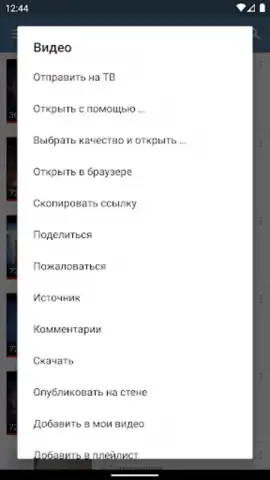
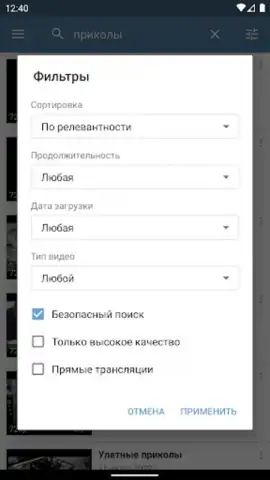
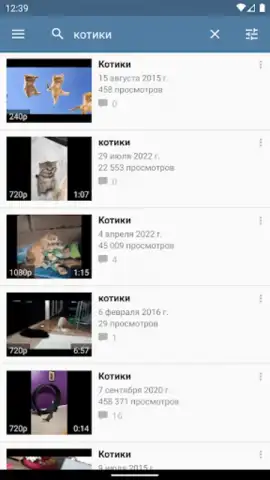
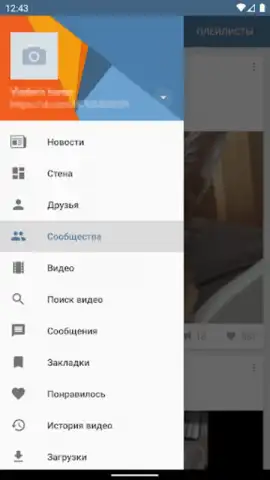
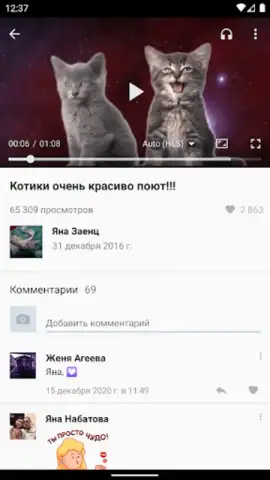
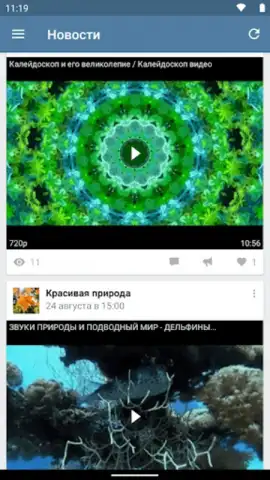
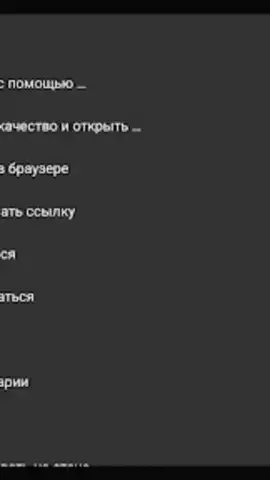
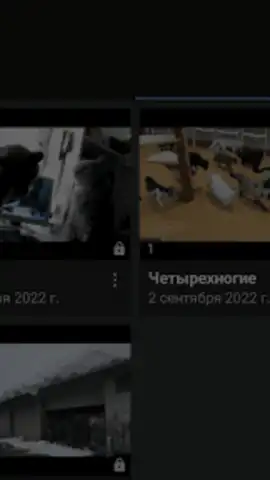
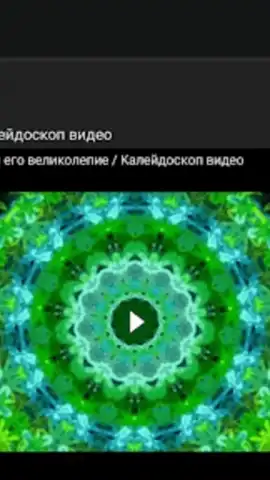
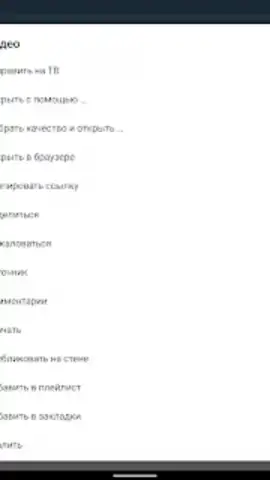
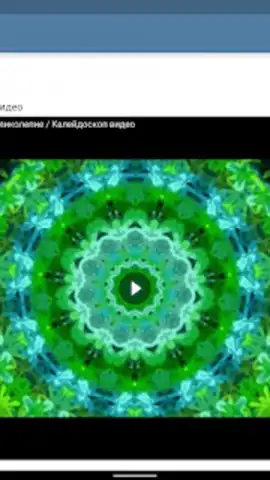
This application delivers a refined, user-focused interface designed specifically for navigating VK's vast video ecosystem. It connects you directly to content from friends, followed communities, and your personal collections through an intelligent, unified browser. The built-in video player is a standout feature, enabling seamless playback alongside live comments and engagement metrics without ever leaving the app, creating an immersive viewing session. For flexibility, it supports casting to larger screens via DLNA and Chromecast protocols, and allows playback through various external video player applications you may already have installed for advanced codec support.
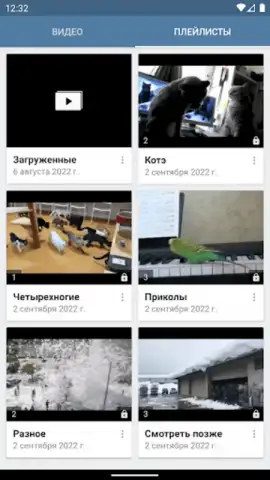
Beyond viewing, the app serves as a full-featured video management suite. You can download videos directly from VK servers for offline access, ensuring your favorite content is available anytime, regardless of internet connectivity. The integrated uploader tool lets you post videos directly to your VK wall or into groups, streamlining content sharing and community interaction. Organization is handled through a comprehensive library system with custom albums and bookmarks, making it simple to categorize and retrieve any video.
Key Features at a Glance
- Integrated VK Video Player: Watch videos and follow comment threads in a unified, distraction-free viewing window within the app itself.
- Offline Download & Library Management: Download videos for offline playback and organize them into custom albums and bookmarked collections for easy access.
- Cross-Platform Playback & Sharing: Cast videos to TV via Chromecast/DLNA or use external players, and upload videos directly to your VK wall.
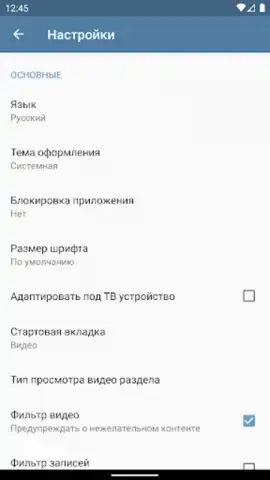
Customization and security are also prioritized, with options like a system-wide dark theme for comfortable nighttime viewing and a PIN-code lock to secure access to your personal video library. The platform operates with strict respect for intellectual property, facilitating downloads only from official VK servers and providing clear guidelines and reporting tools to address copyright concerns, ensuring a responsible ecosystem for all users.
We suggest trying Video App for VK to elevate how you watch, organize, and share video content from your VK network. Consider downloading it now for a comprehensive and streamlined social video experience.
Download mobile app now
Disclaimer: This application requires an internet connection for initial streaming and content syncing. Some features may involve in-app purchases or require linking to a valid VKontakte account. Offline viewing is subject to the availability of content on VK servers and respect for copyright.
 GooglePlay


