

Video Master
Video Master screenshots (6)


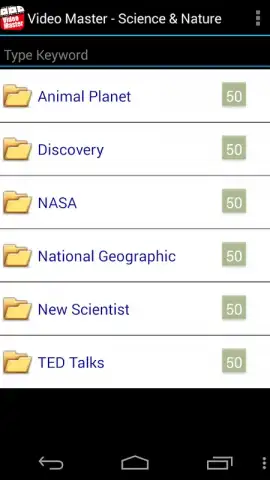
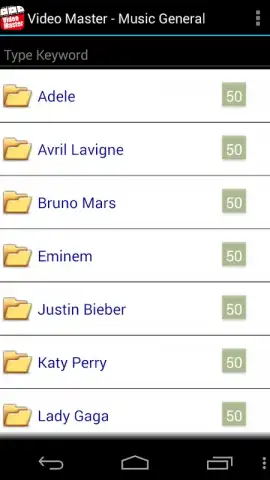

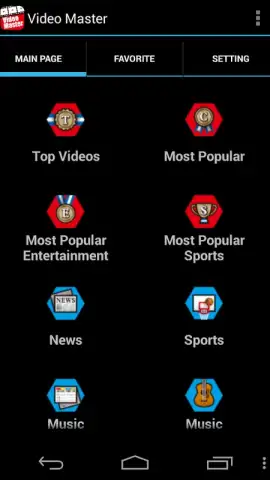
Description Video Master
Ever had a perfect video moment ruined by shaky footage, bad lighting, or just needing that one clip from a longer file? Your phone is full of potential, but unlocking it usually means wrestling with complicated software. What if you had a master key for all your video needs, right in your pocket?
Video Master transforms your device into a portable production studio. It’s not just a player or a simple trim tool—it’s a comprehensive suite designed for both quick edits and creative projects. Play virtually any video format in high definition with a customizable floating player that lets you multitask. Dive into editing with a multi-track timeline where you can layer clips, apply smooth transitions, add dynamic text overlays, and adjust speed for slow-motion or fast-forward effects. The app features a powerful built-in converter to change video formats for compatibility with any platform, and a precise tool to extract and save audio as an MP3 file from any video with a single tap. For creators, the advanced editor includes color correction filters, background music integration, and direct sharing to social media.
Core Functionality & Tools
Video Master excels by combining robust playback with intuitive, pro-level editing tools in one streamlined interface.
- Universal Video Player: Supports playback of MP4, AVI, MOV, MKV, FLV, and more. Features background play, subtitle support, gesture controls for brightness/volume, and a pop-out player.
- Multi-Track Video Editor: Work with a visual timeline to cut, split, merge, and rearrange clips. Add multiple audio layers, custom titles with various fonts, and seamless transitions like fade, slide, and wipe.
- Audio Extraction & Conversion: Instantly extract clear audio from videos and save as MP3, M4A, or WAV. Convert videos between formats for social media, email, or storage without losing quality.
- Advanced Customization Toolkit: Apply cinematic color grading filters, stabilize shaky footage, reverse clips, create picture-in-picture effects, and adjust playback speed with precision controls.
Key Advantages
Why does Video Master stand out in a crowded field? It prioritizes a frictionless user experience without sacrificing capability.
- Intuitive, No-Lag Interface: Designed for speed and simplicity. Tools are logically grouped, previews render in real-time, and the app handles 4K files smoothly, even on older devices.
- All-in-One Workflow: Eliminate app-switching. Go from playing a video, to editing and converting it, to sharing the final product, all within a single, cohesive environment.
-
Professional Results, Effortlessly: Achieve a polished look with advanced features like keyframe animation for text, chroma key for green screen effects (where supported), and audio ducking to balance music and voiceovers.
-
Universal format support
- Pro editing timeline
- One-tap audio extraction
- Speed & color controls
- Direct social sharing
- No watermark on exports
Don't just capture memories—master them. For a limited time, new users get exclusive access to the premium feature set with no watermark on exports. Transform your video library today.
Download Video Master now and edit like a pro!
Video Master requires an internet connection for initial download of additional filter packs and for sharing features. The app offers optional in-app purchases for advanced effect bundles and expanded cloud conversion options. Some premium features are unlocked via subscription.


