

Video & TV SideView : Remote
Video & TV SideView : Remote screenshots (10)
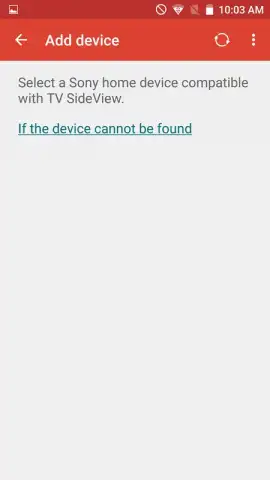
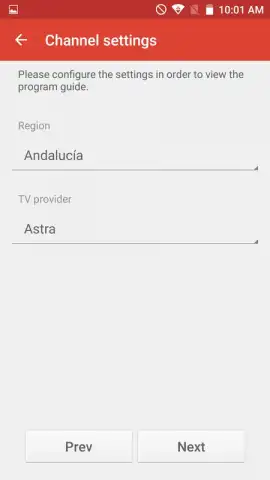
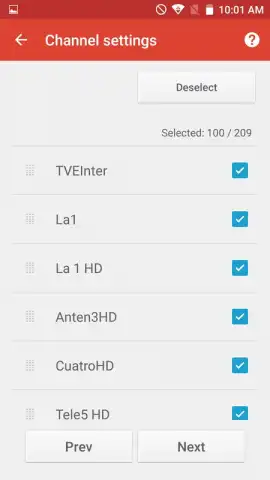
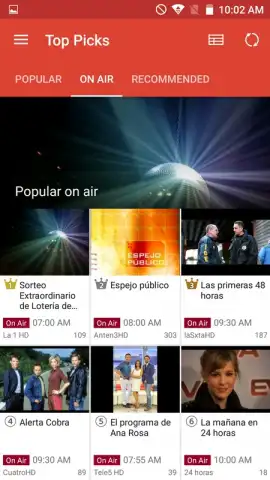
Description Video & TV SideView : Remote
Looking for a more capable TV remote?
The Video & TV SideView app by Sony Corporation redefines the standard remote control by transforming your Android smartphone or tablet into a centralized command hub. While it delivers its most seamless and feature-rich performance when paired with a compatible Sony Bravia TV, the application retains significant utility for general television viewing and content discovery, even without Sony hardware. This analysis examines its core mechanics as a remote replacement and its secondary functions as an electronic program guide and content portal.
Core Functionality and Feature Analysis
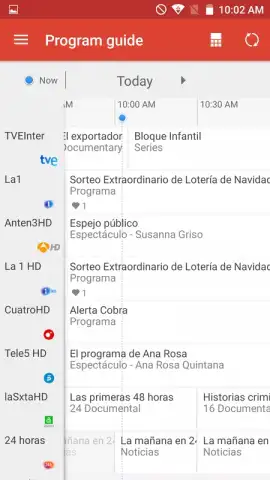
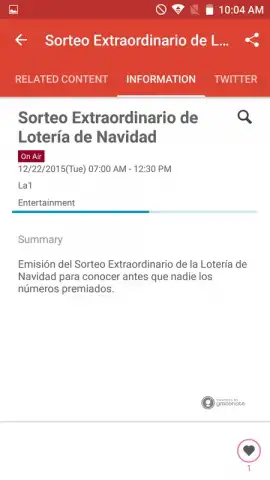
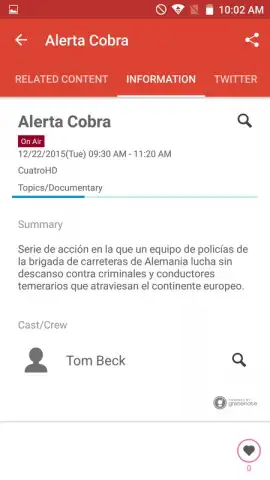
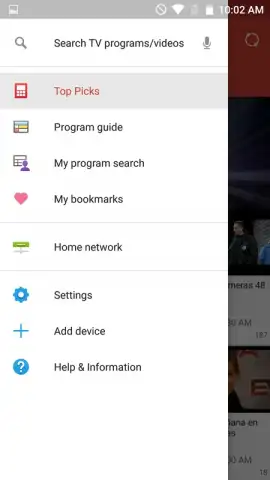
The primary operational mode converts your mobile device's screen into a fully interactive remote. This includes standard infrared-based control for power, volume, and input selection, supplemented by touch-based navigation using an on-screen directional pad or keyboard for text entry, which is notably more efficient than typing with a traditional remote. Beyond basic control, the app aggregates live TV, streaming services, and connected device content into a unified menu accessible from one interface. A key secondary feature is its integrated program guide, which pulls schedule data for your subscribed channels, allowing you to browse, select, and instantly tune to live broadcasts directly from the guide. Furthermore, for supported channels and services, the app provides access to catch-up TV and on-demand replays, effectively letting you browse and launch content from past broadcasts without switching to a separate streaming application.
- Unified Device Control: Manage your Sony TV, connected sound systems, and media players through a single, consolidated mobile interface, eliminating multiple remotes.
- Interactive TV Guide & Launch: Browse visually rich programming schedules and instantly switch your TV to any selected live channel with a single tap from within the app.
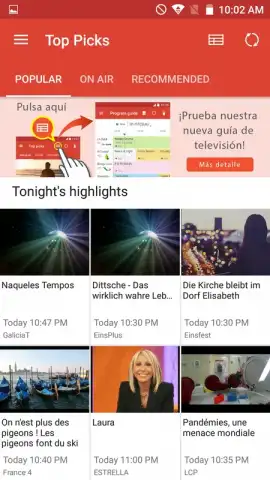
- Content Discovery Portal: Search across live TV, your installed streaming apps, and a library of available on-demand replays from a single search bar.
The application operates without displaying third-party advertisements during use. Its performance and latency in remote control functions are contingent on a stable local network connection between your mobile device and the television. For users seeking to maximize responsiveness and access potential premium features, the optional Turbo performance enhancement may be available via in-app purchase.
Start controlling your entertainment system with greater precision and discoverability today.
Internet required. IAP available.
 GooglePlay


