

Vidix–AI Photo Video Generator
Vidix–AI Photo Video Generator screenshots (12)



Description Vidix–AI Photo Video Generator
What if you could transform a simple selfie into a lifelike animated character, or turn a text description into a cinematic video sequence? Vidix–AI Photo Video Generator positions itself as a comprehensive mobile studio that leverages multiple artificial intelligence models to achieve precisely that. This review examines its core mechanics for generating video from photos, creating 3D avatars, and producing visuals from text prompts, assessing its utility for content creators seeking an all-in-one visual production tool.
Core AI-Driven Functionality and Output Quality
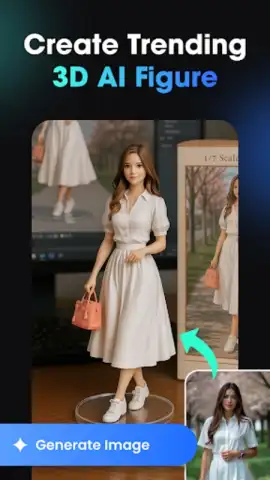
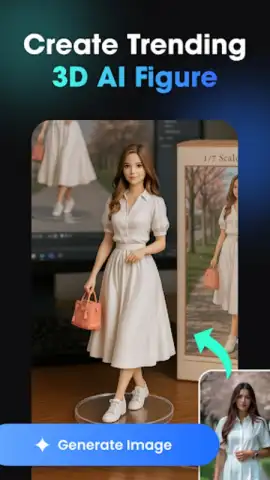
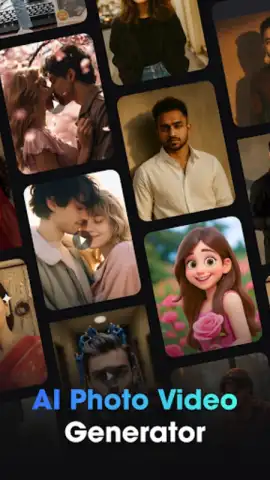
The application operates on a multi-modal AI system. The primary function involves animating still photographs. You upload a portrait or selfie, and the engine generates a short video clip where the subject exhibits subtle, realistic movements—think a natural smile, a slow blink, or a gentle turn of the head. The effectiveness hinges on the initial image quality, with well-lit, front-facing photos yielding the most coherent animations. A separate but integrated module is the 3D character generator. Here, you can create a digital avatar from scratch or based on a photo, with manual controls for adjusting poses, selecting from a library of clothing styles, and applying various artistic filters. This tool is designed for creating consistent brand characters or personalized icons for social media profiles.
Text-to-Visual Generation and Creative Tools
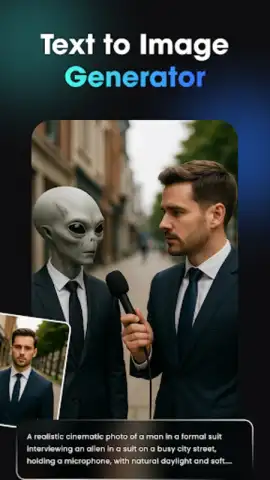
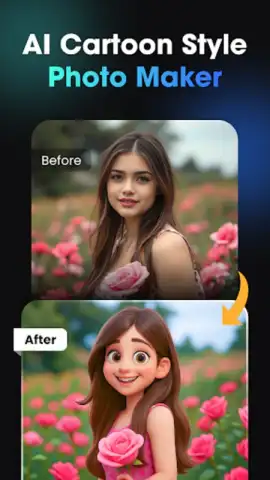
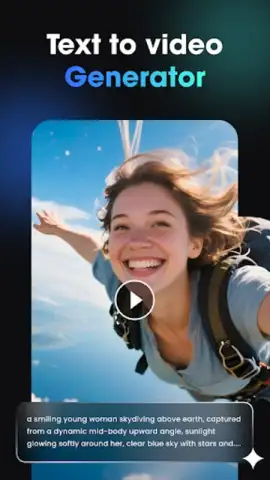
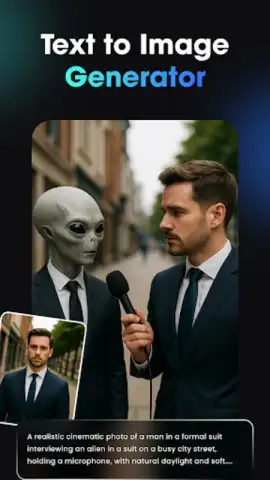
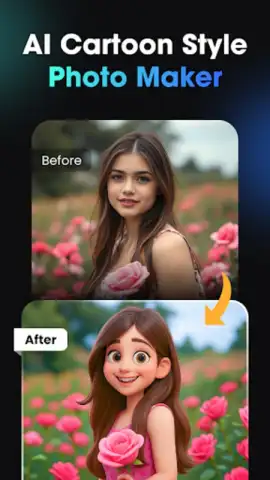
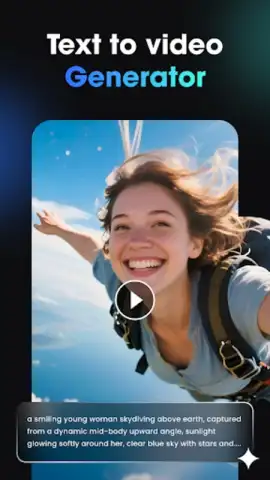
Beyond photo input, Vidix incorporates a text-to-image and text-to-video engine. You input a descriptive prompt—for example, "a cyberpunk samurai in the rain"—and the AI generates a static image or a brief, looping video clip based on that description. The style of the output can be further refined using in-app filters categorized as cinematic, cartoon, or artistic. The library of these AI filters and effects receives periodic updates, which adds new textures and visual treatments for photo enhancement. The application processes these generation tasks on-device where possible, but more complex renders require a stable internet connection to leverage cloud-based AI models.
Interface, Export, and Practical Use Case
The interface is built for linear workflow: select a mode, provide input (photo or text), choose a style, and generate. It requires no prior video editing skill. Once a project is complete, you can export it in HD resolution. The export process is straightforward, with direct sharing options to major social platforms. For users who wish to remove watermarking or access premium filter packs and higher export resolutions, the app operates on a freemium model with one-time purchases and subscription tiers.
- Animate photographs into realistic, short AI-generated video clips with natural facial movements.
- Design and customize detailed 3D avatars with adjustable poses, outfits, and artistic styles.
- Generate original images or video sequences directly from descriptive text prompts.
- Apply and layer a constantly updated library of AI-powered cinematic, cartoon, and artistic filters.
- Export final creations in HD quality for direct sharing to social media or personal projects.
Consider downloading Vidix–AI Photo Video Generator if your content creation workflow regularly requires turning static ideas or images into dynamic, engaging visual assets. Download the mobile app now to test its integrated AI tools.
Internet required for core features. IAP available.
 GooglePlay


