

VLC
VLC screenshots (17)





Description VLC
Struggling with media files that won't play on your Android device? VLC media player eliminates format compatibility issues with its all-in-one, open-source solution.
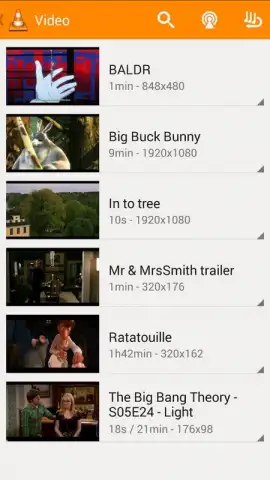
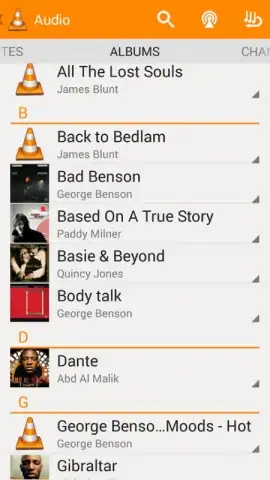
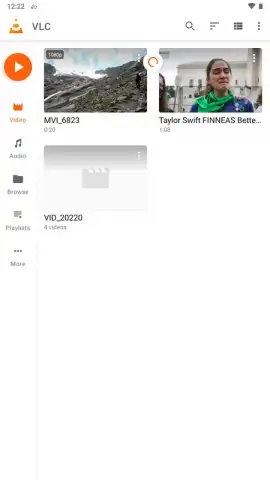
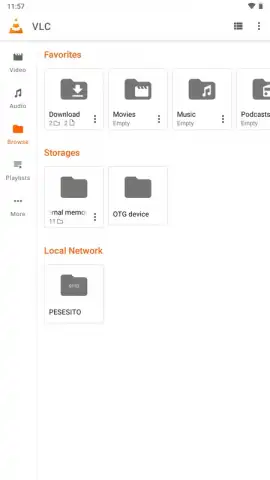
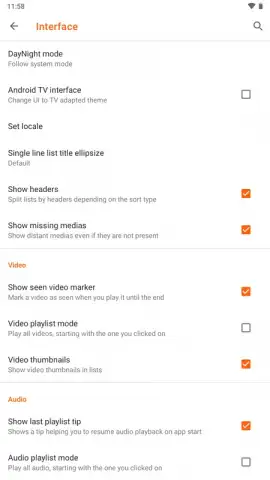
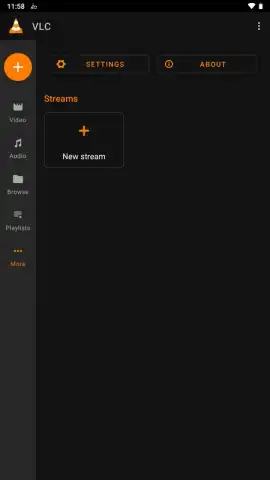
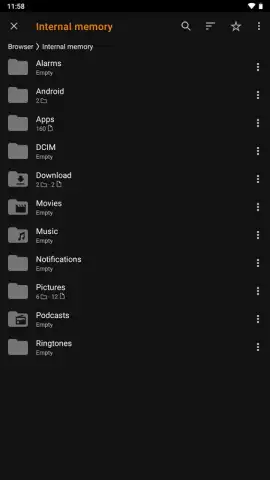
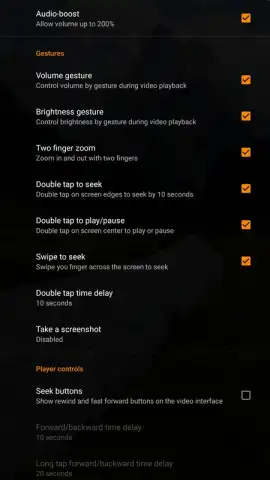
This application serves as a universal media hub, directly accessing and organizing your device's video and audio libraries upon launch. It provides dual navigation methods: a categorized view sorting content by type and a built-in file explorer for direct folder access. Interface customization is handled through selectable light or dark themes, with an automatic option that syncs with your system-wide settings. A core advantage is the absence of advertisements, with optional Turbo features providing additional benefits. The player includes an extensive set of tactile on-screen controls for playback manipulation. Swiping up on the left side of the screen adjusts brightness, while the same gesture on the right controls volume. A double-tap on either side of the screen seeks forward or backward by 10 seconds, and a horizontal swipe along the bottom enables precise timeline scrubbing.
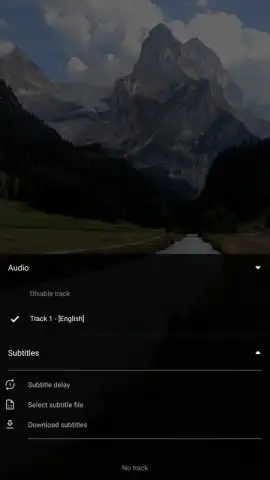
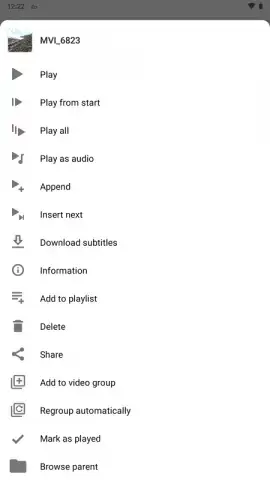
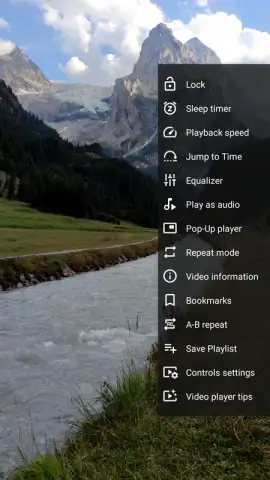
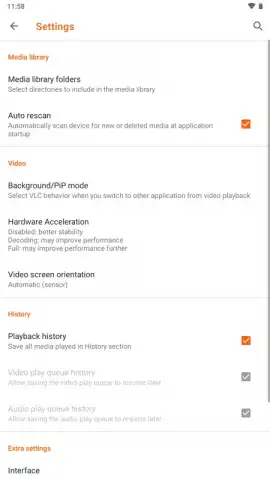
Playback customization is comprehensive. Users can select from available audio tracks and subtitle streams during video playback. For content lacking embedded subtitles, the app features an integrated search and download function that uses the media file's name to find and synchronize matching subtitle files from online databases. The app supports background audio playback, allowing audio to continue when the screen is off, and Picture-in-Picture (PiP) mode, which maintains a persistent video window while using other applications. Playback speed control is also available for both audio and video content. Advanced settings offer granular control over performance. Hardware acceleration can be enabled to reduce battery consumption during video decoding or disabled to prioritize stability for problematic files. These configurable options allow the player to adapt to a wide range of device capabilities and media formats, ensuring reliable performance.
- Universal format compatibility
- Gesture-based playback controls
- Background and PiP modes
- Customizable subtitle downloading
- Advanced hardware acceleration settings
- Ad-free core experience
Get the definitive media playback solution and handle any file format on your device. Download the VLC mobile app now to unlock unrestricted playback.
Disclaimer: An internet connection is required for subtitle downloads and metadata fetching. The app is free with optional in-app purchases for Turbo features.
 GooglePlay


