
VMOS Pro
VMOS Pro screenshots (4)
Description VMOS Pro
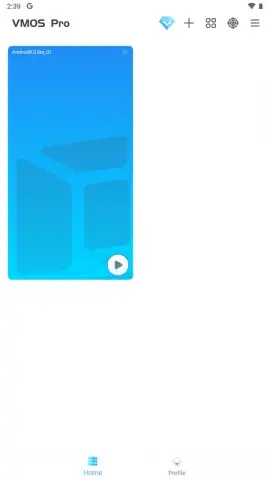
Looking for a way to run a fully customizable, secondary Android OS directly on your primary device? VMOS Pro provides a professional-grade virtualization environment, enabling you to install and modify a complete Android ROM without rooting your physical phone or tablet.
Core Functionality and Tools
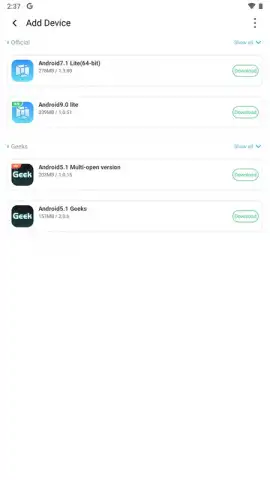
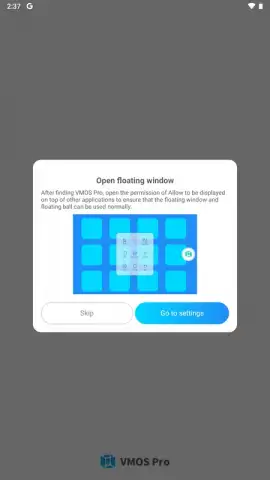
This application creates an isolated, virtual Android system that operates independently from your host device. A key feature is the selection of Android versions for the virtual machine, allowing you to tailor the environment to specific testing or usage requirements. The platform supports the installation of system-level modification frameworks like Xposed Modules directly within the virtualized ROM. Pre-configured Google Mobile Services are included, ensuring app compatibility and access to the Play Store within the virtual space. The tool also includes display management utilities, such as the ability to set a custom screen resolution for the virtual device and use the floating window mode to overlay any application from the VM on top of your main screen.
Operational Advantages and Workflow
VMOS Pro facilitates advanced multitasking by allowing the concurrent operation of two or more applications within the virtual machine. This enables scenarios like streaming video while participating in a chat. A dedicated file transfer manager is integrated to seamlessly exchange documents, APK files, and media between your host device's storage and the virtualized system's storage, eliminating the need to re-download content. The professional version operates without advertising interruptions and incorporates performance optimization modes to enhance the virtual machine's responsiveness.
- Install Xposed frameworks
- Floating app windows
- Cross-system file transfer
- No root access required
- Concurrent multi-app operation
- Custom virtual device resolution
We suggest trying VMOS Pro for advanced Android customization, app testing, and secure multitasking in a sandboxed environment. Consider downloading the application to explore a fully modifiable Android system.
Heads up: you'll need wifi for initial setup and most features. Some cool stuff is extra. The virtual machine performance depends on your host device's hardware specifications.





