

VMOS
VMOS screenshots (8)
Description VMOS
Ever Wished Your Phone Could Run Two Completely Separate Systems at Once?
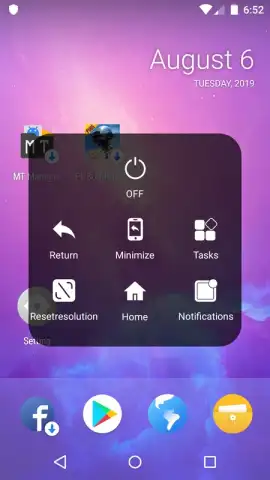
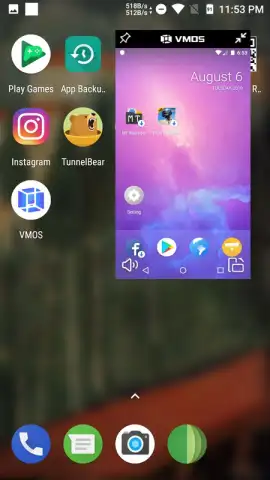
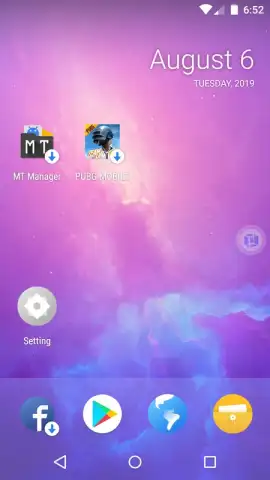
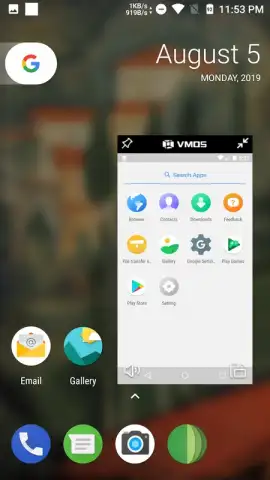
Imagine needing to use two accounts for the same app, but being blocked by your main operating system. Perhaps you want to test a new app in a safe, isolated space without any risk to your personal data, or maybe you simply want to run a game in the background while browsing on your main screen. These scenarios highlight a common limitation in mobile devices. VMOS directly addresses this by installing a second, fully virtual Android system that operates independently within your phone, functioning as a self-contained app. This creates a parallel digital workspace entirely separate from your primary device environment.
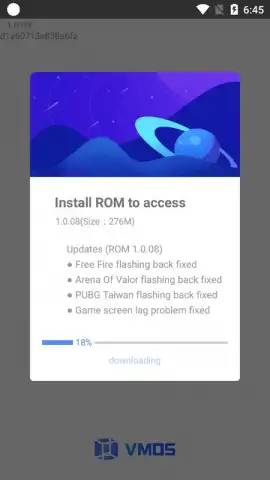
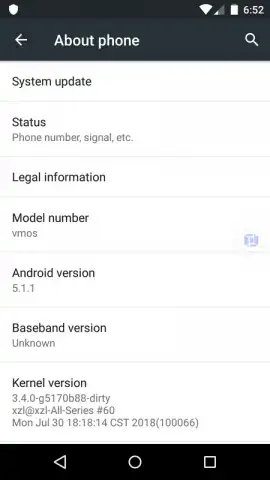
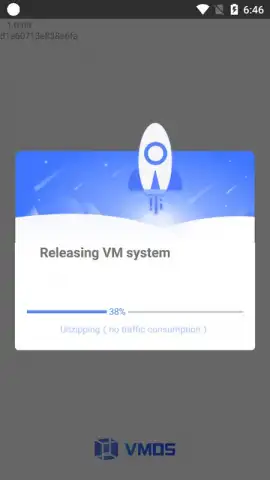
The installation process is designed for efficiency, typically completing within a few minutes. You download and install a custom ROM directly through the VMOS application, which boots into a ready-to-use virtual machine. This secondary operating system defaults to a stable Android 5.1.1 foundation, providing a familiar and compatible base. Within this secure virtual environment, you have the freedom to install and run any application or game available, effectively doubling your device's functional capacity. A significant advantage is the absence of intrusive advertisements within the virtual system, especially when utilizing its Turbo mode, which is geared towards enhancing performance for a smoother operational experience.
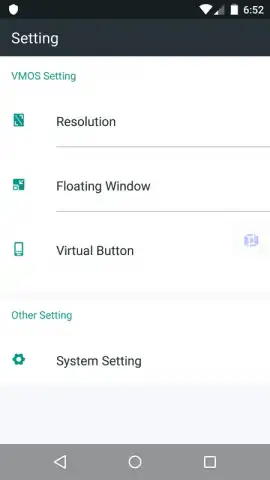
The core utility lies in its ability to clone and run applications. You can operate two instances of the same game or social media app simultaneously, one in your main OS and one within VMOS, each logged into different accounts. This virtual OS runs in the background, allowing you to, for example, manage a prolonged task in a game inside VMOS while freely using your main phone for calls, messages, or other activities. Exiting and re-entering this parallel system is seamless, making it a convenient on-demand tool rather than a permanent alteration to your device. Furthermore, you retain control over the visual presentation, with settings that allow you to customize the screen resolution of the virtual machine to suit your preference.
Key Features of the Virtual Android System
- Install a completely independent, virtual Android OS inside your primary device as a standalone app.
- Run dual accounts for the same game or application simultaneously without conflicts.
- Test new apps or software in an isolated, safe sandbox environment without risk.
- Enjoy an ad-free experience within the virtual system, optimized by Turbo performance mode.
- Customize the virtual machine's display with adjustable screen resolution settings.
We suggest trying VMOS to unlock a new layer of functionality from your device, creating a versatile and secure parallel workspace for multitasking, testing, or managing multiple accounts.
Download the VMOS mobile app now to install your second Android system.
Please note: This application requires a stable internet connection for the initial ROM download and setup. Some features or performance modes may be associated with in-app purchases.
 GooglePlay


