
Wallpaper for best 4K
Wallpaper for best 4K screenshots (5)

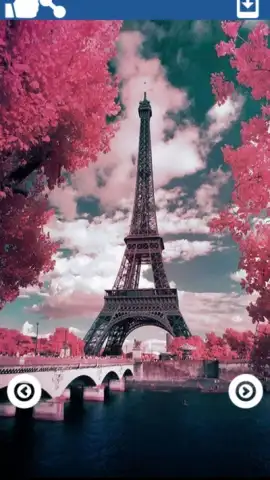
Description Wallpaper for best 4K
A Practical Review of Wallpaper for Best 4K
In the crowded field of personalization apps, users often face a choice between overwhelming complexity and overly simplistic tools. Wallpaper for Best 4K by developer anass presents a streamlined alternative, focusing on a direct, gallery-style browsing experience. This review examines its operational mechanics, feature set, and practical utility for device customization without the promised 4K resolution.
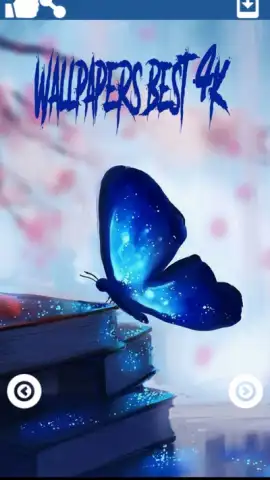
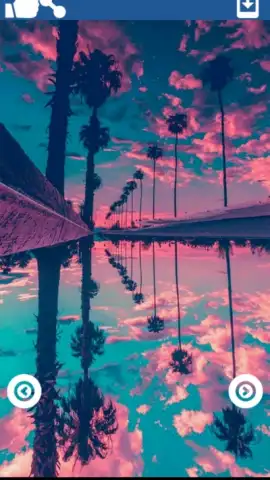
The application functions primarily as a curated image browser. Navigation is handled through left and right arrow inputs, scrolling through a collection of over thirty distinct wallpaper images. Selection and application are executed via a dedicated button located in the top-right interface quadrant. A notable operational feature is the app's settings menu, which provides specific destination controls. Users can assign a selected image to serve as the lock screen, home screen, or general background, depending on device compatibility. Furthermore, the app employs a non-destructive application method; wallpapers set through the app remain on the device even after the application itself is uninstalled, requiring future changes to be managed directly through the device's native settings panel.
Core Functionalities
- Streamlined Gallery Navigation: Browse the entire collection using simple arrow controls for efficient visual scanning.
- Targeted Wallpaper Assignment: Apply images to specific screen elements—lock, home, or general background—via the integrated settings menu.
- Permanent Image Application: Set wallpapers that persist independently of the app, remaining on your device after uninstallation.
The app's value lies in its straightforward execution of a single task. For users seeking a no-fuss method to refresh their device's appearance with a batch of pre-selected imagery, it removes typical friction points. The absence of complex categories or endless scrolling can be an advantage for quick customization.
Download this mobile app now to directly access its curated wallpaper library and apply new backgrounds within seconds.
Disclaimer: This application requires an internet connection for initial download and potential content updates. It may contain in-app purchase options. Data usage may apply during use. Please check your device's compatibility and relevant age restrictions within your digital storefront.


