

WeLine
WeLine screenshots (7)
Description WeLine
Imagine needing to transfer a large video from your phone to your laptop for an urgent edit, but your USB cable is missing and cloud uploads are crawling. You need a direct bridge. WeLine provides this bridge, functioning as a high-speed wireless file transfer and remote control hub that connects your Android device directly to any computer's web browser, eliminating the need for cables, cloud subscriptions, or even a shared Wi-Fi network.
Core Functionality and Operational Method
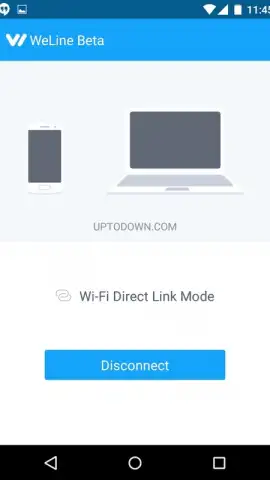
WeLine establishes a peer-to-peer connection between your Android device and a computer. The process is protocol-driven: you navigate to the WeLine web portal on your desktop browser, which generates a unique QR code. Scanning this code with the WeLine app on your Android device initiates a secure, direct link. Within seconds, your computer's browser transforms into a management console for your phone's media library. This system allows for bidirectional file access and device control without requiring both devices to be on the same local wireless network; only an active internet connection on each device is necessary.
Detailed Feature Set and User Advantages
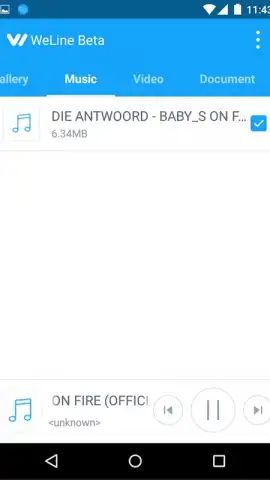
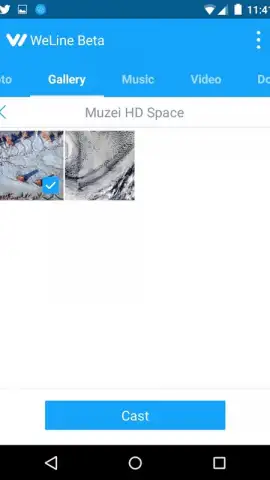
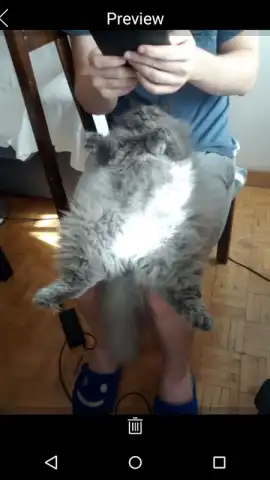
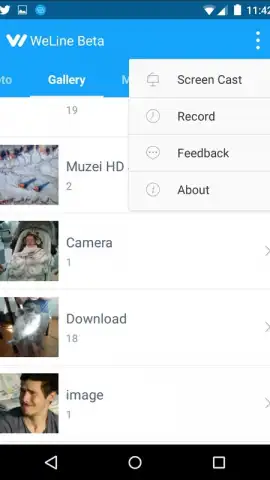
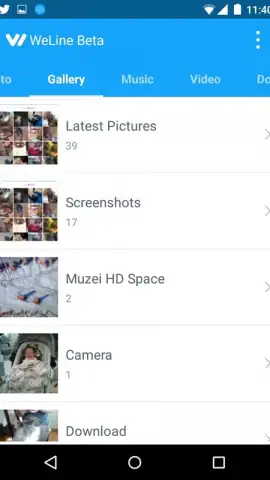
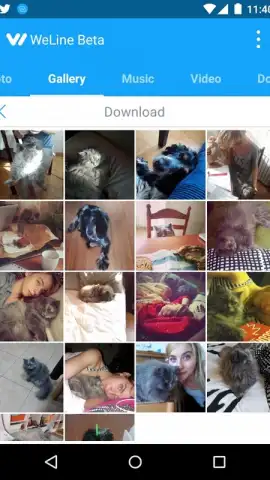
The application operates with a streamlined interface designed for rapid task completion. Its primary function is the high-throughput transfer of files, including photos, videos, and documents, from your Android device to the connected computer, where they can be viewed or downloaded directly to the hard drive. Beyond simple transfers, WeLine enables media playback control; you can stream music or video files stored on your phone directly through your computer's speakers and display, using the Android device as a remote controller for playback functions. The connection framework is designed for low latency, facilitating quick response times for both file operations and remote control commands.
- Establish a cross-platform connection between Android and any computer web browser in under ten seconds.
- Transfer media files and documents at high speed without using your mobile data quota for the actual file data.
- Remotely control music and video playback on your PC using your Android device as a dedicated remote.
- Access your phone's photo and video gallery from a computer for easy viewing, organization, and bulk downloads.
- Operate without a shared Wi-Fi network, requiring only independent internet connections on each device.
This tool removes traditional transfer bottlenecks, providing a specialized solution for direct device-to-device interaction. Start managing your mobile content from your desktop with unprecedented ease.
Download WeLine now and establish your instant device bridge.
Disclaimer: This application requires a persistent internet connection on both devices for functionality. It may offer in-app purchases. Services are intended for users over a minimum age as per local regulations. Data usage applies for establishing the connection; file transfer data is routed directly between devices. Please review the developer's privacy policy for details on data handling.


