

WiFi File Explorer
WiFi File Explorer screenshots (4)
Description WiFi File Explorer
Effortlessly Transfer Files Between Your Android Device and Computer Without Cables
WiFi File Explorer eliminates the need for USB cables or cloud uploads by creating a direct wireless connection between your Android device and any computer on the same local network. This tool transforms your device into a private file server, granting full access to its storage through a standard web browser. It is designed for users who require a fast, local, and uncomplicated method for managing documents, media, and backups.
Core Functionality and Feature Analysis
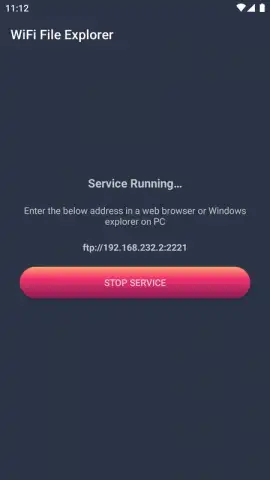
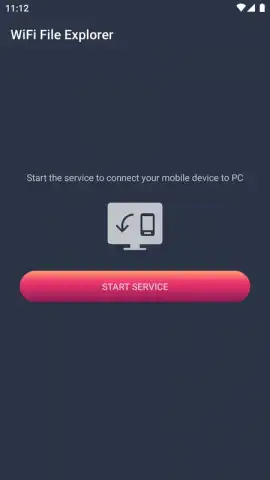
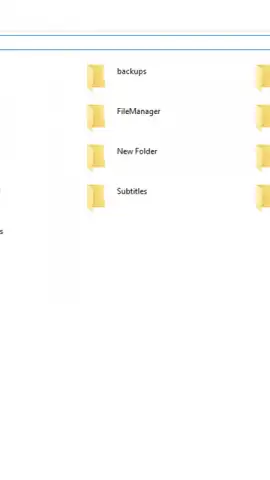
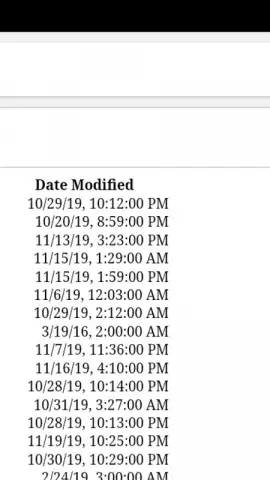
The application operates by generating a local IP address that you enter into your computer's web browser. This establishes a secure, peer-to-peer connection. The interface presented in the browser is a comprehensive file manager, allowing for navigation through device folders, preview of files, and direct transfer operations. Core mechanics include the ability to upload files from the computer to the phone, download files from the phone to the computer, and manage storage by deleting or renaming items directly. Performance is dependent on local Wi-Fi network speed, but for most file types, transfers occur at the maximum bandwidth your router can provide.
Key Operational Advantages
The primary strength of WiFi File Explorer is its simplicity and elimination of intermediary services. There is no requirement to install companion software on the computer, as functionality is accessed through Chrome, Safari, Firefox, or any other modern browser. The connection remains entirely on your local network, which typically offers faster speeds than internet-dependent cloud services and does not consume mobile data. The visual layout is clean and utilitarian, prioritizing clear directory trees and large, tappable file icons for efficient touch interaction on mobile, while remaining perfectly functional in a desktop browser window.
- Direct Browser-Based Access: Manage your phone's storage from any computer's web browser without installing desktop software.
- Full File Management Suite: Upload, download, delete, rename, and create new folders through an intuitive web interface.
- Media Streaming & Preview: View images and play video or audio files directly in the browser without downloading them first.
Download this mobile app now and cut the cord for good. Access your files instantly and streamline your workflow immediately.
Disclaimer: This application requires an active Wi-Fi connection for core functionality. It may contain optional in-app purchases. Use of this app involves the transfer and management of personal data; ensure you are on a trusted private network. Please check the product page for specific age ratings and permissions regarding storage access.


