
Windows App
Windows App screenshots (12)
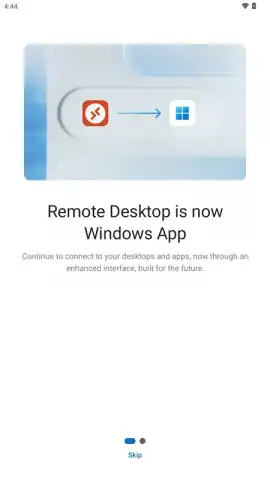
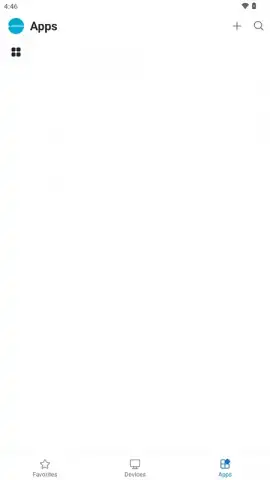
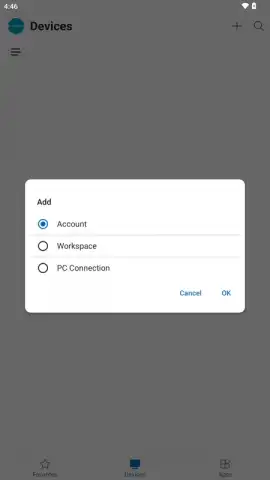
Description Windows App
Imagine needing a critical file from your office PC while you're miles away, or having to demonstrate a software workflow hosted on a cloud virtual machine during a client meeting at a café. The Windows App transforms your Android device into a secure, high-fidelity portal to your entire Windows ecosystem, turning these scenarios into simple, routine tasks. This official Microsoft application delivers a complete remote desktop experience, letting you interact with Windows 11, Windows 10, or server environments as if you were sitting directly in front of them, breaking the physical tether between you and your primary workstation.
Core Functionality and Remote Access Capabilities
The Windows App serves as a unified client for connecting to a vast array of Windows-based resources. It establishes secure remote sessions to Azure Virtual Desktop environments, Windows 365 cloud PCs, Microsoft Dev Box development workstations, traditional Remote Desktop Services (RDS), and personal remote computers. This consolidation means you manage all remote connections from a single, organized interface on your Android smartphone, tablet, or compatible Chromebook. The application requires a device running Android 11 or later and uses your work or school credentials for authentication, ensuring personal Microsoft accounts cannot be used, which aligns with enterprise security policies. Once connected, you have full control over the remote desktop, enabling you to launch applications, edit documents, and run complex software directly from your mobile device.
Advanced Management and Performance Optimization
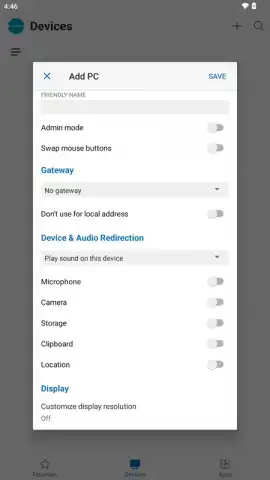
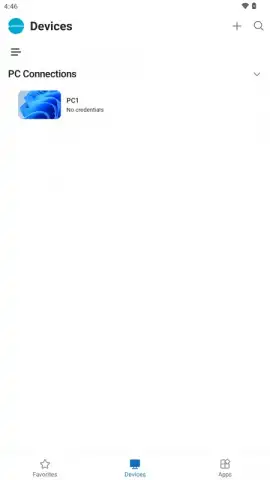
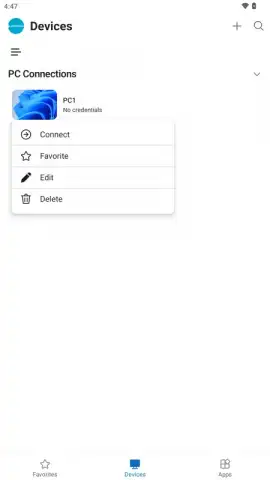
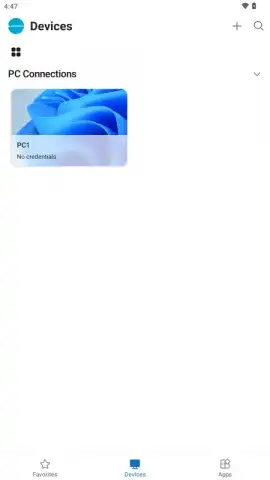
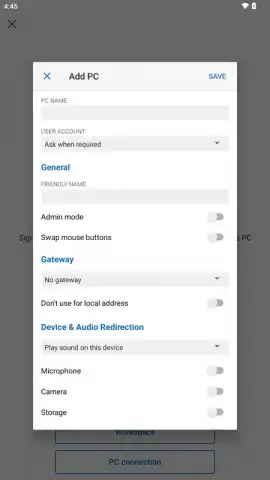
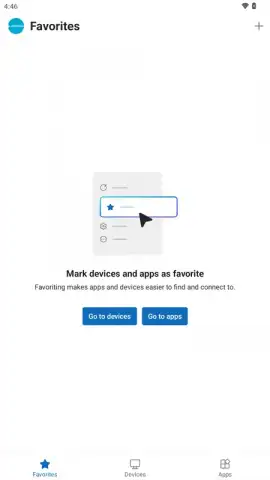
Organization is handled through configurable connection profiles. You can save detailed settings for each remote destination—including Azure virtual machines, on-premises RDS servers, or Dev Box instances—eliminating the need to re-enter credentials or IP addresses for every session. The app allows you to favorite frequently accessed resources and launch sessions in just a few taps. For performance, the client intelligently adapts to your network conditions using advanced protocols. You can manually fine-tune session parameters like display resolution, color depth, and remote audio playback to balance visual fidelity with bandwidth usage, ensuring a smooth experience whether you're on cellular data or Wi-Fi.
Integrated Tools and Security Framework
Beyond mere screen mirroring, the Windows App integrates practical tools for real work. It supports bidirectional clipboard synchronization for copying text and files between your Android device and the remote Windows session, subject to administrator settings. File transfer capabilities are built directly into the connection workflow. Every session is protected with strong encryption, safeguarding all on-screen content and data in transit from interception. As a core part of the Microsoft security ecosystem, the app receives frequent updates that patch vulnerabilities, enhance stability, and introduce new functionality, ensuring ongoing protection and feature improvements.
- Securely connect to Azure Virtual Desktop, Windows 365, Microsoft Dev Box, RDS, and remote PCs.
- Manage all remote connections and saved profiles from a single, unified application interface.
- Utilize integrated file transfer and a shared clipboard between your device and the remote session.
- Customize session display resolution, color quality, and audio to optimize for your network bandwidth.
- Experience encrypted connections with regular security updates directly from Microsoft.
We suggest trying the Windows App to eliminate location-based limitations on your productivity. Consider downloading it to transform your Android device into a powerful, mobile extension of your professional Windows desktop and cloud resources.
Download the Windows App for Android now to begin accessing your complete digital workspace from anywhere.
Internet required for remote access. IAP available.
 GooglePlay


