

Xplore
Xplore screenshots (6)
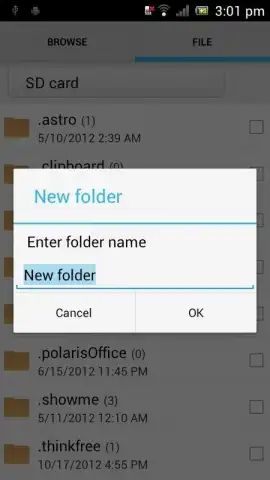
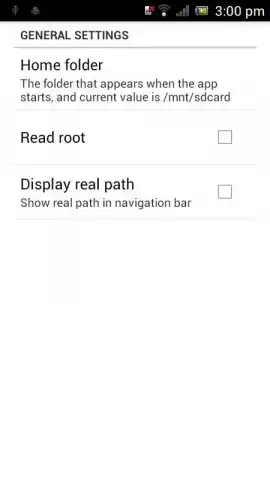
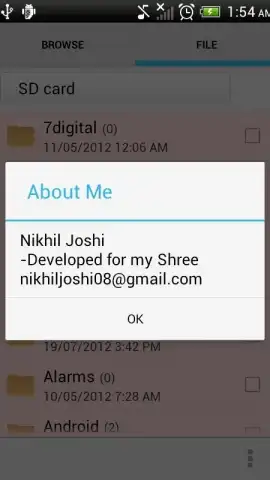
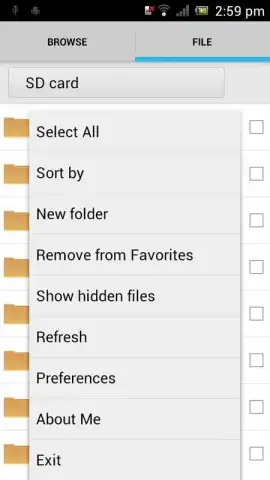
Description Xplore
Ever feel like your phone's built-in file manager just doesn't cut it when you need real power and control? Welcome to Xplore, the ultimate dual-pane file manager that transforms your Android device into a fully-featured exploration hub for your entire digital universe.
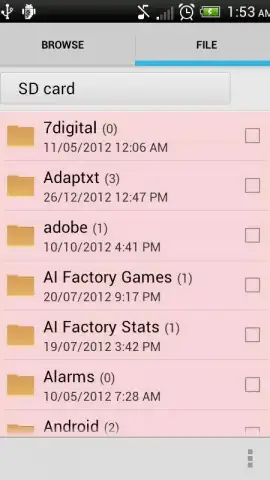
Xplore provides a professional-grade toolkit for managing everything from local files to cloud storage and network servers. Navigate your device's internal storage, SD cards, and connected USB drives with unparalleled ease using the intuitive dual-pane interface. This allows you to view two folders side-by-side, making copying, moving, and comparing files a drag-and-drop operation. Access your Dropbox, Google Drive, OneDrive, and FTP/SFTP servers directly within the app, creating a unified dashboard for all your content. For advanced users, it includes a powerful built-in text editor, archive handler (ZIP, RAR, 7z), and comprehensive APK management tools, giving you complete administrative authority over your device's ecosystem.
Core Features & Functionality
Xplore stands out by combining raw capability with exceptional user experience. The clean, customizable interface eliminates clutter and lets you focus on your tasks, whether you're organizing photos, backing up documents, or installing applications. Its robust search function can locate any file in seconds, and the detailed information panel reveals everything from permissions to checksums. The app is designed for speed and reliability, handling large file transfers and deep directory structures without lag. Visual themes and layout options let you personalize the workspace, making complex file operations not just possible, but genuinely enjoyable.
Key Advantages at a Glance
- Dual-Pane Navigation: View and manage two independent folders simultaneously for maximum efficiency.
- Multi-Protocol Cloud & Network Support: Connect to all major cloud services, FTP, SFTP, WebDAV, and Windows SMB shares.
- Built-in File Viewer & Editor: Preview images, play media, and edit text files directly without extra apps.
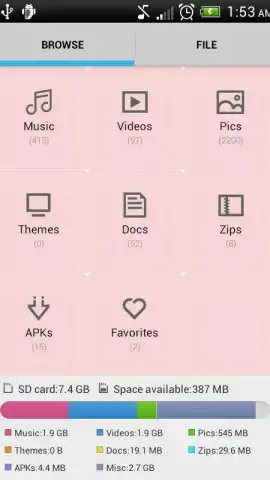
- Full Archive & APK Management: Create, extract, and browse compressed files; inspect and install APK packages.
- Root Access & Advanced Tools: For rooted devices, explore system directories and modify protected files securely.
We suggest trying Xplore to experience a new level of freedom and control over your Android device's content. Consider downloading it today to replace multiple utility apps with one comprehensive, powerful solution.
Internet required for cloud/network features. IAP available.


