

Yandex Browser
Yandex Browser screenshots (21)









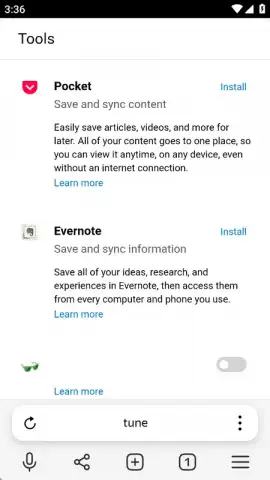
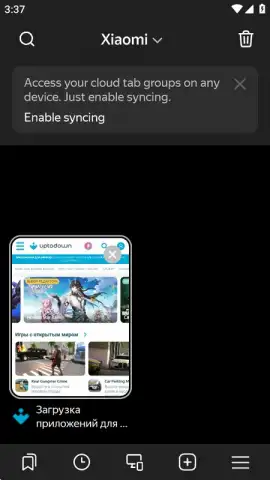

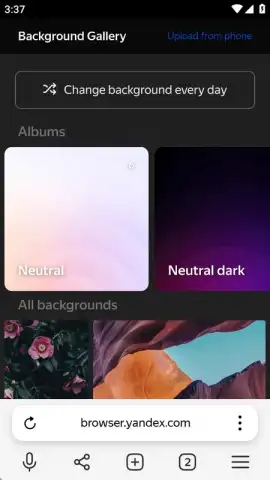
Description Yandex Browser
Struggling with slow browsing, intrusive ads, and security concerns on your Android device?
Yandex Browser provides a comprehensive mobile web solution engineered for speed, privacy, and deep customization. Developed by the major technology company Yandex, this official browser consolidates essential tools—from a configurable ad blocker and data compression to secure password management and voice search—into a single application. It functions as a powerful standalone tool for guest users while offering full synchronization for those invested in the Yandex ecosystem across multiple devices. The browser places a significant operational emphasis on user-controlled security settings and interface personalization, allowing for a tailored web experience that addresses common pain points of mobile internet use.
Core Functionality and User-Controlled Features
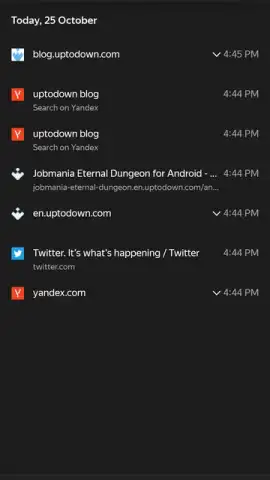
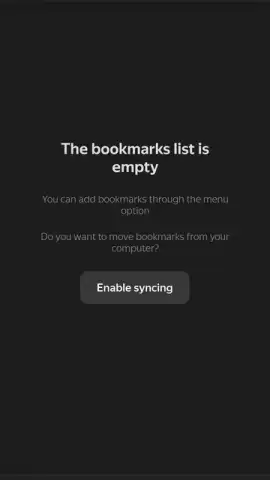
The application operates with a dual-access model. You can use it immediately as a guest with all data stored locally on your device. For synchronized access across desktop and mobile platforms, login is supported via Yandex ID, phone number, or through social accounts including VKontakte, Google, Odnoklassniki, and Facebook. This synchronization securely extends your bookmarks and browsing history to any instance of the browser where you are logged in.
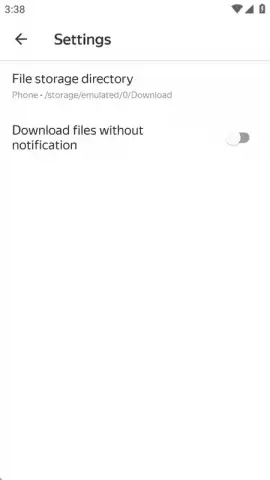
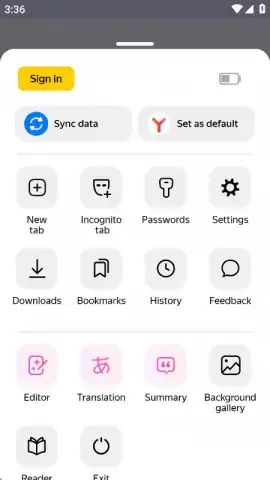
A central component is the Active Security System Protect, which functions as a monitored shield when connecting to public Wi-Fi networks. This system works in tandem with user-accessible security settings where you can manage stored passwords, payment card information, and other account data. The interface provides one-touch options to delete browsing history, cache, and other tracked data. For performance, the proprietary Turbo mode compresses web pages and media during slow connections, reducing data consumption and accelerating load times.
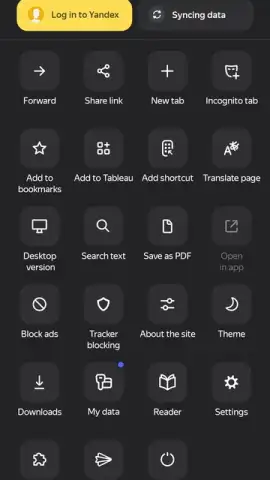
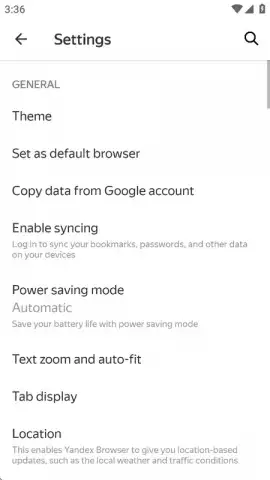
Customization is handled through several dedicated menus. You can select between light and dark theme variants for the overall interface. The start page is fully adjustable, allowing you to set a custom background image and configure the visibility and layout of direct link shortcuts. The integrated ad blocker is not a simple on/off switch; it offers three distinct filtering tiers: no blocking, blocking of offensive ads only, and aggressive blocking of intrusive advertisements. Furthermore, a dedicated reading mode strips non-essential elements from web articles, leaving only text and essential images for reliable viewing under poor network conditions.
- Turbo mode for data compression
- Three-tier configurable ad blocker
- Secure public Wi-Fi protection
- Full bookmark and history sync
- Customizable themes and start page
- One-touch browsing data deletion
Download Yandex Browser for Android Now
Gain immediate access to a faster, more private, and highly personalized mobile web experience. This version includes all current optimizations and security protocols for Android devices. Limited offer for new users: download today to configure your ideal browsing environment with exclusive access to the latest feature set.
Disclaimer: This application requires an internet connection. Some features may require a Yandex account or login via supported third-party services. Data collection and usage are subject to Yandex's Privacy Policy and Terms of Service. The browser may contain in-app settings for optional services. Use of the Turbo data compression feature routes traffic through Yandex servers. Please be aware of your mobile data plan limits. The app is rated for general use but involves internet access. Ensure your device meets the current system requirements for optimal performance.
 GooglePlay


