

YouTube Create
YouTube Create screenshots (21)
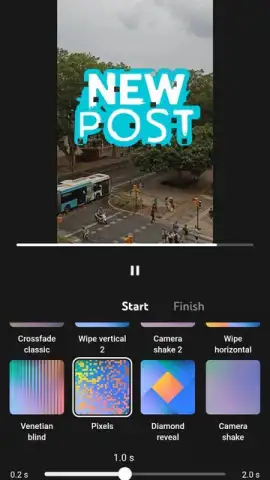
Description YouTube Create
YouTube Create is a dedicated mobile editing suite that directly integrates with the YouTube content pipeline.
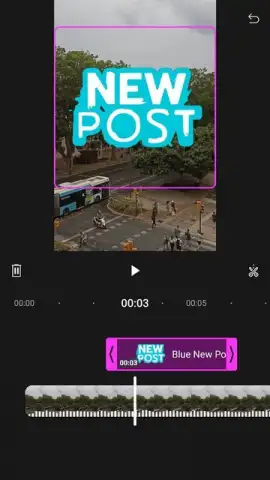
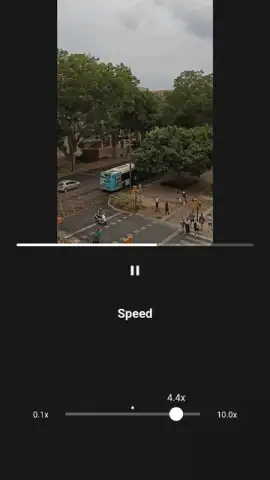
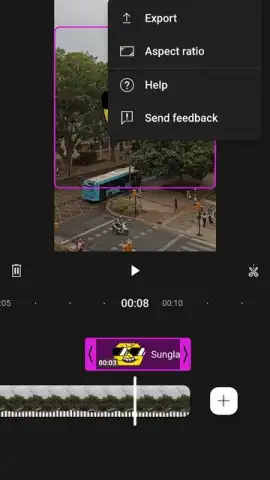
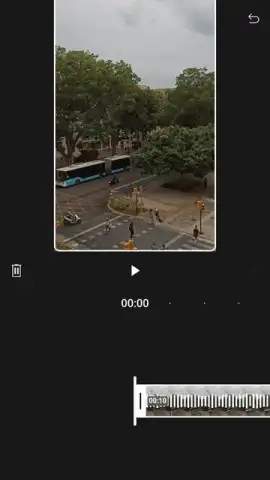
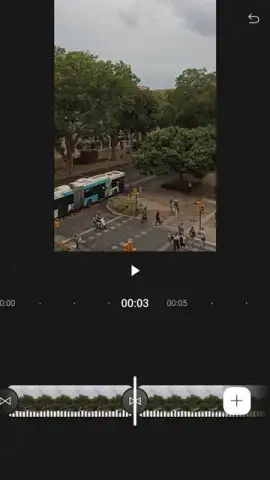
This official application from Google provides a streamlined workflow for creators to assemble, refine, and publish video content entirely from an Android device. It functions as a specialized tool that removes the need for multiple disparate apps, positioning itself as an all-in-one solution for YouTube-focused production. The interface is designed with a clear, tile-based timeline, making core editing actions like trimming clips, splitting segments, and rearranging footage immediately accessible without a steep learning curve. The toolset is built to facilitate the creation of both standard long-form videos and the vertical-format YouTube Shorts, with automatic format detection for clips under a minute.
The application consolidates a spectrum of editing functions typically scattered across premium software.
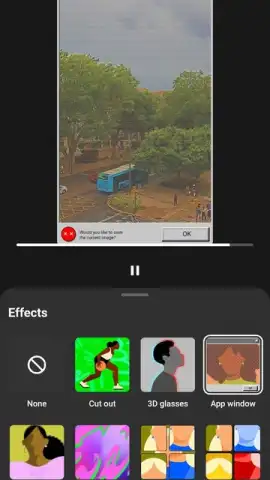
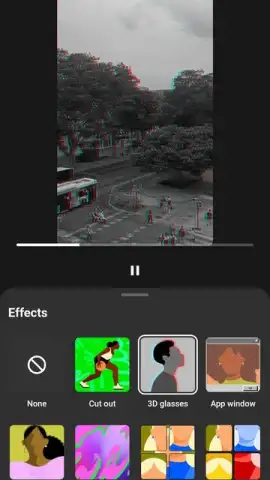
Beyond basic cutting, the editor includes a library of over 40 dynamic transitions to bridge scenes smoothly. A significant technical feature is the automated captioning tool, which generates subtitles for speech in supported languages directly within the app, a process that is often a separate, manual task. The audio toolkit includes a dedicated background noise removal filter and a visual background removal effect for video clips, allowing for quick isolation of subjects. For audio integration, it hosts a catalog of royalty-free music tracks and sound effects, alongside a 'Find Pulses' feature that automatically analyzes a selected song's beat and suggests edit points to sync visual cuts with the audio rhythm.
Content polish and optimization for multi-platform publishing are central to its design.
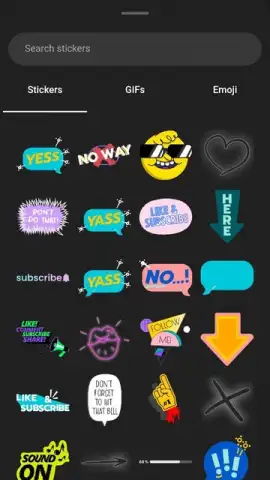
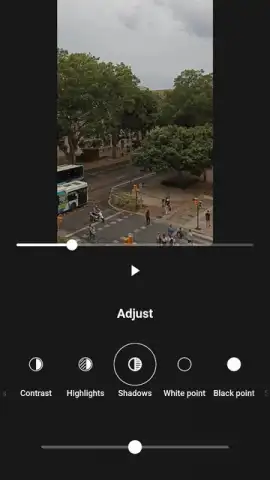
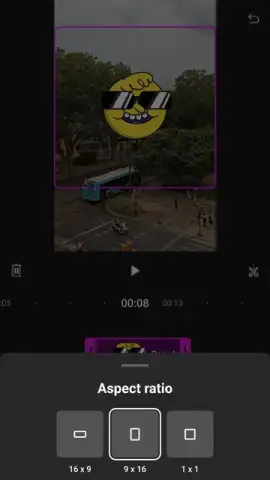
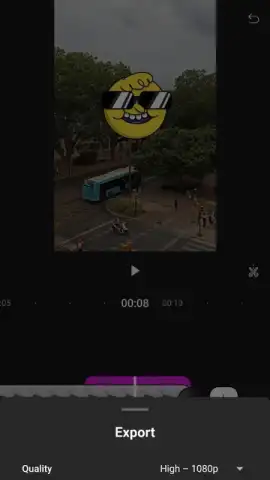
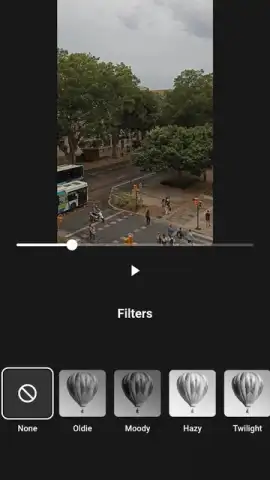
Visual customization is handled through a suite of adjustable color filters, granular controls for brightness and saturation, and a separate library of animated text styles, stickers, GIFs, and emojis. Final export settings offer control over aspect ratio, resolution, and quality, enabling creators to tailor the final video for different social platforms or for direct upload to their YouTube channel. The app also facilitates direct voiceover recording, allowing for narration to be captured and layered onto the project without switching applications.
- Automated Production Tools: Integrates auto-captions and audio beat-syncing to streamline professional edits.
- Comprehensive Media Library: Access a built-in catalog of copyright-free music, sound effects, and animated graphical elements.
- Advanced Post-Processing: Apply background removal for video and noise reduction for audio directly on mobile.
Get your professional editing toolkit and streamline your content creation workflow directly from your device today.
Heads up: you'll need wifi for downloading assets and auto-caption processing. Some advanced effects and music tracks may require an active YouTube channel.
 GooglePlay


