

youtv
youtv screenshots (6)
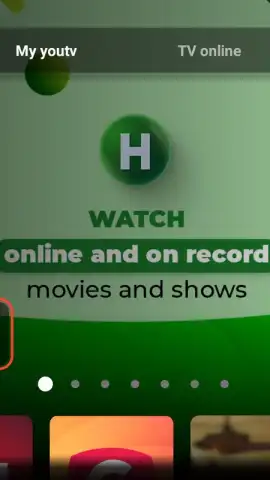
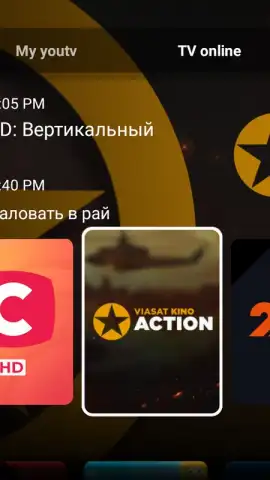
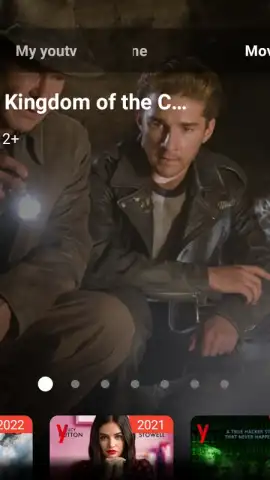
Description youtv
What if your video library and editing studio were one seamless mobile experience?
For users seeking a unified hub to manage, play, and refine their video content, youtv presents a consolidated solution. This application functions as both a robust media player and an accessible editing suite, designed to handle personal recordings, downloaded films, and video collections directly on your Android device. It bypasses the need to juggle multiple specialized apps, aiming to provide a fluid transition from watching content to trimming, enhancing, and preparing it for sharing. The interface is built around a central media library that automatically catalogs video files, offering immediate playback and a set of editing tools accessible without export to another program.
Core Functionality and User Workflow
The primary mechanic revolves around a dual-purpose workspace. Upon opening the app, users are presented with their device's video library in a clean, browsable format. Selecting any file initiates playback with standard controls, including variable speed, subtitle support, and audio track selection. The pivot to editing is intuitive: a dedicated toolset allows for basic cuts and trims, the application of filters and color corrections, and the ability to merge clips or add background music. A key operational focus is on preserving original quality where possible and offering export options balanced for quality and file size, facilitating quick sharing to social platforms or messaging apps.
Key Advantages and User Experience
The advantage of youtv lies in its integration and straightforward performance. By combining viewer and editor, it reduces friction for common tasks like trimming a long clip before sending it or quickly improving a video's brightness and contrast. The player supports a wide range of formats, minimizing compatibility issues, while the editing tools are designed for clarity over complexity, avoiding professional-grade clutter. Performance is tuned for devices running Android 6.0 and above, ensuring stable playback and responsive editing even with moderate hardware. The visual design prioritizes a dark theme to reduce eye strain during viewing, with editing controls presented in a contextual, uncluttered toolbar.
- Unified Media Library & Player: Automatically scans and organizes all video files on your device for instant playback in a customizable viewer.
- Integrated Editing Toolkit: Provides essential tools for trimming, merging, applying visual filters, and adjusting color parameters directly within the app.
- Format Compatibility & Quality Retention: Supports a wide array of video and audio codecs for smooth playback and aims to preserve original quality during edit exports.
- Streamlined Sharing Workflow: Features optimized export presets and direct sharing options to social media and other applications post-editing.
- Performance-Optimized Interface: Offers a clean, dark-themed UI designed for responsiveness and ease of use on compatible Android devices.
We suggest trying youtv if your media routine involves both frequent viewing and light editing, as it consolidates these workflows into a single, efficient package.
Disclaimer: This application requires an internet connection for certain features like sharing and accessing cloud library integrations (if available). The app may contain optional in-app purchases for premium editing features or ad removal. It is not intended for children under a certain age without parental guidance. Use of the app involves data processing as per the developer's privacy policy. Requires Android 6.0 or higher.
 GooglePlay


