

YT Video Downloader
YT Video Downloader screenshots (4)

Description YT Video Downloader
Imagine you've just discovered a perfect tutorial, a captivating documentary, or a live concert performance on YouTube. You want to save it for your commute, for a time without internet, or for your personal collection. The process should be seamless, integrated, and free of clutter. The YT Video Downloader app by Das Pvt. Ltd. approaches this need not as a separate utility, but as a native extension of the YouTube experience itself, designed for direct and efficient media acquisition.
Core Functionality and User Interface Analysis
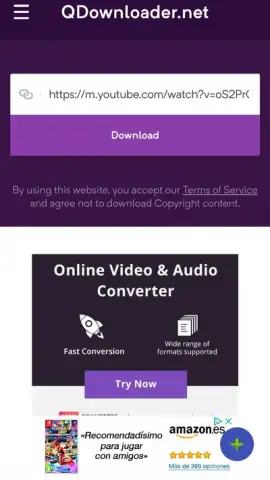
The application's primary design principle is familiarity. It replicates the standard YouTube interface, a strategic choice that eliminates any learning curve. Users navigate through trending videos, utilize the search function with its full autocomplete capabilities, and can even log into their Google account to access private playlists and subscriptions. This is not a stripped-down web scraper; it is a fully-featured YouTube client with one critical added function. The core download mechanic is activated via a discreet, persistent floating button. This button remains accessible during playback, allowing you to decide to download after previewing the content, which is a practical feature for verifying video quality and relevance.
The Download Process and Technical Specifications
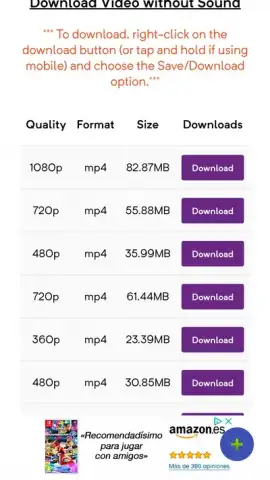
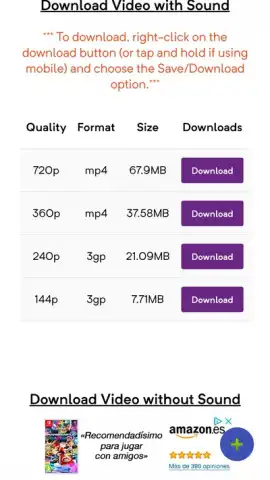
Initiating a download is a three-step operation. After selecting the floating button, a menu presents clear format options: standard video with audio or audio-only extraction (MP3). Following this, a resolution selector appears, typically offering a range from lower bandwidth-friendly options up to HD qualities, depending on the source video's availability. The app processes the request directly, leveraging server-side technology to handle the conversion, which typically results in download times of mere seconds for shorter clips. A notable operational point is the complete absence of display advertising within the core interface, which is often a disruptive element in similar tools. This creates a focused environment dedicated solely to browsing and downloading.
Practical Advantages and Use-Case Scenarios
The utility extends beyond simple archiving. For professionals, it enables the offline review of reference materials. For educators and students, it allows the compilation of lecture playlists from public sources. For travelers, it solves the problem of unreliable connectivity. The ability to choose audio-only downloads transforms the app into a podcast or music tool, extracting soundtracks from interviews, talks, or live sessions. The integration with the native YouTube ecosystem means your discovery process is uninterrupted; you find content through the official algorithms and channels, then secure a local copy with two additional taps.
- Native YouTube interface and search
- One-tap video and audio downloading
- Multiple selectable resolution formats
- No intrusive display advertising
This app transforms your device into a curated media library. The barrier between finding content and owning it is effectively removed. Download YT Video Downloader now and convert your streaming watchlist into a permanent, portable collection. Do not wait for the next time you lose signal to regret not having this tool installed.
Internet required. IAP available.


