

Zeam Launcher
Zeam Launcher screenshots (4)
Description Zeam Launcher
A Cluttered Home Screen is a Drain on Your Phone's Performance
Many Android users accept a slow, bloated interface as the price of a customizable phone. The default experience is often weighed down by unnecessary animations, intrusive widgets, and a chaotic app drawer, which can drain battery life and patience in equal measure. This review examines Zeam Launcher, an ultra-lightweight alternative developed by Michael Bentz, which takes a surgical approach to streamlining your device. Its core philosophy is that a launcher should be a frictionless conduit to your apps and tools, not a source of visual noise or performance lag.
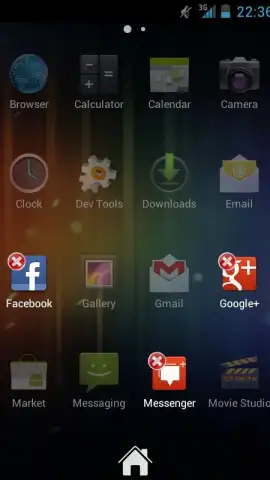
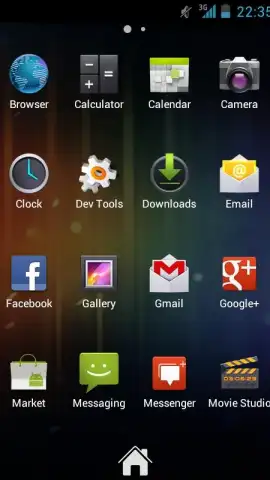
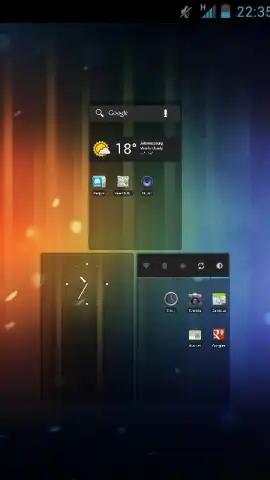
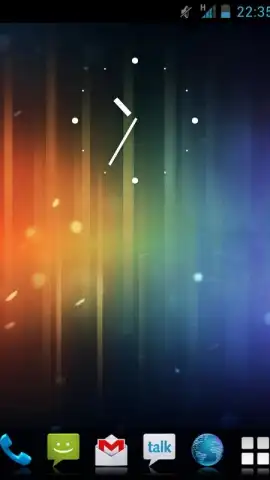
Zeam Launcher operates on a principle of minimal resource consumption. The application itself has a remarkably small footprint, which translates directly to smoother scrolling transitions and quicker app launch times, even on older hardware. The primary interface presents a clean, grid-based layout that is fully customizable, allowing you to set the exact number of rows and columns for your home screen and app drawer. This control extends to gesture-based shortcuts, enabling you to assign actions like opening the notification shade or launching a specific app with a simple swipe or double-tap. The wallpaper management system is designed not just for aesthetics but for performance, ensuring that live wallpapers or high-resolution images do not introduce stutter during navigation.
Beyond basic layout, the launcher provides deep, granular customization for those who want it. You can fine-tune the visual style of folder icons, adjust the scroll effects within the app drawer for a more tactile feel, and modify the icon labels' font and size. A significant feature is the complete absence of advertisements within the core interface, a rarity in the personalization category that contributes to an uninterrupted user experience. The "Turbo" mode, referenced in its development, appears to be an underlying optimization layer that prioritizes system responsiveness, though its workings are seamlessly integrated into the background operations.
- Ultra-Lightweight Architecture: Engineered for maximum speed and minimal battery drain, even on devices with limited RAM.
- Fully Customizable App Grid: Precisely define the number of icons on your home screen and in the drawer for perfect organization.
- Gesture-Controlled Shortcuts: Launch apps or trigger system functions with customizable swipe and tap gestures on the home screen.
- Zero-Advertisement Interface: A clean, distraction-free environment with no promoted content or banner ads cluttering the view.
- Advanced Visual Customization: Manage scroll effects, folder aesthetics, icon labels, and wallpaper performance independently.
We suggest trying Zeam Launcher if your current phone interface feels sluggish or overly complex. It is a practical tool for users who prioritize speed, organization, and a no-nonsense approach to Android customization. Consider downloading it to experience a significantly streamlined interaction with your device.
Heads up: you'll need wifi for the initial download and for fetching online icon packs. Some advanced visual themes or icon sets within the ecosystem may be premium extras.
 GooglePlay


