

ZLINK
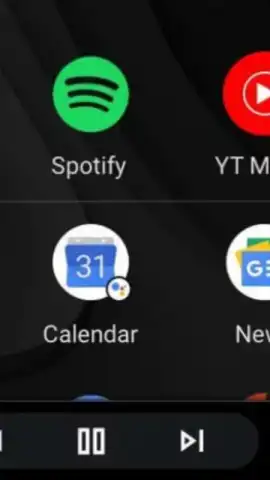
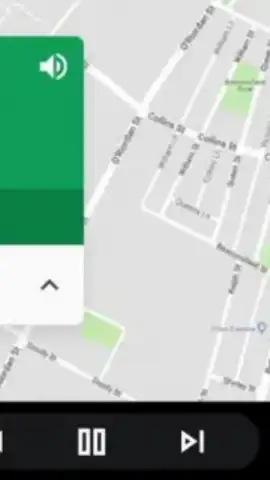
ZLINK screenshots (2)
Description ZLINK
A Practical Solution for Aftermarket Android Head Units
Many drivers install an aftermarket Android head unit to modernize their vehicle's infotainment system, expecting seamless smartphone integration. However, a common hurdle arises with units, particularly those manufactured in China, that lack the official Google certification required to run Android Auto natively. This leaves the screen unable to communicate properly with a connected phone, rendering the anticipated Android Auto functionality inaccessible. The ZLINK application serves as a bridge in this specific scenario, emulating a certified Android Auto connection to enable full smartphone projection on these uncertified displays. It is essentially a repackaged version of the software found on units like the Junsun V1, distributed as a standalone APK for broader installation.
Core Functionality and Operational Mechanics
The application operates by creating a virtual environment that convinces your smartphone it is connected to a genuine Android Auto-certified receiver. This is achieved through a direct USB connection, or in some configurations via Bluetooth, between your Android device and the vehicle's head unit. Upon successful connection and launch, ZLINK activates its interface, mirroring the core Android Auto experience. This grants direct access to navigation, communication, and media apps from the vehicle's touchscreen. The system supports a wide range of popular applications that are compatible with Android Auto's driver-optimized mode, including Google Maps for navigation, Spotify for music streaming, and podcast platforms like iVoox, all controllable via the larger display or steering wheel controls.
A notable operational aspect is the absence of intrusive advertising within the interface, which is a frequent issue with alternative third-party solutions. The application focuses on establishing a stable, low-latency connection for real-time map rendering and audio playback. Its performance is dependent on the processing power of both the host Android head unit and the connected smartphone, as the phone effectively serves as the computational engine for the projected apps. The setup requires enabling specific developer options on the Android phone to facilitate the USB debugging protocol that ZLINK utilizes for data transmission.
Key Implementation Advantages
- Enables Android Auto on non-certified head units, providing full smartphone projection for navigation, calls, and media.
- Functions via a direct USB tethering connection, ensuring a stable data link for real-time map and audio streaming.
- Supports a broad ecosystem of compatible apps, including major navigation, music, and podcasting services in a driver-safe view.
- Operates without interface advertisements, maintaining a clean, focused user experience during driving.
- Based on factory-level software from known hardware, offering a tested compatibility framework for aftermarket systems.
Get your connected driving experience today and unlock your head unit's full potential.
Download the ZLINK mobile app now
Disclaimer: This application requires a compatible Android-based car head unit and an Android smartphone. A stable USB connection is mandatory for core functionality. Operation may consume significant mobile data depending on app usage. The developer is not affiliated with Google LLC. Android Auto is a trademark of Google LLC. Users are responsible for ensuring local laws regarding device usage while driving are obeyed. This is a third-party utility and may not be compatible with all vehicle models or head unit firmware versions.


