

TLauncher PE
TLauncher PE screenshots (10)
Description TLauncher PE
A Third-Party Portal to a Customized Block World
For many Android users, the official Minecraft Pocket Edition experience is just the starting point. The desire to modify textures, install gameplay-altering add-ons, or join private servers often requires navigating complex file systems and manual installations. TLauncher PE positions itself as a streamlined management hub designed to consolidate these advanced customization tasks into a single, accessible interface on mobile devices. It functions not as a standalone game, but as a utility that layers over your existing Minecraft installation, providing centralized control over the supplementary content that defines a personalized gameplay session.
Core Functionality and Interface Design
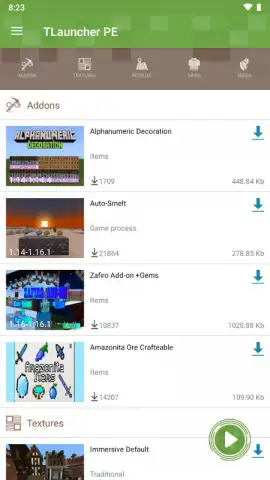
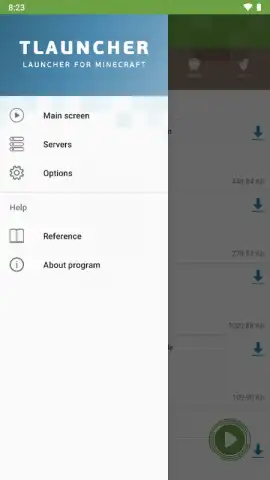
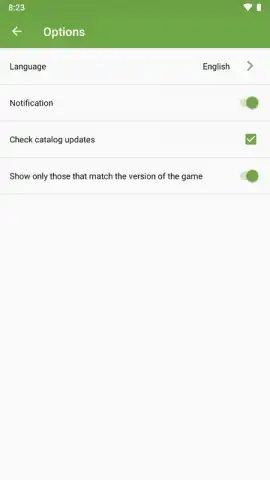
The application’s primary value lies in its role as a content manager and game launcher. Upon opening TLauncher PE, users are presented with a clean dashboard navigated via a left-side dropdown menu. This menu provides direct access to the core sections: the Home Screen, Servers, and Configuration Parameters. The Home Screen serves as the central operations panel, from which you can launch the game, manage installed modifications, and handle skin or texture pack applications. A dedicated section also allows for the import of custom world files or the use of shared world seeds. The Servers tab, while initially empty, offers a straightforward interface for adding and connecting to multiplayer server IP addresses. The configuration area provides basic app settings, including language selection and notification controls.
Critical Considerations for Access and Use
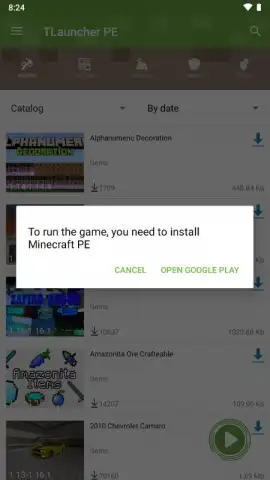
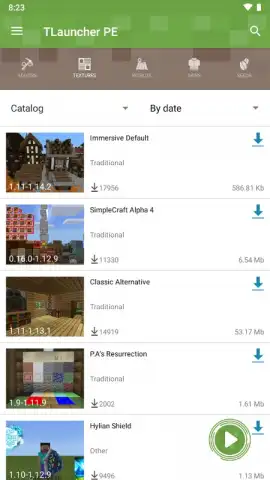
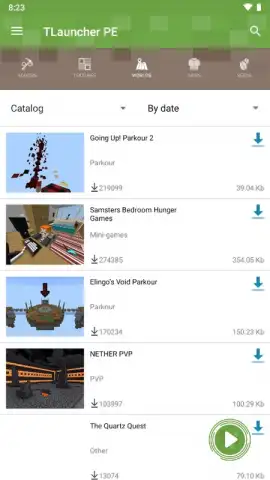
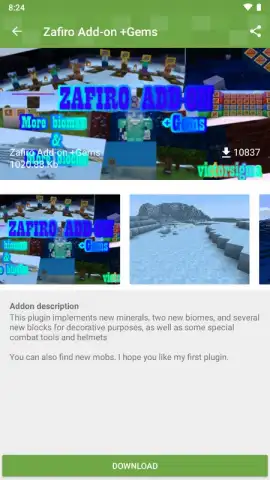
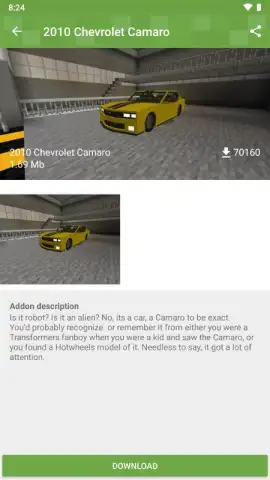
A fundamental operational requirement is that TLauncher PE does not provide the Minecraft game client itself. To download and play any version of Minecraft through the launcher, you must have a legally purchased copy of Minecraft: Pocket Edition from the Google Play Store linked to your account. The launcher will redirect users to the official store page if no valid license is detected. This setup allows the application to focus solely on content management, letting users download an unlimited number of add-ons, mods, and connect to unofficial servers, provided they possess the base game. The launcher includes a catalog of community content, with each available mod or texture pack featuring a detailed description and multiple screenshots to aid in selection before one-touch download and installation.
Content Curation and Performance
Navigating the vast, unregulated library of Minecraft mods and texture packs can be a significant hurdle. TLauncher PE attempts to mitigate this by aggregating content within its ecosystem, offering curated lists with descriptive metadata. This integrated browser eliminates the need to scour external websites, download files manually, and then move them to correct directories. The launcher handles the entire process. In terms of performance, the application acts as a lightweight front-end; game stability and resource usage are ultimately dependent on the specific add-ons and the version of Minecraft being run. The launcher itself is designed for rapid deployment of these modifications.
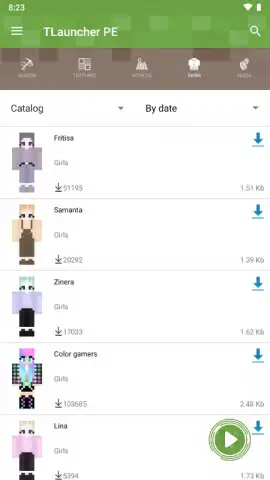
- Centralized Mod Management: Install and organize gameplay modifications, high-definition texture packs, and custom skins directly from an in-app catalog.
- Streamlined Server Connectivity: Easily add, save, and connect to private or community multiplayer servers through a dedicated server list manager.
- Integrated World and Seed Import: Expand your gameplay by directly importing custom world files or using shared world seeds for instant terrain generation.
- Detailed Content Previews: Review comprehensive descriptions and multiple screenshots for every available add-on before committing to a download.
- Simplified Game Launching: Use the hub as a unified starting point to launch your licensed version of Minecraft with all selected mods pre-configured.
We suggest trying TLauncher PE if you own Minecraft: Pocket Edition and seek a more efficient method to manage complex modifications and server connections on your Android device.
Internet required. IAP available.


