

AI Photo Editor - Polish
AI Photo Editor - Polish screenshots (8)


Description AI Photo Editor - Polish
A Closer Look at AI Photo Editor - Polish
The journey from a captured moment to a polished photograph often involves a series of deliberate adjustments. AI Photo Editor - Polish by InstaShot positions itself as a comprehensive toolkit designed for that very process, moving beyond simple filters to offer layered control over image composition, tone, and creative expression. It functions as a mobile darkroom where users can import images, apply a suite of edits, and export the final work directly to their device's gallery. The application’s core proposition lies in merging automated AI-assisted enhancements with granular manual tools, catering to both quick fixes and detailed photographic refinement.
Core Functionality and Editing Depth
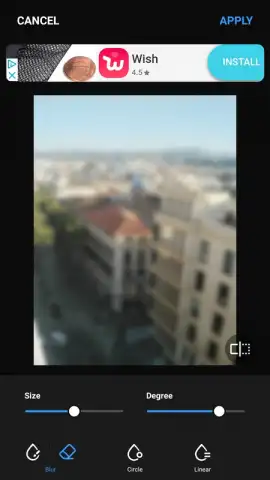
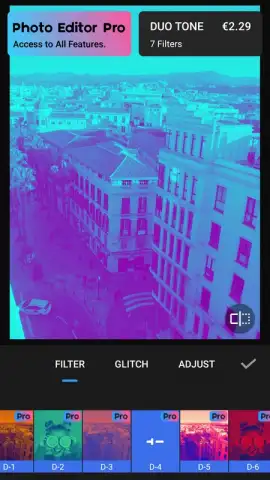
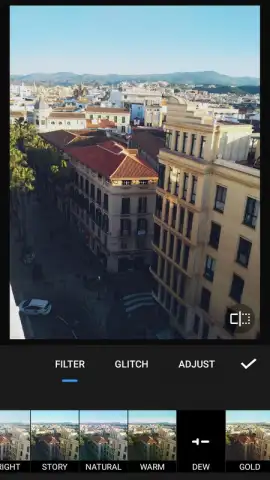
The editor’s environment is built around a multi-stage workflow. Initial adjustments cover the essentials: precise rotation, custom cropping, and fundamental color corrections. Users can modulate brightness, contrast, and color temperature with slider-based controls, providing a solid foundation for any edit. The application then introduces its library of aesthetic filters, which range from subtle presets like 'Natural' and 'Warm' to more dramatic tones such as 'Golden' or 'Magazine Publish.' A significant feature here is the adjustable intensity for each filter, allowing the effect to be blended subtly rather than applied as an overwhelming overlay.
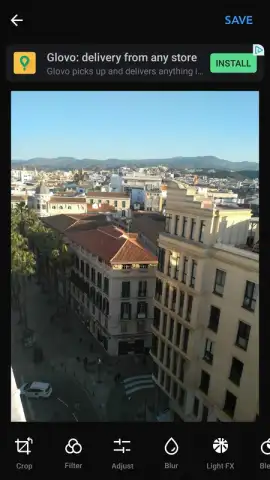
Beyond global adjustments, the app incorporates specific tools for creative manipulation. The Light FX tool simulates lens flare and the optical effect of direct sunlight falling across the image plane, with its density and placement being fully customizable. For compositional play, a library of stickers and a text tool with varied fonts enable users to add annotations or humorous elements directly onto the photo. A dedicated portrait-editing suite offers a collection of virtual accessories, including alternative hairstyles, facial features, and body modifications, aimed at stylizing human subjects within the frame.
Collage Construction and Output
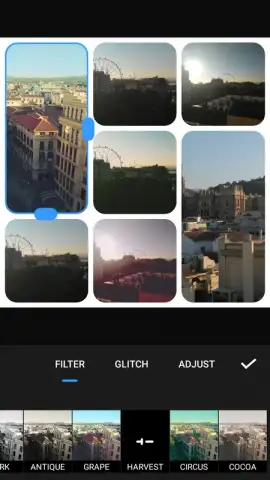
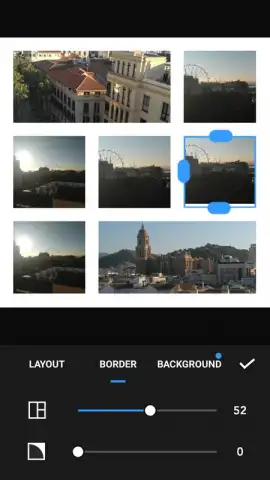
For multi-image projects, AI Photo Editor - Polish includes a collage maker. This module supports the assembly of up to eighteen individual photographs into a single layout. Once arranged, every editing tool available for single images—filters, light effects, stickers, and corrections—remains applicable to the entire collage canvas. This allows for a cohesive final piece where each component can be individually tuned or where uniform effects can be applied across the composition. It’s a feature set that transitions the app from a simple photo editor into a platform for creating complex visual content.
Detailed Feature Overview
- Apply and finely adjust intensity levels for filters like Natural, Warm, Golden, and Magazine Publish.
- Utilize fundamental correction tools for precise rotation, cropping, brightness, contrast, and color temperature.
- Add simulated sunlight and lens flare effects with the customizable Light FX tool.
- Incorporate playful or decorative elements using a diverse library of stickers and text in multiple fonts.
- Construct and edit unified collages from up to eighteen separate photos using the full editing toolkit.
The application provides a notably ad-free experience in its core operation, with certain premium filters and advanced asset packs available via in-app purchase. We suggest trying AI Photo Editor - Polish if your workflow demands a balance of creative AI-assisted effects and hands-on, detailed photo manipulation on a mobile device.
Download the AI Photo Editor - Polish mobile app now to transform your gallery.
Note: The application requires an internet connection for initial download and certain functions. Some advanced filters, stickers, and features are available through optional in-app purchases.
 GooglePlay


