

AirScreen
AirScreen screenshots (14)
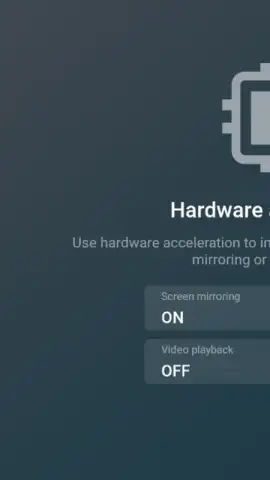
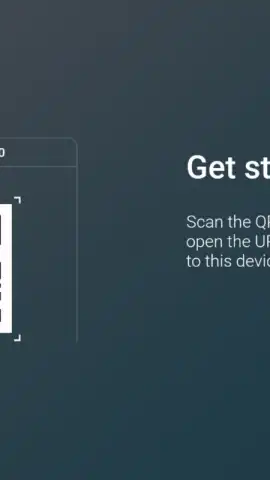
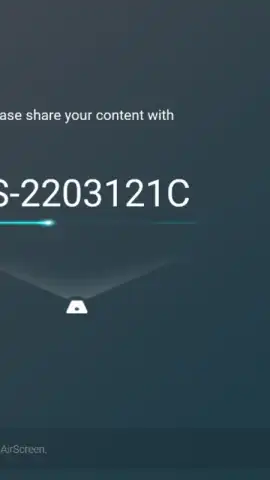
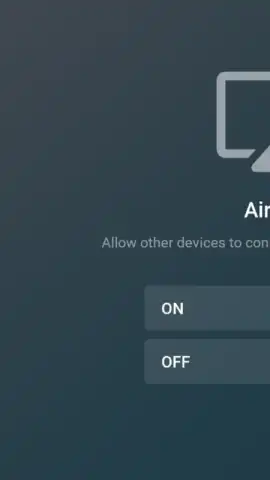
Description AirScreen
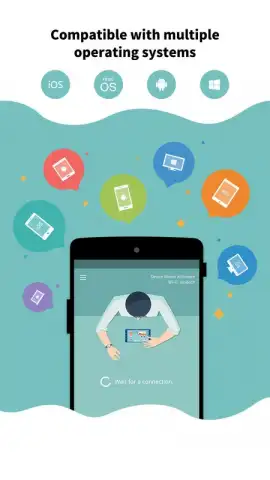
Imagine your Android phone’s screen, with all its photos, videos, and apps, instantly appearing on your living room TV without any cables or dongles. AirScreen by Ionitech transforms this scenario into a daily reality, functioning as a universal wireless bridge between your handheld device and larger displays. This video player and mirroring tool eliminates compatibility headaches by supporting a broad ecosystem of streaming standards, allowing you to cast content seamlessly across different brands and platforms in your home.
Core Functionality and Setup
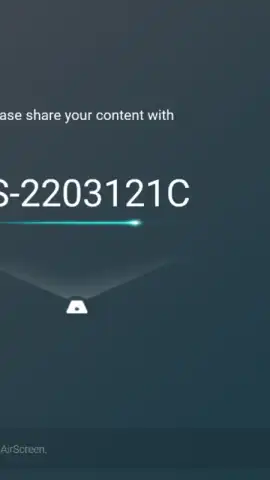
AirScreen operates by creating a connection between your Android device and a target screen over a shared local Wi-Fi network. Once both devices are connected to the same network, the application detects compatible receivers and lists them for selection. The process involves selecting the desired display from the list to initiate a mirroring session that begins within seconds. This session can broadcast any on-screen activity, from navigating the device interface to playing media from the gallery or streaming applications.
Supported Technologies and Use Cases
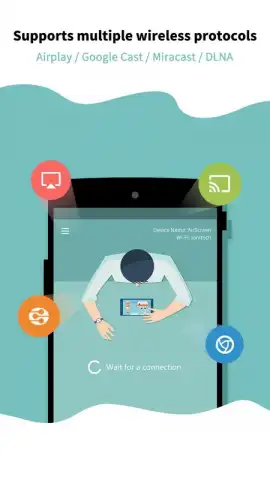
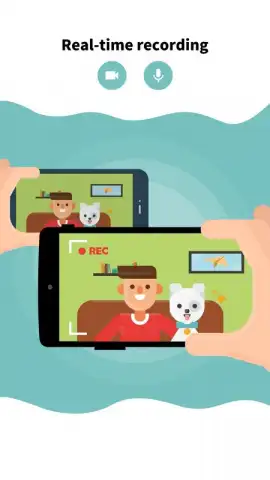
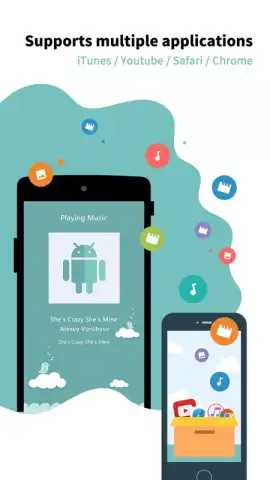
The application’s primary technical strength is its multi-protocol support. It is compatible with Apple AirPlay, Google Cast, and Miracast standards, and also functions as a DLNA (Digital Living Network Alliance) renderer. This wide compatibility means it can connect to hundreds of different smart TVs, streaming sticks, and set-top boxes. Users can stream audio from iTunes, video content from YouTube, Netflix, or browser tabs, effectively turning the Android device into a versatile media hub. A built-in recording feature allows users to capture their mirrored screen activity and save the video file locally on the Android device’s storage.
Subscription Model and PRO Features
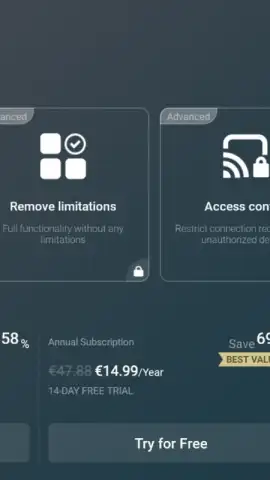
The base version of AirScreen is free to use. A PRO version is available via in-app subscription, which unlocks an enhanced feature set and removes advertisements. The PRO upgrade enables HD video streaming quality, allows connections to multiple devices simultaneously, and provides customizable settings for the screen recording quality, including bitrate and resolution controls. A seven-day trial of the PRO features is typically offered for users to evaluate the advanced functionality before committing to a subscription plan.
- Universal Protocol Support: Mirror your screen using AirPlay, Google Cast, Miracast, or DLNA to compatible TVs and devices.
- Simple Wi-Fi Based Connection: Establish a mirroring session by connecting both your phone and target display to the same local network.
- Extensive App Compatibility: Stream content from thousands of apps including YouTube, browsers, iTunes, and local media galleries.
- Local Screen Recording: Capture your mirrored screen activity directly and save the video file to your device’s internal storage.
- PRO Version Enhancements: Unlock HD streaming, multi-device connections, ad-free use, and configurable recording settings.
Stop relying on single-ecosystem hardware. Transform any modern TV into a wireless display for your Android phone’s content. Download AirScreen now and start streaming your world to the big screen today.
Disclaimer: This application requires an internet connection for initial download and device discovery. A paid PRO subscription involves recurring in-app purchases. The app may require access to local network permissions for device discovery and storage permissions for recording features. Use of this app is subject to the terms of service and privacy policy of the developer, Ionitech. Screen mirroring performance may vary based on network conditions and receiver device capabilities.
 GooglePlay


