
Any Icon
Any Icon screenshots (12)
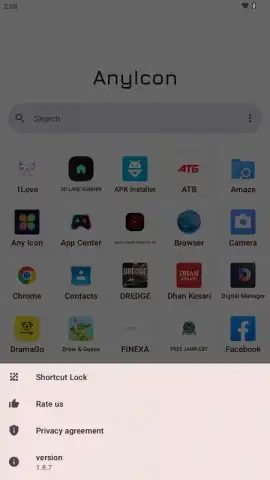
Description Any Icon
A Comprehensive Tool for Complete Android Home Screen Customization
Any Icon is a utility that addresses a common limitation of the Android operating system: the inability to natively change app icons without using complex launchers or rooting your device. It provides a systematic, shortcut-based method to replace the icons and labels of any installed application directly on your home screen. This review examines its mechanics, feature set, and practical implementation to determine its effectiveness for users seeking granular visual control over their device interface.
Core Functionality and User Workflow
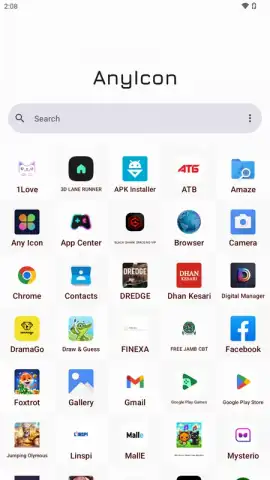
The application operates by leveraging Android's built-in shortcut creation API. When you select an app from your device's list within Any Icon, it does not modify the original application file. Instead, it generates a new home screen shortcut that points to the original app but is cloaked with your chosen custom icon and renamed label. This means the original app remains unchanged in your app drawer, while your home screen presents a fully personalized version. The process is surprisingly straightforward: launch Any Icon, browse your installed apps, and then proceed through a detailed customization menu for your selection.
Detailed Feature Analysis and Customization Depth
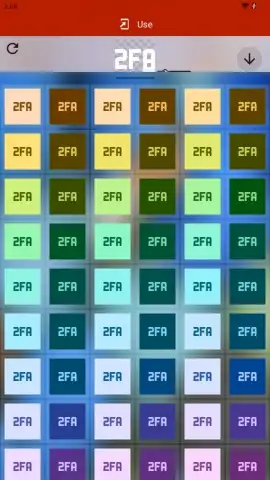
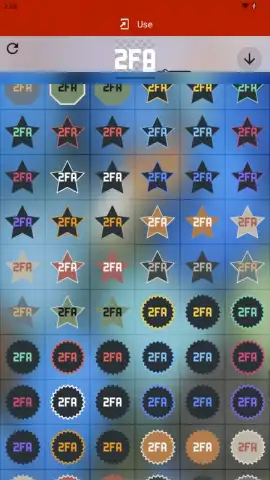
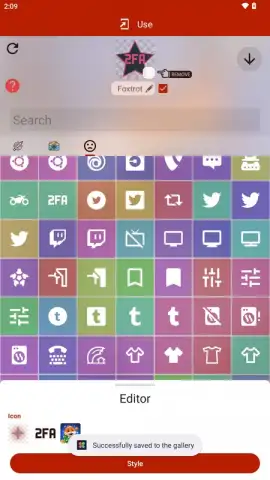
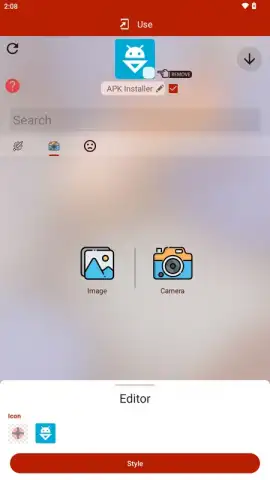
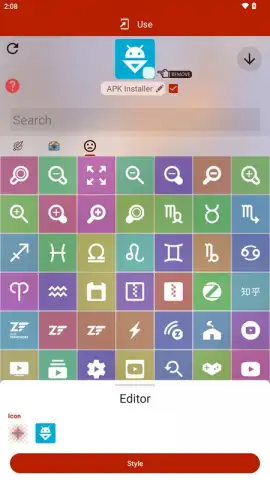
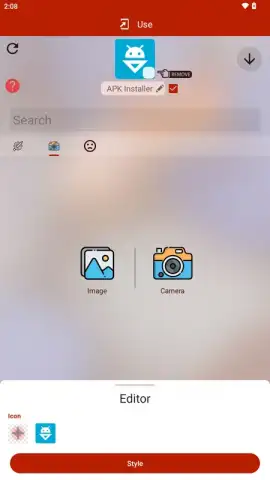
The true value of Any Icon lies in the breadth and depth of its customization sources. You are not limited to a small, built-in set of graphics. The application provides a multi-source approach for icon acquisition. First, it includes a substantial default library of icons organized into various packs and styles, suitable for creating a cohesive theme. Second, and more powerfully, it allows direct import from your device's gallery or camera, enabling the use of personal photos, downloaded images, or any graphic file as an icon. After selecting an image, the integrated editor lets you crop, apply color filters, or add a background layer to perfect the asset before finalizing the shortcut.
- Complete Icon and Label Replacement: Modify both the visual icon and the text label for any application shortcut placed on your home screen, offering full aesthetic control.
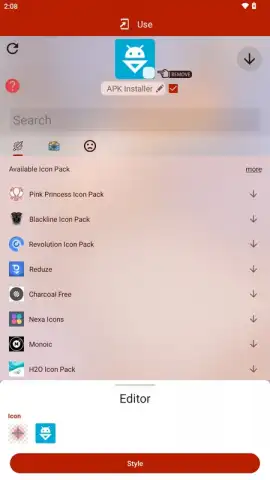
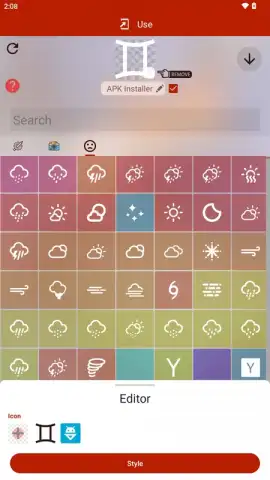
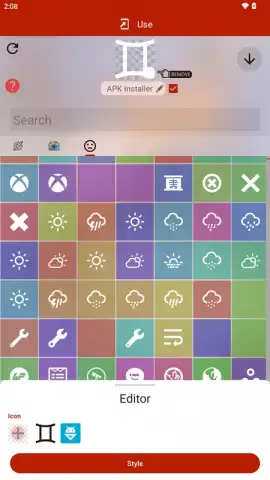
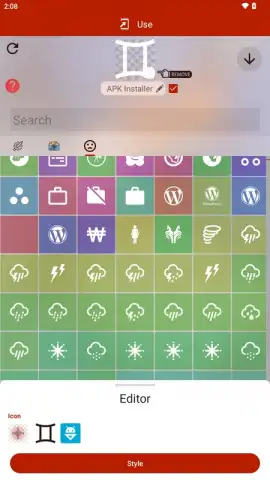
- Multi-Source Icon Library: Choose from thousands of curated default icons, browse bundled icon packs, or import any image from your device's gallery or camera.
- Integrated Basic Image Editor: Crop, color-tint, and adjust background settings for imported images directly within the app to ensure perfect icon fit and style.
- Shortcut-Based Non-Intrusive Operation: Utilizes standard Android shortcuts without requiring special permissions, leaving original app files and system settings untouched.
- Turbo Mode for Enhanced Experience: An optional upgrade removes all advertising and may provide access to premium icon collections and advanced editing tools.
The application is free to use with support from advertisements. A 'Turbo' upgrade is available via in-app purchase, which removes these ads and potentially unlocks additional premium features for a streamlined experience. It is important to note that depending on the icon source, some free icons may contain subtle watermarks. For optimal results, using high-resolution images from your personal collection or the premium library is recommended. The process creates a new shortcut; you may need to manually remove the old, default icon from your home screen after placing the customized one.
Download Any Icon now to unlock professional-level home screen personalization—exclusive early access to premium features is available for a limited time to new users. Internet required. IAP available.
 GooglePlay


