
Cx File Explorer
Cx File Explorer screenshots (19)
Description Cx File Explorer
Your Phone's File System, Finally Under Your Control
Ever felt like your phone's storage is a black box? You know the photos, documents, and downloads are in there somewhere, but finding a specific file can feel like a treasure hunt without a map. That's the daily frustration a capable file manager solves, and Cx File Explorer is built to do exactly that. It transforms your device from a mysterious data vault into a well-organized, transparent library you can navigate with speed and precision. This isn't just about viewing files; it's about wielding complete command over every byte, whether it's stored locally, on a memory card, or halfway across the world on a remote server.
A Command Center for Every Storage Type
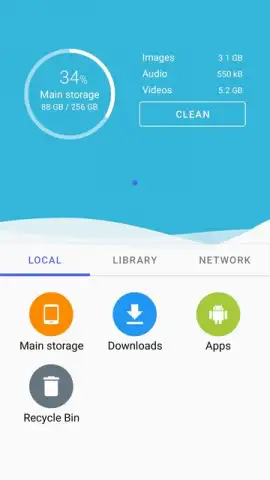
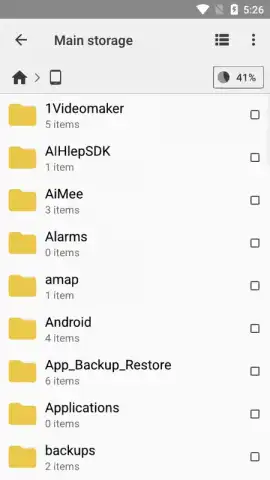
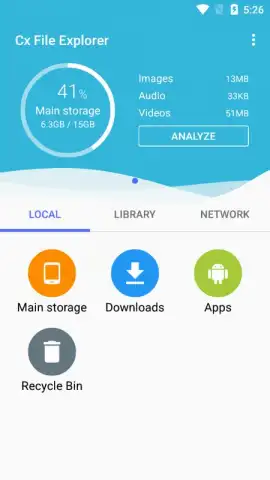
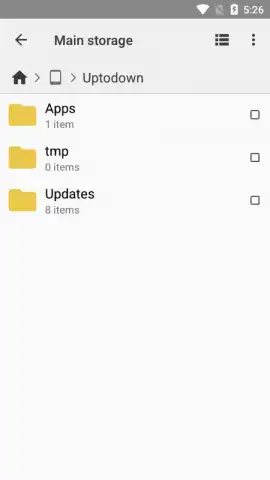
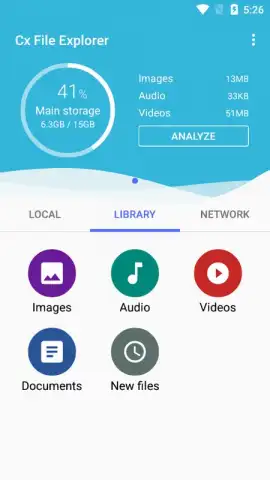
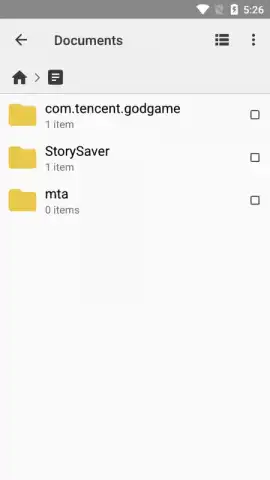
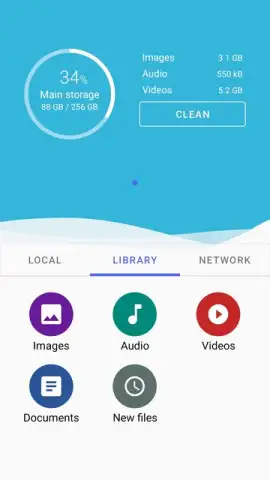
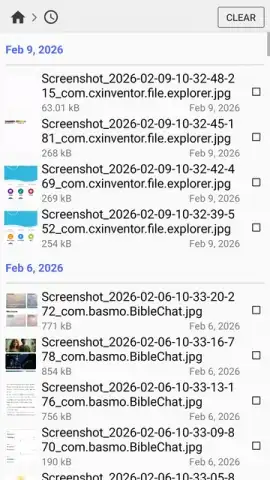
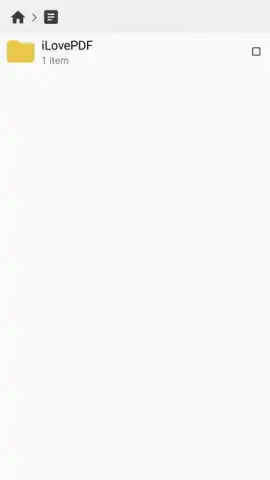
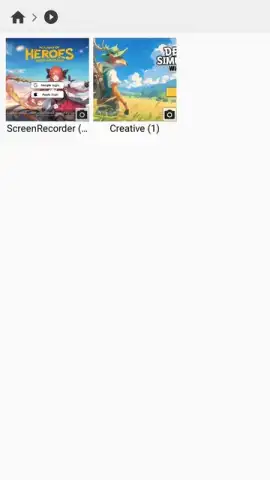
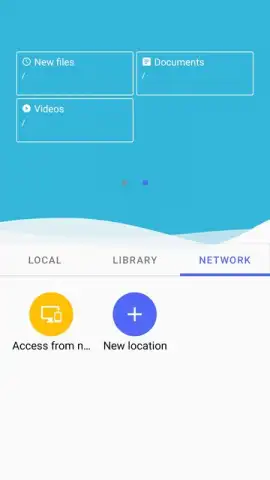
Cx File Explorer functions as a unified dashboard for your entire digital ecosystem. The application provides a clean, modern interface that immediately surfaces all connected storage endpoints. You gain direct, simultaneous access to your device's internal memory, any inserted SD or USB OTG drives, and a comprehensive suite of networked locations. Organization is highly customizable through multiple view modes—list, grid, or detailed—and you can pin frequent directories for one-tap access or use the path bar for direct navigation to deep folder structures. This eliminates tedious scrolling and searching, allowing you to locate any item within seconds regardless of your filing system's complexity.
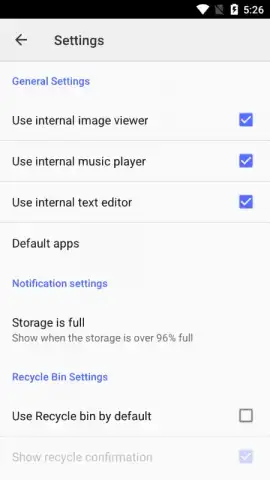
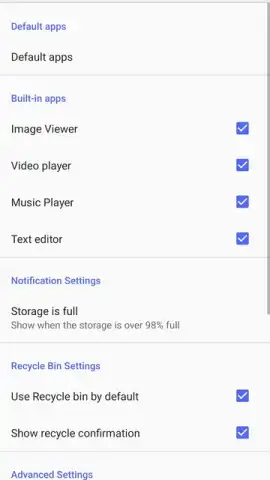
Core file operations are executed with robust efficiency. You can perform batch actions to copy, cut, paste, rename, or delete groups of files. The app includes built-in tools for creating new folders, compressing files into ZIP archives, and extracting existing archives. It also features a direct text editor for quick modifications to .txt, .json, or .xml files and seamless sharing to any other installed application on your device. For deeper storage management, the integrated storage analyzer scans your drives to visually break down space usage by file type and can identify duplicate files, providing a clear action plan for reclaiming valuable capacity.
Seamless Remote Access and Network Integration
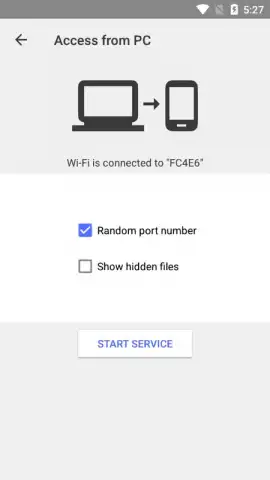
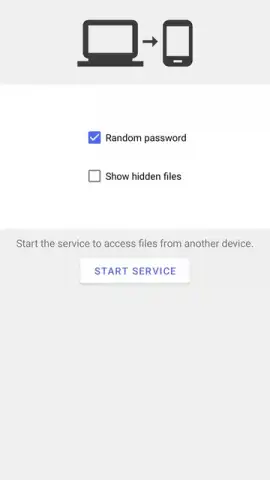
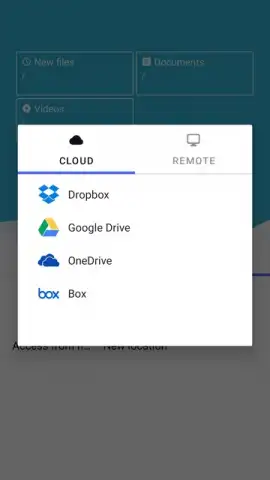
One of the most powerful aspects of Cx File Explorer is its extensive support for remote and network protocols, bridging the gap between local and cloud storage. You can directly integrate major cloud services like Google Drive and Dropbox, as well as connect to servers using FTP, SFTP, SMB (Windows network shares), and WebDAV. Once configured, these remote locations appear alongside your local folders, enabling you to upload, download, move, and manage files as if they were stored natively on your phone. This capability extends its utility to specialized environments, including on the Meta Quest 2, where the app also offers a system-wide dark mode for reduced eye strain during extended use.
- Unified Storage Dashboard: Access and manage internal storage, SD cards, USB OTG, and cloud services from a single, streamlined interface.
- Advanced Network Connectivity: Establish direct connections to FTP, SFTP, SMB, and WebDAV servers for professional-grade remote file management.
- Comprehensive File Operations: Execute batch actions, create/edit archives, directly edit text files, and share content to any app.
- Intelligent Storage Analysis: Visualize space usage with detailed charts and identify duplicate files to systematically free up storage.
- Customizable Navigation: Utilize multiple view modes, frequent folder shortcuts, and a direct path bar for rapid file location and retrieval.
We suggest trying Cx File Explorer if you're ready to move beyond basic file browsing. It delivers professional-level control in a package that remains accessible, making it the definitive tool for anyone who needs to truly manage their digital assets across all platforms.
Download the Cx File Explorer mobile app now and transform how you interact with every file on your device.
Heads up: you'll need an active Wi-Fi or data connection for cloud and network server features. Some advanced utilities within the storage analyzer may be part of optional premium modules.
 GooglePlay


