

X-plore File Manager
X-plore File Manager screenshots (15)
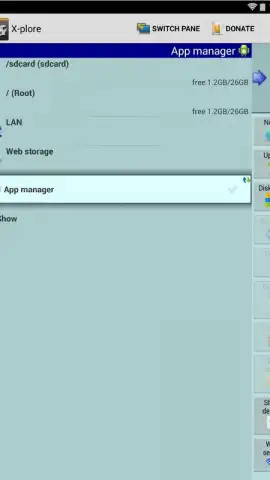
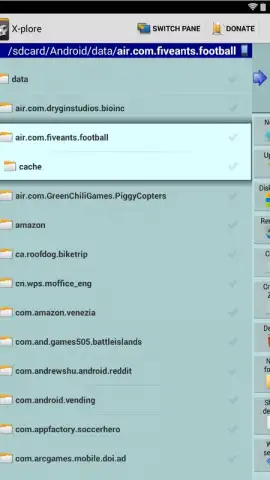
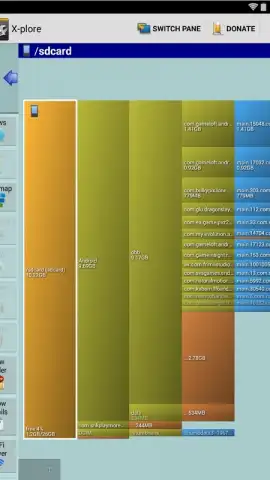
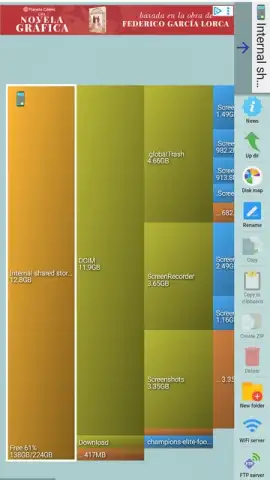
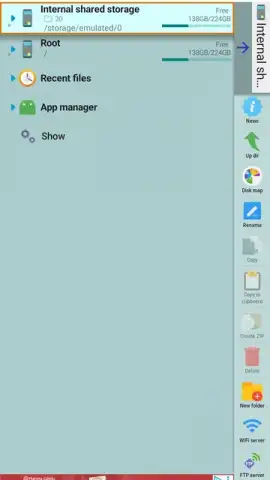
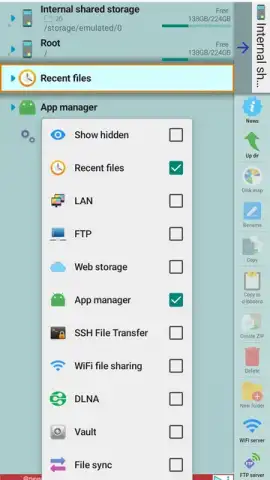
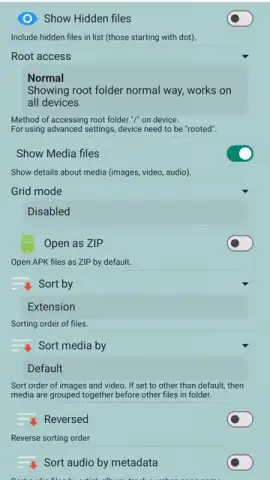
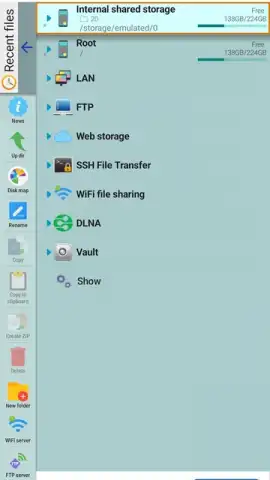
Description X-plore File Manager
A Closer Look at File Management on Android
In the crowded field of Android utility apps, a file manager must offer more than basic cut-and-paste to justify its place on a device. X-plore File Manager, developed by Lonely Cat Games, approaches this challenge by providing a dual-pane explorer interface that transforms file operations from a sequential chore into a visual, efficient process. This architecture allows for direct drag-and-drop between panels, fundamentally changing how users interact with their device's internal storage, SD cards, and networked locations.
Core Functionality and Advanced Capabilities
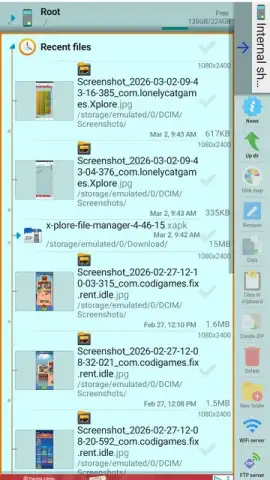
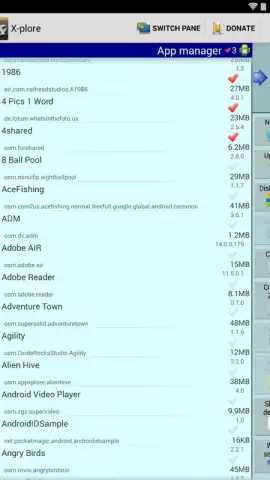
The application operates as a comprehensive root-level browser, granting visibility into every directory on an Android phone or tablet. Standard file operations—copying, moving, renaming, and deleting—are executed with precision. Where X-plore extends its functionality is in its native handling of compressed archives; it can browse the contents of ZIP, RAR, and 7Zip files without requiring a separate extraction step, treating them as virtual folders. This same principle applies to APK files, which can be inspected as if they were standard archives, a useful feature for examining package structures.
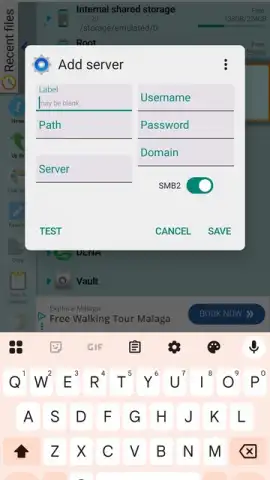
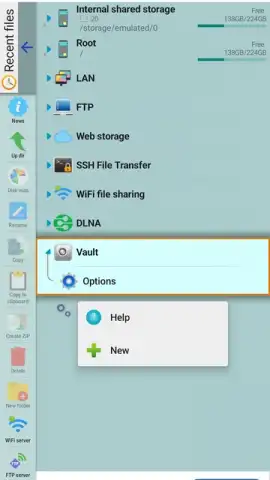
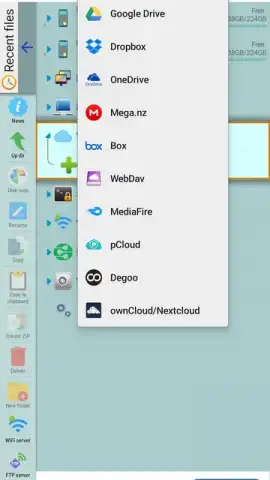
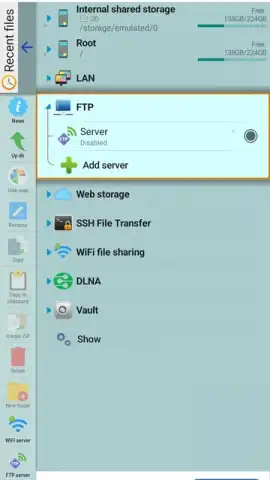
Network and cloud integration is a significant component of the toolset. The app facilitates wireless file sharing through a built-in Wi-Fi server, eliminating the need for cables. It also provides integrated access to remote storage via support for FTP and FTPS servers, alongside major cloud services like Google Drive and Dropbox, which appear as local directories within the dual-pane interface. For local network users, the application can scan for and manage files on shared Windows (SMB) network folders directly.
Interface Design and Usability
The interface is designed for touch interaction, utilizing clear icons, long-press context menus, and configurable gestures to navigate deep directory trees. The dual-pane view can be toggled on or off, offering flexibility for simpler tasks. It is important to note that the application's extensive feature set introduces a steeper initial learning curve compared to minimalist file managers. However, this complexity is the direct result of its powerful capabilities, which are organized within a logical, if dense, menu system.
- Dual-Pane Explorer: Enables side-by-side browsing and direct file transfers between any two locations.
- Archive and APK Inspection: Seamlessly views contents within ZIP, RAR, 7Zip files and APK packages without extraction.
- Network File Access: Connects to cloud storage, FTP servers, and local SMB network shares as native folders.
- Wi-Fi File Sharing: Built-in HTTP server for uploading/downloading files to your device from any computer browser.
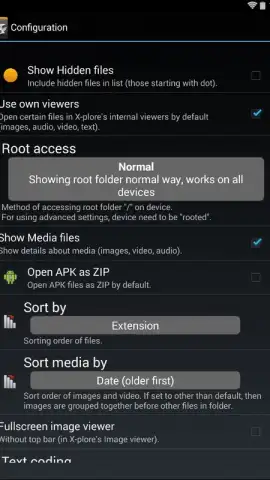
- Root Access and System Tools: For advanced users, it offers root explorer functions, process viewer, and storage analysis.
The depth of control offered here is considerable, positioning this manager as a tool for users who need to move beyond basic organization. Consider downloading X-plore File Manager from your app store to directly handle complex file tasks.
Internet required for cloud and network features. In-app purchases available.
 GooglePlay


