

Apowersoft PDF Converter
Apowersoft PDF Converter screenshots (15)

Description Apowersoft PDF Converter
Ever found yourself scrambling to convert a report, edit a contract, or sign a document on your phone, only to hit a wall with incompatible formats? That moment of friction is gone for good. Apowersoft PDF Converter transforms your Android device into a complete, mobile document powerhouse, letting you handle any PDF task with professional ease, right from your pocket.
Streamline Your Document Workflow
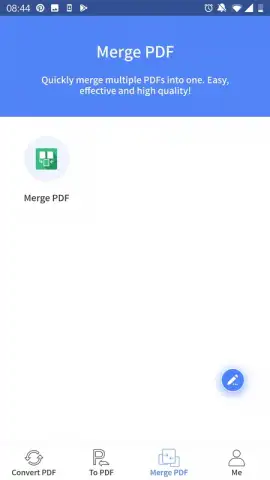
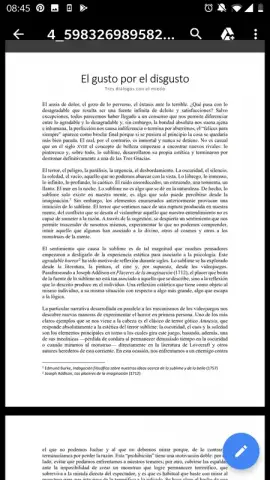
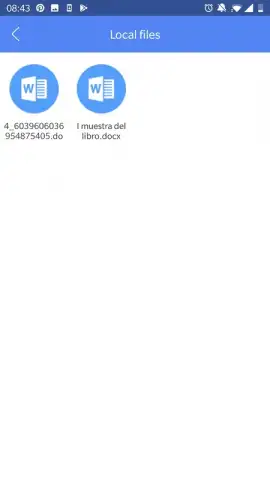
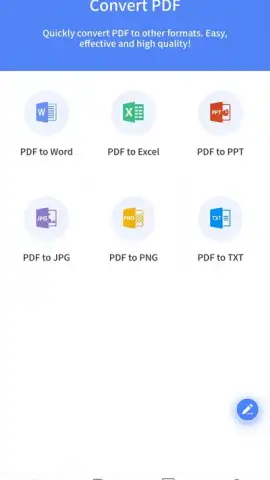
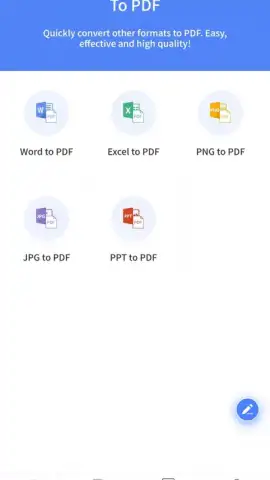
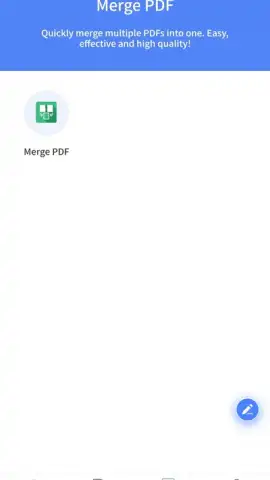
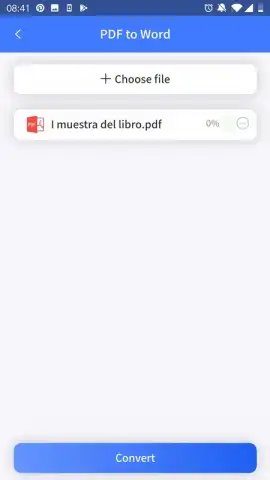
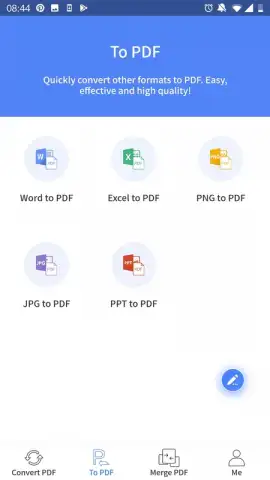
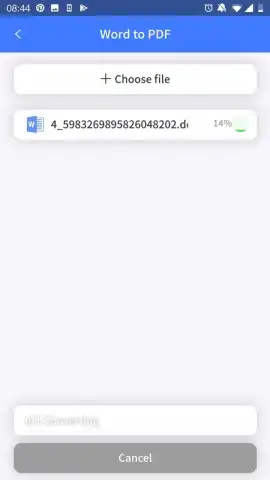
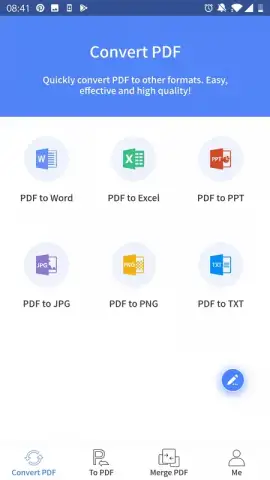
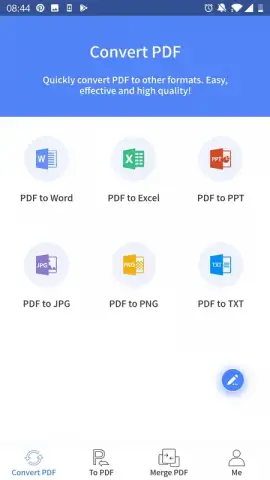
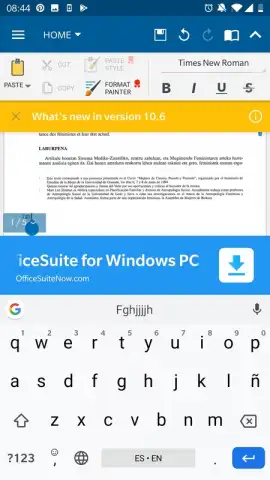
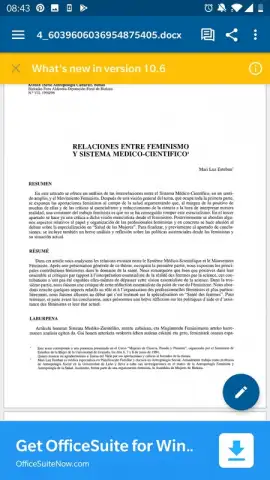
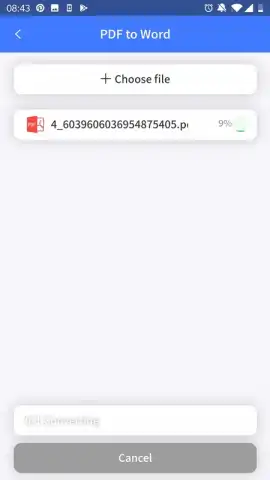
This app delivers a comprehensive suite of PDF tools designed for real business mobility. Seamlessly convert PDFs to and from Word, Excel, PowerPoint, and image formats while preserving the original layout, fonts, and formatting. Go beyond simple conversion with a full editor that lets you modify text, add images, insert pages, and annotate directly on the document. Need to combine multiple files into one organized PDF, or split a large document into chapters? It’s done in taps. Securely protect sensitive information with password encryption or add your digital signature to approve contracts on the fly.
Why This Is Your Essential Business Tool
The interface is built for speed and clarity, ensuring you can perform complex tasks without a manual. Experience fast processing that handles multi-page documents smoothly, and enjoy the flexibility of cloud integration, allowing you to open files directly from services like Google Drive or Dropbox and save your work back with one click. It’s the perfect balance of robust functionality and intuitive design, making professional document management accessible anywhere.
- Convert to and from multiple formats
- Edit text and annotate PDFs directly
- Merge, split, and organize pages
- Add passwords and digital signatures
Download this mobile app now! Stop compromising on document quality and efficiency. Get the professional-grade PDF solution that works where you work.
Heads up: you'll need wifi for most features. Some cool stuff is extra.
 GooglePlay


