

AST Manager Q
AST Manager Q screenshots (5)
Description AST Manager Q
Imagine controlling your entire karaoke system from the palm of your hand, turning your smartphone into a professional remote for your AST setup. AST Manager Q is designed for this precise purpose, serving as a dedicated control hub for AST karaoke systems running software version 4.05 and higher. It bridges the gap between user and machine, providing a streamlined interface to manage playback, browse extensive song libraries, and fine-tune every auditory detail for a tailored singing experience. This application transforms complex system management into an intuitive process, ensuring your focus remains on performance rather than technical configuration.
Core Functionality and Remote Management
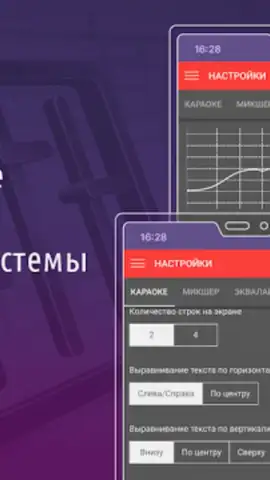
The application establishes a stable connection with compatible AST hardware, enabling comprehensive remote operation. Users gain direct access to the system's core functions, from basic transport controls to advanced audio parameter adjustments. This includes real-time management of the active playlist, song queuing, and system-wide settings configuration, all executed from a mobile device. The interface is structured to provide clear feedback and immediate response, ensuring that commands like play, pause, skip, or volume change are executed on the main system without perceptible delay.
Advanced Media Library Navigation and Search
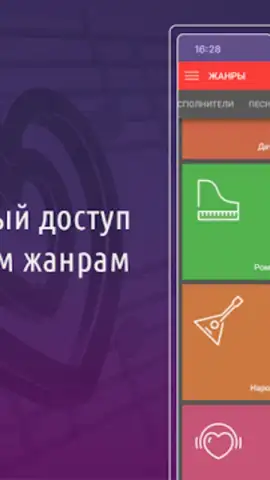
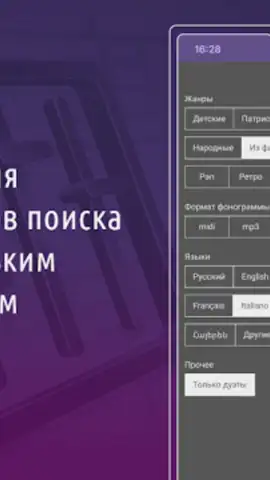
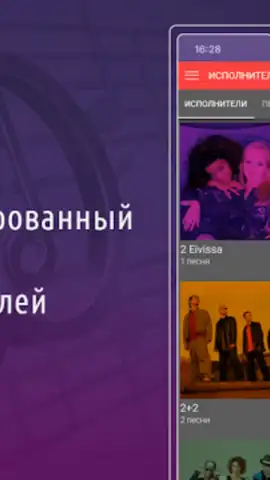
AST Manager Q provides direct access to the connected system's song database through a sophisticated search and filter engine. Users can locate tracks using multiple parameters, including song number, artist name, track title, or specific lyrics. The search can be further refined by applying filters based on language, audio format, and music genre. An illustrated artist catalog offers visual browsing, enhancing the speed and ease of song selection. This granular search capability ensures that any track in the library can be located and queued for playback within moments.
Precision Audio Control and Performance Tools
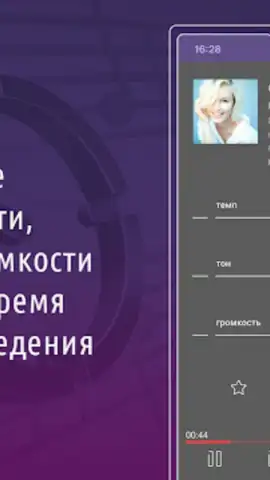
Beyond basic playback, the app offers detailed control over the sonic characteristics of each performance. Users can make real-time adjustments to the pitch (key) and tempo of any playing song, allowing for customization to the singer's vocal range or preferred style. Independent volume controls for microphone and music tracks are provided for balanced audio output. Furthermore, the app includes functionality for reserving upcoming tracks and managing a dynamic play queue, which is essential for maintaining flow during events with multiple participants.
Recording and Playlist Management Features
The application supports extended interaction with the karaoke system through organizational and archival tools. Users can create, edit, and manage playlists directly from the mobile device. A notable feature is the ability to initiate the recording of a live performance on the connected AST system and subsequently handle the audio file—options include downloading the recording to the mobile device or publishing it through linked services. This integration allows for the preservation and sharing of performances without interrupting the host system's primary functions.
- Remote System Command: Take full control of compatible AST karaoke systems (v4.05+) for playback, queue management, and system configuration directly from your mobile device.
- Granular Song Discovery: Search the entire media library by ID, artist, title, or lyric snippet, and filter results by language, genre, and file format for rapid track selection.
- Real-Time Audio Engineering: Adjust key, tempo, and individual volume levels for vocals and backing music during playback to customize each performance.
We suggest trying AST Manager Q to unlock the full potential of your AST karaoke system with professional-grade remote management.
Download the mobile app now.
Disclaimer: This application requires an internet connection for initial setup and certain features. It is designed solely for use with compatible AST karaoke systems running software version 4.05 or higher. Some advanced features may require specific system capabilities or configurations. The app may request permissions for network access and local storage, primarily for connecting to your karaoke system and managing downloaded recordings. Always ensure your hardware is compatible before use.
 GooglePlay


