
Clean File Manager
Clean File Manager screenshots (6)
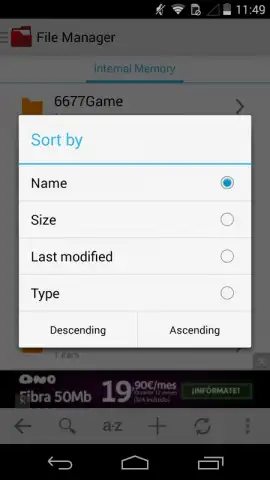
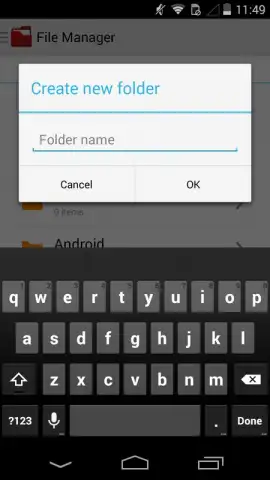
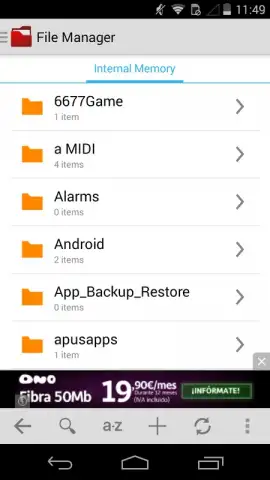
Description Clean File Manager
Struggling to find a specific photo, document, or APK file in a cluttered phone storage? Clean File Manager is a dedicated organizational tool designed for users who store large volumes of files and applications. It eliminates the need to manually navigate through countless folders by automatically sorting all your content into intuitive, instantly accessible categories.
Core Functionality and File Handling
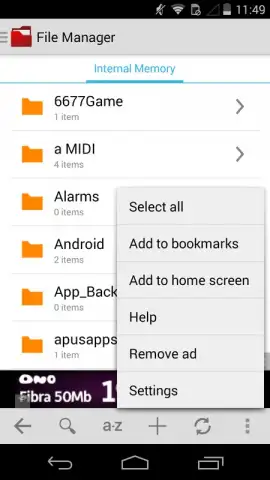
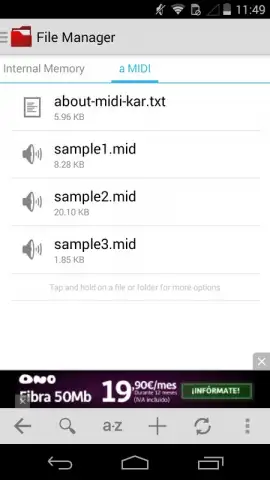
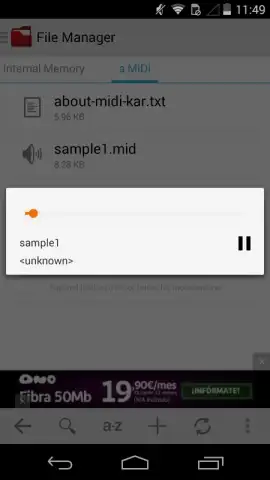
The application systematically groups your data into distinct sections such as Apps, Photos, Downloads, Movies, Music, and Screenshots. Tapping any category provides immediate access to the relevant files. Beyond organization, it includes a built-in image viewer and music player, allowing you to preview multimedia content without switching to another app. The manager supports batch operations, enabling you to send multiple files to your contacts simultaneously. For file compression and extraction, it handles creating ZIP archives and unpacking RAR, TAR, TAR.GZ, TAR.BZ2, and TBZ formats. Direct file management actions like renaming, copying, and moving items between folders are performed within the app's interface.
Advanced Preview and Optimization Features
A key technical feature is the integrated preview mode for photographs and APK files, allowing you to inspect their contents without installing additional software. The experience is enhanced by the optional Turbo mode, which removes advertisements and accelerates file operations.
- Automatic sorting into clear categories
- Integrated media viewer and player
- Batch file sharing and management
- Support for multiple archive formats
Download the Clean File Manager mobile app now! Exclusive, limited-time access to premium features is available for the first wave of new users. Transform your device's storage today.
Disclaimer: This application requires an internet connection for certain functions. It may contain in-app purchases (IAP) for additional features like Turbo mode. Data usage varies based on file operations. Please check the product description for age restrictions and data privacy details.
 GooglePlay


