

Microsoft OneNote
Microsoft OneNote screenshots (11)



Description Microsoft OneNote
Struggling to Organize Your Ideas Across Different Devices?
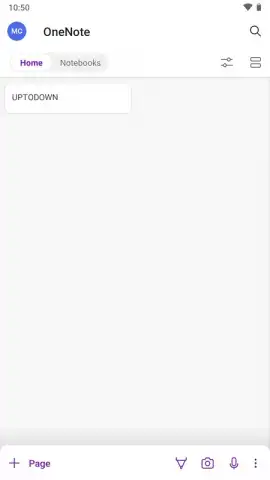
Juggling notes, project details, and random thoughts across multiple platforms often leads to disorganization and lost information. Microsoft OneNote provides a centralized digital workspace designed to capture, structure, and sync every piece of information seamlessly. As a core component of the Microsoft Office ecosystem, this application delivers a professional-grade note-taking environment accessible on Windows, iOS, Android, and the web. It eliminates the friction of switching between tools by unifying written notes, multimedia content, and Office documents into a single, searchable system that automatically stays current across all your devices.
Core Functionality and Organizational Structure
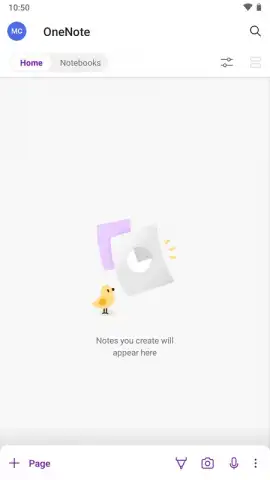
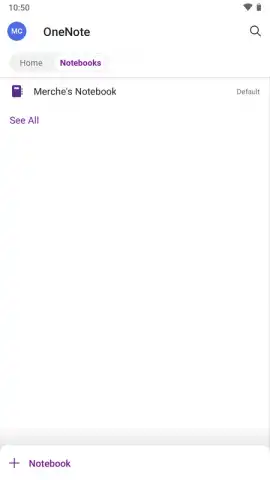
Microsoft OneNote operates on a flexible, hierarchical system that mirrors physical organization methods but with digital advantages. Users create individual Notebooks for major areas of life or work, such as "University Studies," "Work Projects," or "Personal Planning." Within each notebook, you add Sections to categorize content further, like "Lecture Notes" or "Meeting Minutes." Every section contains individual Pages where the actual note-taking occurs. This structure allows for granular organization, enabling you to locate a specific piece of information—from a handwritten diagram to a bulleted list—within seconds. The system supports deep nesting, so you can create section groups and subpages for exceptionally complex projects.
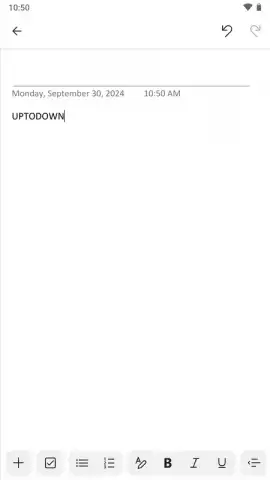
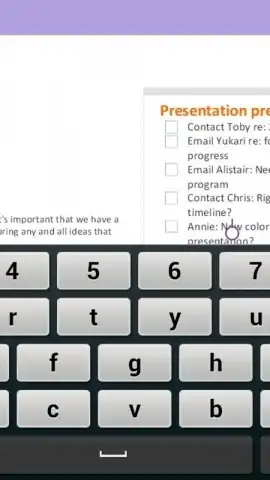
The note-taking canvas itself is unbounded and free-form. Unlike traditional word processors, you can click anywhere on a page to begin typing, drawing, or pasting content. This facilitates the creation of visual layouts, such as mood boards, project timelines, or side-by-side comparisons. You can insert a wide array of content types directly onto the canvas: formatted text, images from your camera or gallery, audio recordings, file attachments, web links, and handwritten or drawn notes using a stylus or finger. Each element is a movable object, allowing for continuous reorganization as ideas develop.
Detailed Feature Set and Integration Capabilities
- Multi-Format Note Capture: Insert text, images, audio clips, file printouts, web clippings, and handwritten ink on a free-form canvas.
- Cross-Platform Synchronization: Automatically syncs all notebooks to Microsoft OneDrive, making them available on phones, tablets, and computers in real time.
- Deep Office Integration: Embed live Excel spreadsheets, PowerPoint presentations, and Word documents directly into notes for interactive editing.
A primary operational feature is real-time cloud synchronization via Microsoft OneDrive. Any alteration made on one device—adding a photo on your phone, typing text on your laptop, or drawing on a tablet—is automatically uploaded and pushed to all other linked devices. This ensures you can begin drafting a meeting agenda on your office computer and review or add talking points later from your mobile device without manual transfer steps. The sync engine operates continuously in the background, maintaining version history so you can restore earlier drafts if needed.
Integration extends throughout the Microsoft 365 suite and selected third-party services. You can email notes directly from the application into a configured Outlook mailbox or link Outlook calendar events to specific note pages for context. The application allows you to embed dynamic content from other Office apps; for instance, an inserted Excel table can be edited within the note without switching applications. For research and collaboration, the "OneNote Web Clipper" browser extension saves articles, PDFs, and screenshots directly into a designated notebook with source URLs preserved. For team environments, notebooks can be shared with specific permissions, enabling simultaneous co-editing where changes from multiple contributors are merged and highlighted.
- Collaborative Editing Tools: Share entire notebooks or specific sections for real-time, multi-user editing with change highlighting.
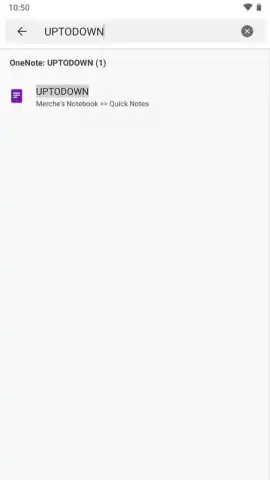
- Advanced Search Functionality: Search across all notebooks for text within images, handwritten notes, and audio transcriptions.
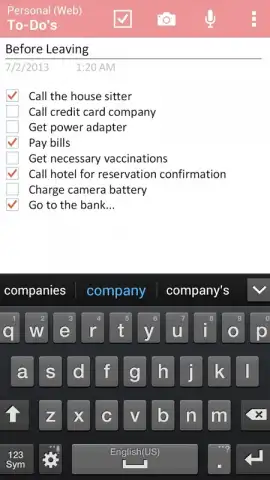
- Custom Tags & Templates: Mark items with custom tags like "To-Do" or "Important" and apply page templates for consistent formatting.
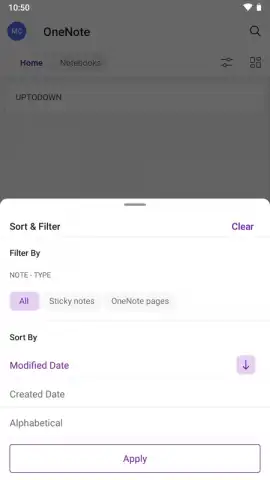
The application includes robust tools for managing and retrieving information. The search index parses text from all content types, including text inside inserted images and screenshots, making every word across your notes discoverable. You can apply a system of customizable tags to individual lines or paragraphs, such as "Question," "Critical," or "Client Feedback," and later compile all items with a specific tag across notebooks. For recurring note types, like weekly meeting minutes or class lecture templates, you can design and save custom page templates with predefined layouts and headings. Security is managed through notebook-level permissions, and critical notebooks can be protected with additional password encryption.
Optimized Feature List for Quick Scanning
- Capture ideas in any format.
- Sync instantly across all devices.
- Integrate with Microsoft Office apps.
- Organize with notebooks and sections.
- Search handwritten notes & images.
- Collaborate with shared editing.
We suggest trying Microsoft OneNote to consolidate your disparate notes, research, and plans into a single, intelligently organized, and always-accessible hub. Consider downloading the application to experience a unified system that bridges the gap between quick mobile capture and detailed project management on a desktop.
Download Microsoft OneNote mobile app now.
Please note: The application requires a persistent internet connection for initial setup, cloud synchronization, and collaborative features. Some advanced functionalities may require a valid Microsoft 365 subscription. In-app purchases or subscriptions may be offered for additional cloud storage or premium services.
 GooglePlay




