

Clock Widgets
Clock Widgets screenshots (7)
Description Clock Widgets
A Clutter of Generic Widgets
Most Android home screens share a common fate: a grid of app icons punctuated by a basic, utilitarian clock. The visual landscape is functional but rarely personal. Clock Widgets by AlgoTex approaches this space not as a simple utility, but as a foundational layer of device personalization. It operates on the principle that the most frequently glanced-at element on your screen—the time—should be both highly functional and a direct reflection of personal style. This application provides a systematic toolkit for replacing standard time displays with a curated collection of widget designs and live wallpapers, aiming to bridge the gap between a device's default interface and a user's aesthetic preference.
Core Functionality and Customization Framework
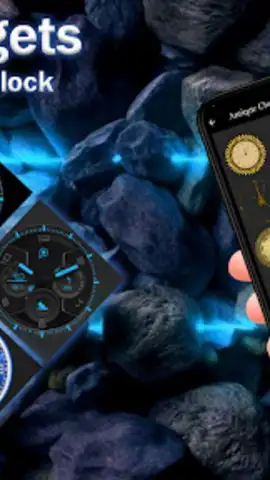
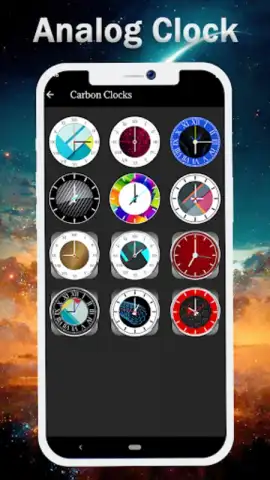
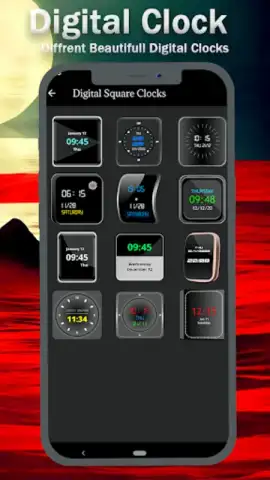
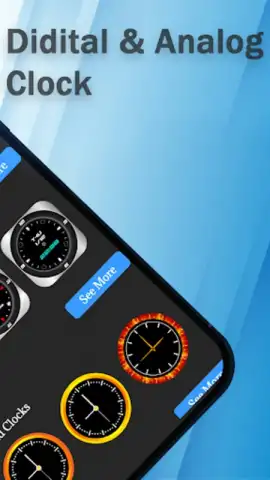
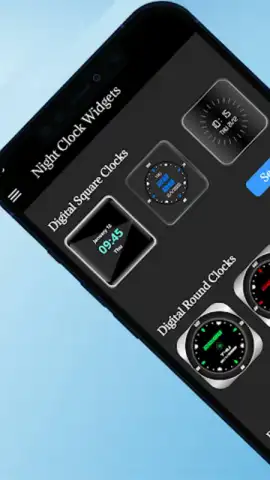
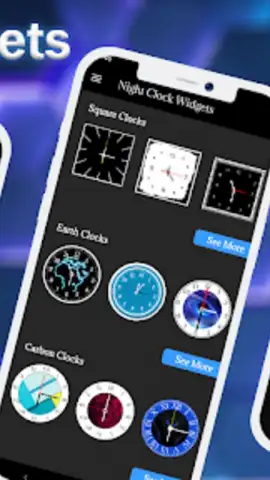
The application's primary function is to serve as a repository and engine for customizable time-display modules. It distinguishes itself by offering two parallel design philosophies: analog and digital. The analog widget library focuses on classical time-telling, featuring designs that range from intricate, vintage-inspired faces with sweeping second hands to stark, minimalist dials that emphasize negative space and clean lines. Each analog variant incorporates subtle motion graphics for the hands, ensuring the display is static. Conversely, the digital widget suite caters to a modern sensibility, offering layouts with bold, high-contrast numerals, futuristic typefaces, and segmented displays. These digital units frequently include user-adjustable parameters for font weight and hexadecimal color codes, allowing for precise integration with an existing theme.
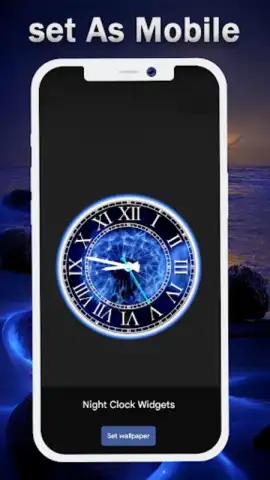
Beyond standalone widgets, the application extends its functionality to dynamic backgrounds. The live wallpaper feature integrates a real-time clock display directly onto the home or lock screen background, creating a layered, immersive effect where the time becomes part of the scenery. A secondary, utility-driven feature is the dedicated screensaver mode, which activates when the device is charging. This mode transforms the screen into a dedicated clock face, often with reduced brightness and simplified information, serving as a bedside or desk-side timepiece. The technical foundation supports various display technologies, including optimization for AMOLED panels to leverage true blacks and conserve battery, alongside theme adaptations for system-wide dark mode and softer pastel color palettes.
Analytical Feature Breakdown
- Dual-Format Widget Library: Provides a structured catalog of both analog and digital clock widgets, with analog designs emphasizing classical aesthetics and animation, while digital options focus on customizable typography and color.
- Integrated Live Wallpaper System: Extends time display functionality to the device background, enabling real-time clock integration on home and lock screens for a cohesive, layered visual experience.
- Context-Aware Utility Modes: Includes a charging screensaver for use as a stationary time display and supports practical features like multi-timezone tracking and calendar event visualization within certain widget frameworks.
Limited-Time Access to Enhanced Personalization
Current user adoption metrics indicate a surge in customization activity, making refined tools like this increasingly central to the Android experience. For a limited period, new users can access the full curated library of designer widgets and live wallpapers without interstitial promotion disrupting the setup process. This offer prioritizes immediate, seamless integration for those aiming to execute a complete home screen redesign today.
Download Clock Widgets now to deploy a professional-grade time display system. This version-specific access to the complete, ad-free widget suite is exclusive to initial installs.
Heads up: you'll need wifi for initial download and asset synchronization. Some advanced widget packs and exclusive live wallpaper designs are categorized as premium content.


