

Closet Sketcher 3D
Closet Sketcher 3D screenshots (8)


Description Closet Sketcher 3D
A Professional Tool for Visualizing Your Wardrobe in Three Dimensions
Closet Sketcher 3D addresses a fundamental gap in personal organization and creative design: the inability to accurately plan and visualize a physical wardrobe space before committing to its construction or costly rearrangement. This application moves beyond simple 2D floor plans, providing a tangible, interactive model of your closet. It solves the practical problem of spatial miscalculation and delivers the satisfaction of seeing a perfectly organized, custom storage solution come to life on your screen, allowing for meticulous planning of shelves, rods, drawers, and accessories with real-world dimensions.
Core Design Mechanics and Spatial Planning Tools
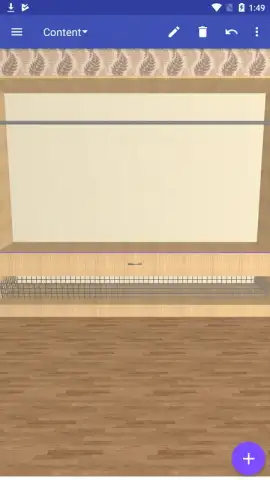
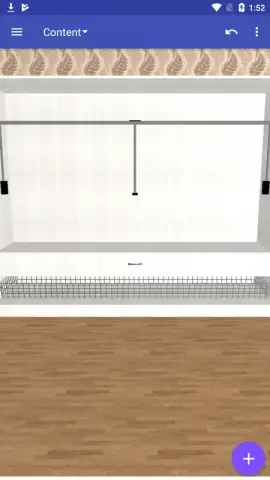
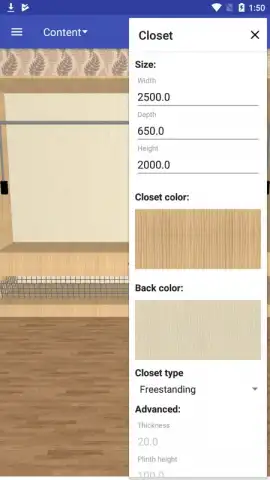
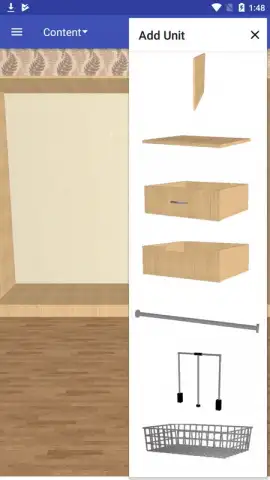
The application functions as a dedicated 3D modeling suite tailored for interior storage. Users begin by defining the core parameters of their closet—inputting precise height, width, and depth measurements to establish an empty, rotatable 3D space. The core mechanic involves selecting from a library of modular storage components. Each component, from a simple hanging rod to a multi-drawer cabinet or shoe rack, is a pre-modeled object with accurate physical properties. The primary interaction is drag-and-drop placement within the defined volume, with a snap-to-grid system ensuring alignment and a collision detection feature preventing impossible configurations. A key mode is the inventory simulation, where you can populate your created layout with 3D representations of clothing items—suits, dresses, folded stacks—to visually test capacity and accessibility. The rendering engine provides both a wireframe view for technical editing and a textured, lit preview mode to evaluate the final aesthetic.
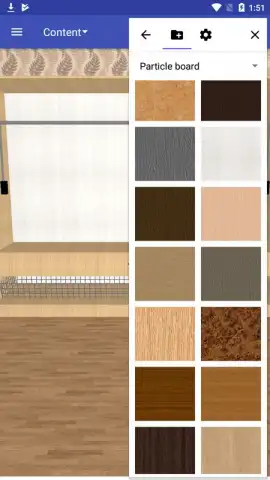
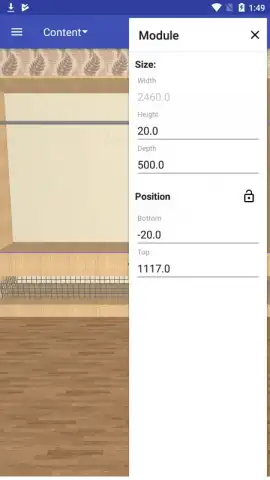
The utility is enhanced by material and color customization for each component, allowing for finish planning, and a measurement tool that provides real-time readouts of distances and clearances. For sharing or contractor guidance, the app can generate standardized 2D blueprint views (top, front, side) and compile a detailed bill of materials listing all used components and their dimensions.
Key Advantages of the Closet Sketcher 3D Workflow
- Precision Spatial Planning: Eliminate guesswork by designing within an exact digital replica of your available space, preventing costly ordering errors.
- Extensive Modular Library: Access a comprehensive catalog of standard and specialized storage units, from basic shelves to tie racks and accessory trays.
- Realistic 3D Visualization: Rotate, zoom, and preview your design in a fully rendered environment to assess both form and function before implementation.
- Intuitive Drag-and-Drop Interface: The streamlined controls make complex spatial planning accessible without requiring professional CAD experience.
- Practical Output Generation: Create and export material lists and schematic views directly usable for purchasing components or instructing a builder.
We suggest trying Closet Sketcher 3D to transform the often frustrating process of closet planning into a precise and creative design project, ensuring your final storage solution is both perfectly fitted and highly functional.
Download mobile app now
Disclaimer: This application requires an internet connection for certain functions, including accessing cloud saves and updating the component library. It may contain optional in-app purchases for premium component packs or advanced visualization features. The app is intended for general audiences. Data usage depends on the complexity of models and cloud synchronization activity. Features require a device running Android 7.0 or higher.
 GooglePlay


