

CloudBuckIt
CloudBuckIt screenshots (6)
Description CloudBuckIt
Tired of juggling multiple cloud storage apps and logins just to access your own files? What if a single interface could unify every cloud account you own, turning fragmented storage into a centralized, manageable file system?
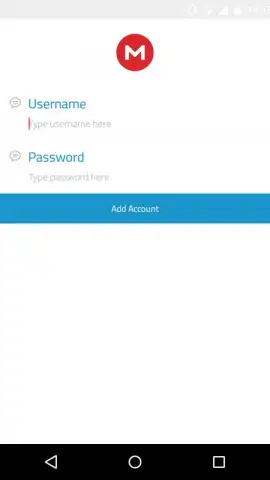
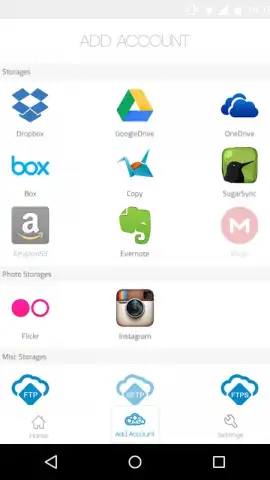
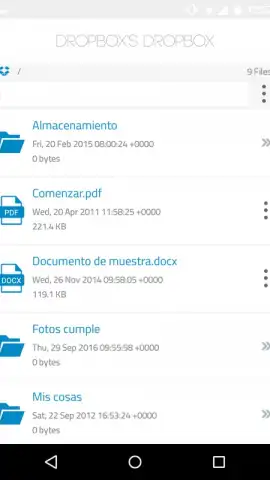
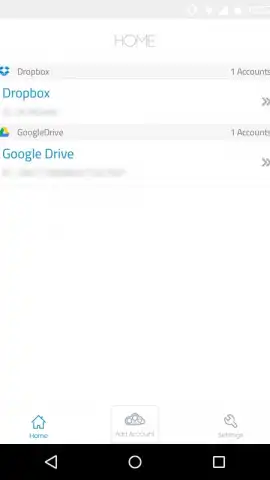
CloudBuckIt operates as a universal file browser, consolidating access to 37 distinct cloud storage and remote server protocols. The application requires a free user registration, after which it establishes secure connections to your existing accounts on services like Dropbox, Google Drive, MEGA, Amazon Cloud Drive, and FTP servers. It presents a unified directory tree, allowing for direct file operations—such as upload, download, rename, move, and delete—across all connected services without needing their native apps. The interface is designed for systematic navigation, with a integrated search function that scans across your connected accounts to locate files. While network-dependent operations may experience latency, the app's structure aims to provide a local-file-manager experience for remote storage. The core utility is the elimination of app-switching, creating a single point of control for diverse cloud assets.
- Centralize 37+ Cloud Services
- Direct File Management & Search
- No-Ad Interface with Turbo
Streamline your entire digital workflow from one dashboard. Download CloudBuckIt now and transform your scattered cloud storage into a single, powerful drive.
Internet required. IAP available.


