

ColorOS Recorder
ColorOS Recorder screenshots (12)
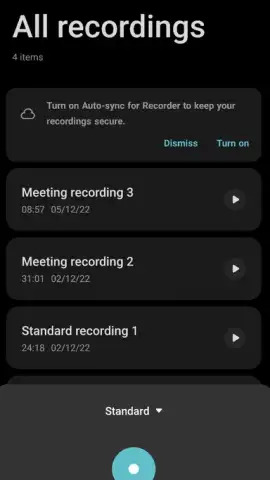
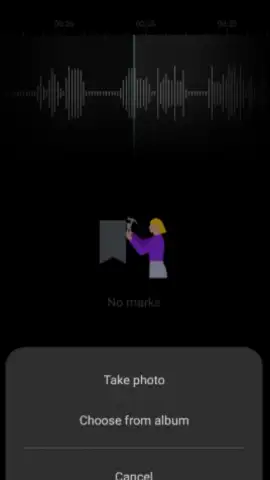
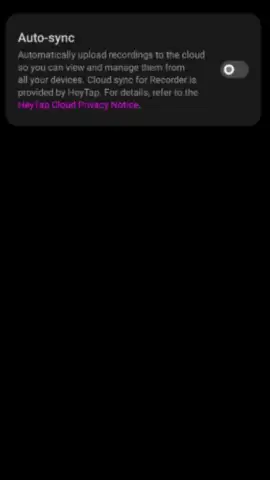
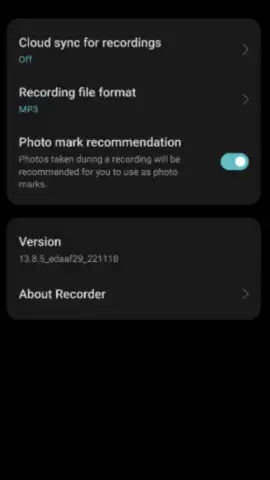
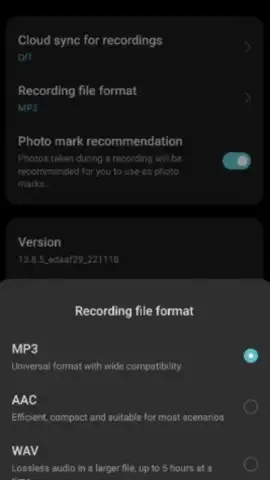
Description ColorOS Recorder
Struggling to capture clear audio on your Android device for meetings, lectures, or creative projects?
ColorOS Recorder is the official Oppo audio capture tool, engineered to transform your device's microphone into a precise recording instrument. This comprehensive application eliminates the guesswork from audio recording by providing specialized modes that adapt to your specific environment. It is designed for users who require reliable, high-quality audio files for professional presentations, academic lectures, personal memos, or musical ideas, all managed within a streamlined, ad-free interface enhanced by Turbo performance.
Core Functionality and Recording Modes
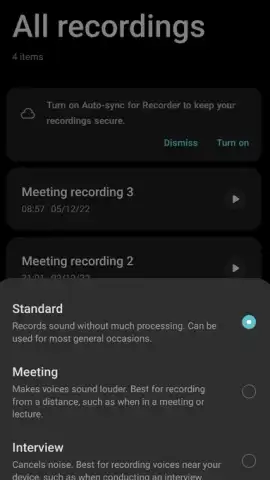
The application's functionality is built around three distinct audio processing algorithms, each targeting a common recording scenario. You can select the appropriate mode before recording to ensure the output is optimized for its intended use, saving considerable time in post-processing.
- Standard Mode captures audio in an unprocessed format, preserving the full frequency range captured by your microphone. This mode is optimal for users who require raw audio fidelity for detailed editing in external software or for situations where environmental sound is part of the desired recording.
- Meeting Mode applies an audio filter that amplifies frequencies within the human vocal range. This enhancement makes speech more intelligible, which is particularly effective for capturing lectures, conference talks, or group discussions where the recorder may not be in close proximity to the speaker.
- Interview Mode actively reduces constant background noise, such as air conditioning or street sounds, while focusing on the clarity of voices directly in front of the device. This mode is engineered for one-on-one conversations or interviews in less-than-ideal acoustic settings.
Audio Management and Playback Tools
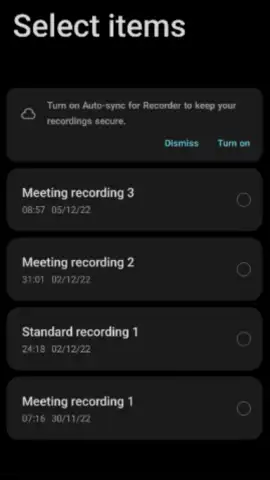
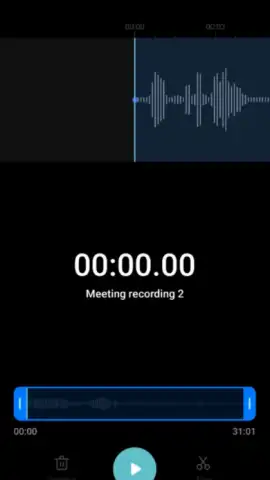
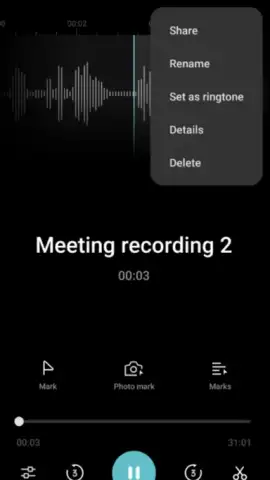
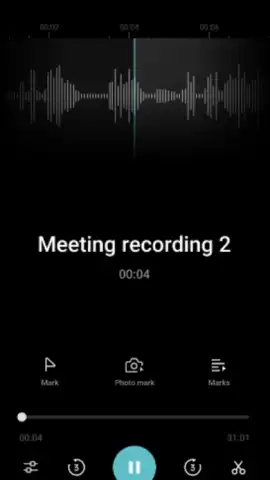
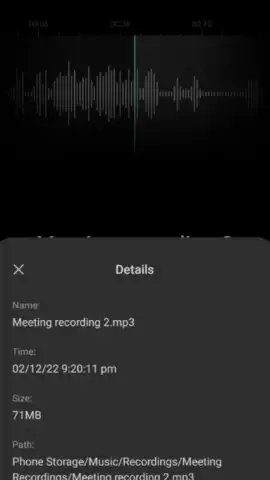
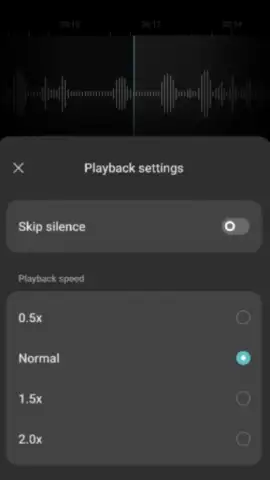
Beyond capture, the app provides a suite of tools for organizing and reviewing your recordings. You can rename files, reorder them within the library, or delete unwanted takes directly from the main interface. The playback engine includes variable speed control, allowing you to listen at rates from 0.5x to 2.0x normal speed. A dedicated silence-skipping feature can automatically fast-forward through pauses during playback, condensing listening time and helping you focus on the active segments of the recording.
- Ad-Free Turbo Environment: Experience uninterrupted recording and playback with no advertisements, supported by system optimizations for faster processing.
- Intelligent Playback Controls: Manipulate audio with variable speed settings and automated silence removal for efficient review.
- Dedicated Audio Profiles: Switch between Standard, Meeting, and Interview modes to apply real-time optimization for your recording context.
Get your bonus of crystal-clear audio capture and professional-grade management tools—download the ColorOS Recorder app now to equip your Oppo device with its definitive recording solution.
Disclaimer: This application requires an internet connection for initial download and potential updates. The app may contain options for in-app purchases.


