
DS file
DS file screenshots (10)
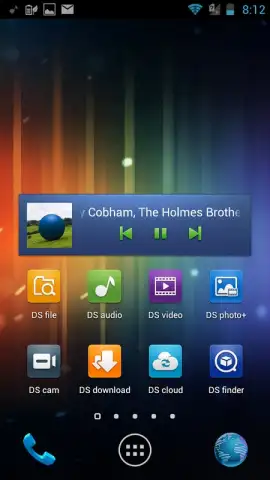

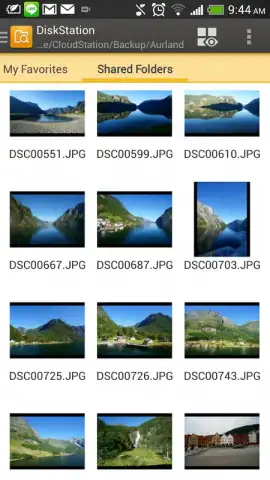
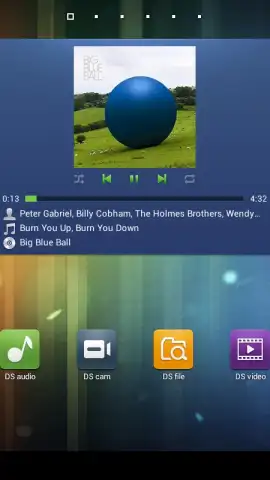
Description DS file
Streamline Mobile File Management with Direct NAS Access
Managing files across a mobile device and a central network storage system often involves clunky workarounds or insecure third-party services. DS file addresses this by providing a dedicated conduit between an Android device and a Synology NAS running DSM 6.2 or later. The application establishes a secure, encrypted HTTPS connection to the server, effectively turning the NAS into a private, remotely accessible cloud. This setup is designed for users who require direct administrative control over their data, bypassing public cloud subscriptions and their associated limitations. The interface is structured to handle both routine file organization and more demanding tasks like media playback or document editing from a single access point.
Core Functionality and Operational Analysis
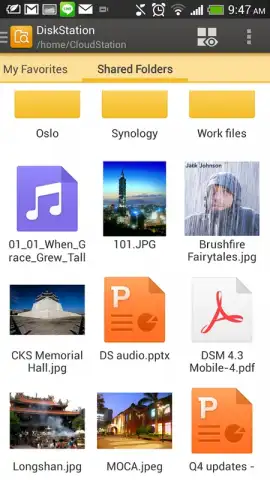
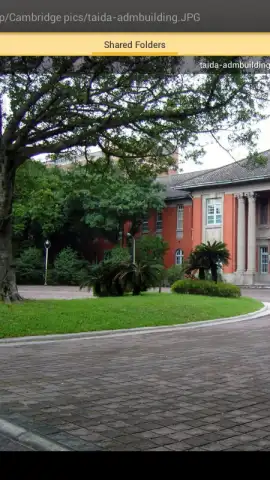
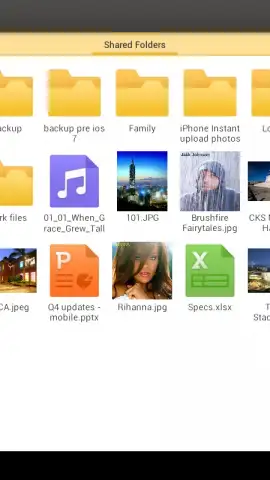
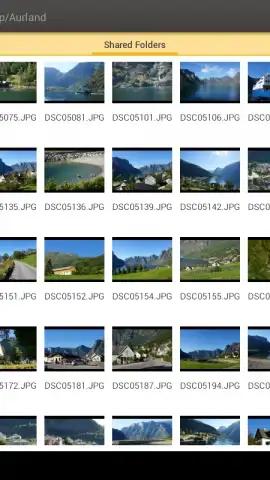
The primary operational mode involves logging into the NAS server through the app, which then presents the directory structure for navigation. File management actions such as upload, download, move, copy, and delete are executed with standard gestures. A significant functional layer is its media handling capability; the app includes integrated viewers for images and a video player that can stream content directly from the NAS without requiring a full download, conserving local device storage. For document work, it supports opening files in compatible third-party mobile applications, saving edits back to the NAS drive. The environment is maintained without advertising, and the use of Turbo mode, a proprietary technology from the developer, is noted for accelerating file transfer speeds under optimal network conditions.
Feature Set Breakdown
- Secure HTTPS NAS Connectivity
- Integrated Media Viewer & Player
- Full File Management Operations
- Turbo Mode for Faster Transfers
The utility of DS file is specifically contingent on possession of the required Synology hardware and software. Its design rationale centers on consolidating control and access, positioning the private NAS as the singular hub for all files. This is particularly relevant for workflows involving large media libraries or sensitive documents that cannot be distributed across commercial platforms. The absence of in-app advertising creates a focused user experience, while the optional Turbo mode functions as a performance enhancer for bulk file operations.
Application Limitations and Requirements
It is critical to understand that this application is not a standalone cloud service. It functions exclusively as a remote access client for a Synology NAS system. All primary file data resides on the user's own server, meaning the app's core functionality is unavailable without that specific hardware setup and a stable network connection. Advanced features or optimal performance, such as the advertised Turbo mode, may require specific server-side configurations or packages to be installed on the NAS itself.
Get exclusive, ad-free access to your private cloud today. This streamlined utility is available for immediate setup for all compatible Synology NAS users. Download the mobile app now to enable direct management from your device.
Heads up: you'll need wifi or a strong cellular data connection for most features. Some cool stuff like Turbo mode may require extra setup on your NAS.
 GooglePlay


