

Kitchen 3D
Kitchen 3D screenshots (9)
Description Kitchen 3D
Transform Your Space Before You Build a Single Cabinet
Stop imagining your dream kitchen and start designing it in precise, interactive detail. Kitchen 3D is a professional-grade planning application that puts comprehensive design tools directly in your hands. It enables you to construct a fully customized kitchen layout from the ground up, working seamlessly in both 2D blueprint and immersive 3D walkthrough modes. You begin by defining your room's exact dimensions, then populate the space with an unlimited array of cabinets, storage units, appliances, and furniture. The application provides complete creative control over every element's placement, orientation, and aesthetic properties, allowing you to visualize and refine your perfect culinary environment before making any real-world commitments.
Core Functionality and Design Tools
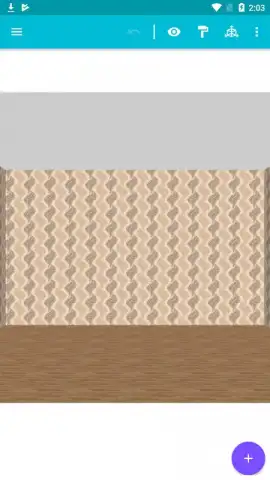
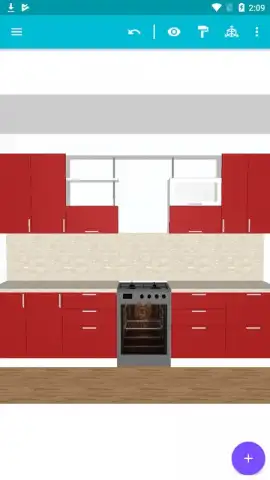
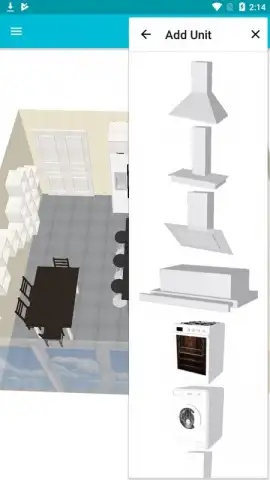
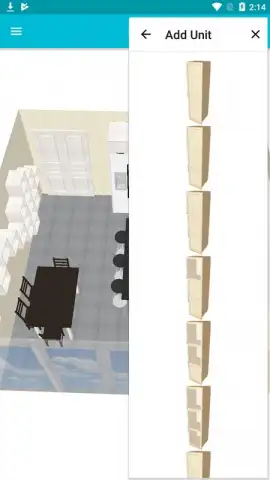
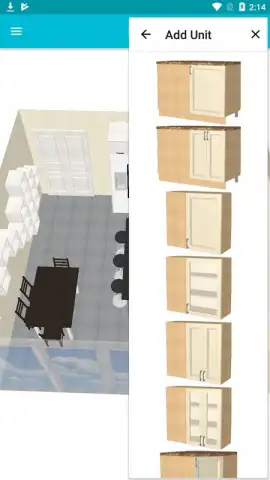
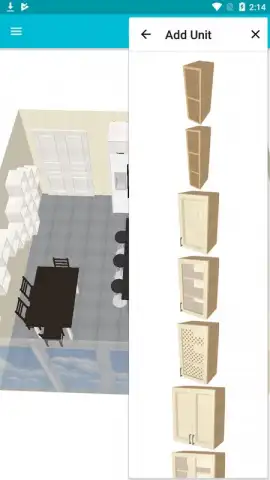
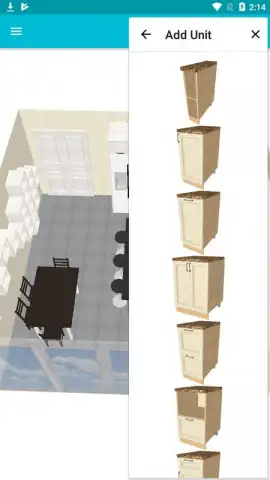
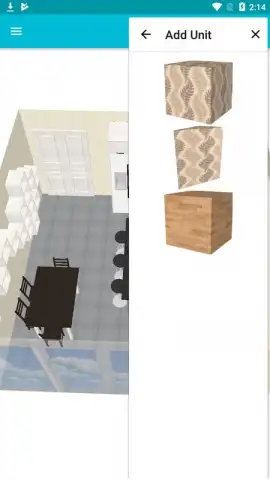
The application's workflow is built for intuitive creation. Adding any item is a straightforward process: tap the prominent '+' interface button, select your desired category from the extensive catalog, and choose the specific model. Once placed, every unit of furniture or appliance can be freely dragged to any position, rotated to the perfect angle, and resized to fit your unique space. This granular control ensures your layout is both highly functional and personally tailored. Beyond basic placement, the app offers deep customization for surfaces and materials. You can individually alter the finish, texture, and color of every cabinet door, countertop, and drawer front. This material editing extends comprehensively to the room itself, allowing for independent customization of wall paints, wallpapers, backsplashes, and flooring types to complete the visual theme.
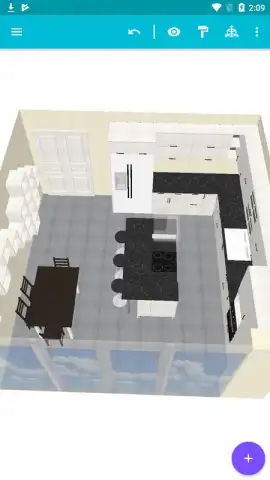
A pivotal feature is the instant one-tap toggle between the 2D and 3D viewing modes. The 2D plan view offers a top-down, schematic perspective that simplifies the precise alignment and efficient organization of every element in the room, ensuring optimal use of square footage. Switching to 3D mode renders your design into a photorealistic space where you can freely navigate. You can zoom in to examine details, pan across the room, and rotate the camera viewpoint to experience the kitchen from every angle. This dynamic 3D exploration provides a true sense of scale, proportion, and spatial flow, giving you a realistic preview of how the final kitchen will look and feel in daily life.
- Build unlimited layouts by adding as many cabinets, appliances, and furniture items as your design requires.
- Switch instantly between 2D and 3D project views with a single tap for different planning perspectives.
- Fully customize materials and colors for every furniture piece, wall surface, and floor type independently.
- Manipulate any object freely with intuitive drag-to-move, pinch-to-resize, and rotate gestures.
- Navigate your 3D kitchen with full camera control to zoom, pan, and explore the space from any angle.
We suggest trying Kitchen 3D to effortlessly translate your ideas into a clear, actionable, and stunning visual plan. Consider downloading it today to begin your design journey.
Internet required. IAP available.
 GooglePlay


