

Dukto
Dukto screenshots (8)
Description Dukto
Ever feel like sending a file to your own laptop or a friend's phone turns into a tech support nightmare? What if you could just… send it, instantly, without worrying about cables, accounts, or what operating system anyone is using?
That’s the effortless reality Dukto creates. Imagine a digital hallway in your home or office where all your devices can simply meet and exchange anything. A massive video from your Android phone lands on a Windows PC with a drag and drop. A batch of documents from a Linux laptop appears on another phone in seconds. Dukto tears down the walls between Android, Windows, Linux, and Windows Phone, creating a seamless, local network for your data. The magic happens directly between devices, meaning transfers are often blisteringly fast, relying on your local Wi-Fi or internet connection. The Windows version is even portable—you can run it right from the executable file without a formal installation, perfect for a quick transfer on a borrowed computer.
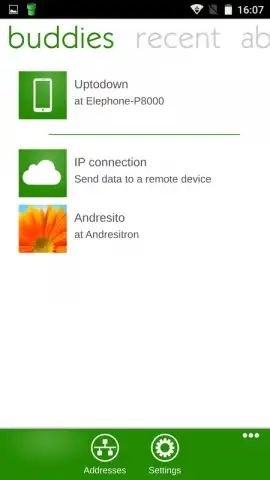
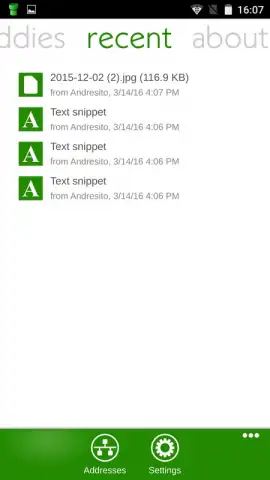
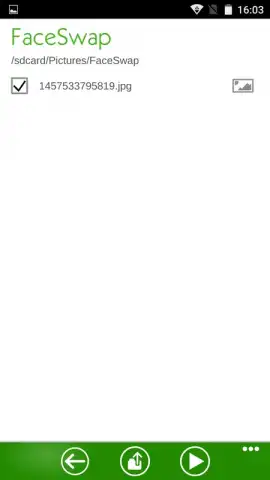
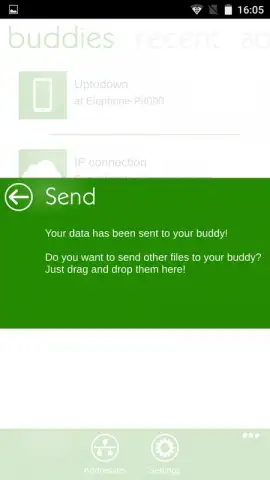
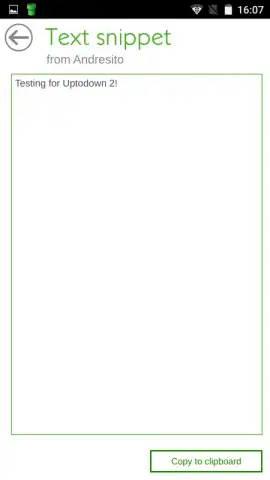
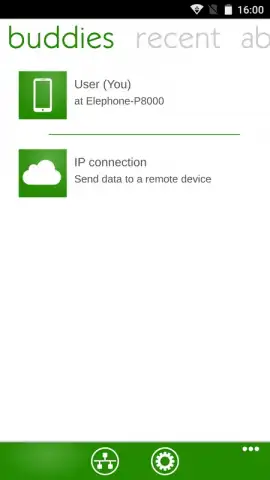
The experience is deliberately, beautifully simple. You’re greeted by a clean interface that immediately shows all available devices on your network. Sending files is a matter of selecting them and clicking on the destination device’s name. No complex pairing, no logins, just direct communication. It’s the digital equivalent of handing someone a USB drive, but infinitely more versatile. This focus on pure, uncluttered functionality makes it an indispensable tool for anyone who regularly moves data between different tech ecosystems.
Why Your Digital Life Needs Dukto
Dukto streamlines your workflow by eliminating the friction from everyday file transfers. Here’s what makes it stand out:
- Truly universal cross-platform support for Android, Windows, Linux, and Windows Phone devices.
- Enjoy a completely ad-free experience with a focus on speed and uninterrupted transfers.
- Leverage Turbo mode for significantly accelerated file transfer speeds over your local network.
- Utilize the portable Windows client without any installation for ultimate convenience.
- Experience a minimalist, intuitive interface designed for immediate use without a learning curve.
This is your solution to chaotic email attachments, slow cloud syncs, and hunting for the right cable. Transform how you share documents, photos, videos, and any file type instantly.
Download Dukto now and experience frictionless file freedom! Stop compromising and get the simple, powerful transfer tool you deserve. Install it immediately on all your devices!
Disclaimer: This application requires an active internet or local network connection for device discovery and file transfers. The app is free to use; please check for any in-app purchase options within the application itself. Users should ensure compliance with their local age restrictions for app downloads. Data usage will depend on the size and frequency of file transfers.


