

Figma
Figma screenshots (8)
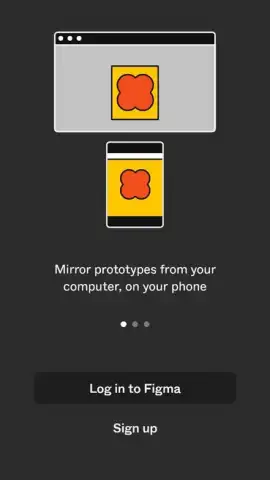
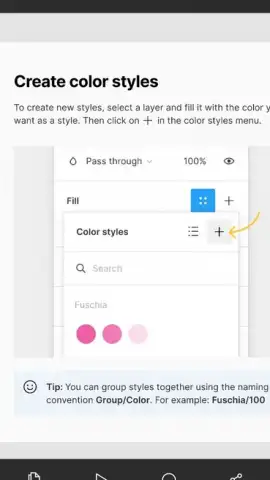
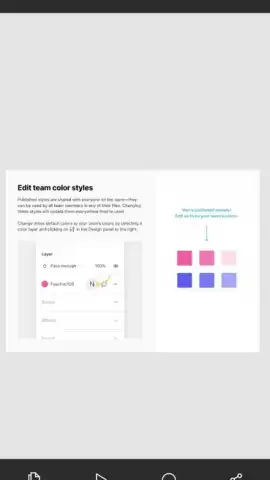
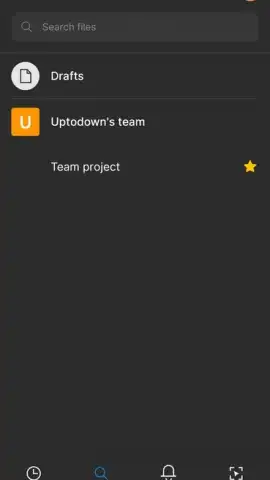
Description Figma
Streamline Your Design Process from Anywhere
Managing collaborative design projects across different devices and operating systems often creates friction, with version control issues and compatibility barriers slowing down the creative workflow. The Figma mobile app addresses this by providing direct, on-the-go access to live design files, enabling real-time feedback and review without being tethered to a desktop workstation. It functions as a critical companion for viewing, commenting,, and presenting interactive prototypes, ensuring the design process remains fluid and connected.
Core Functionality and Tools
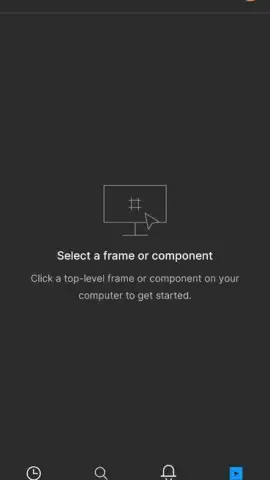
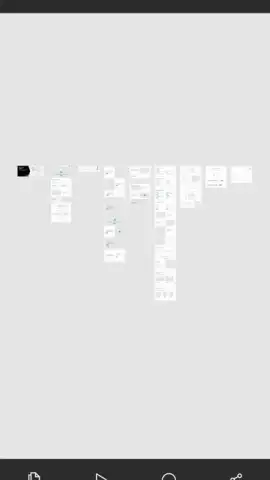
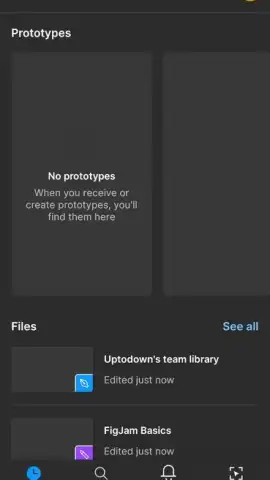
The app serves as a mobile extension of the browser-based design platform, prioritizing accessibility and review. Users can open any file from their Figma or FigJam team projects to inspect layers, measurements, and asset details. The primary mechanics involve navigating complex design canvases with intuitive touch gestures, such as pinch-to-zoom and tap-to-select, and adding contextual comments directly onto specific frames or elements. For FigJam files, the app supports adding sticky notes, shapes, and connectors, facilitating basic brainstorming sessions from a mobile device. While not a full-fledged vector editor, it allows for minor text edits and style adjustments within existing frames, maintaining design consistency during quick reviews.
Key Operational Advantages
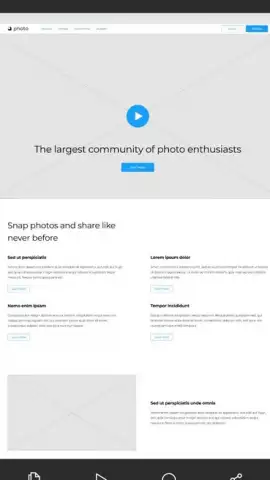
The principal strength lies in its seamless synchronization; all changes made on desktop are instantly reflected on the mobile app and vice versa, eliminating the concept of outdated file versions. The user experience is built for clarity, with a clean interface that declutters the canvas and provides easy access to the comment panel and prototype presentation mode. Performance is optimized for handling large, multi-page design files, ensuring smooth navigation and panning even on devices with varying specifications. The visual fidelity is maintained, accurately rendering complex components, gradients, and effects as they appear in the desktop editor.
- Live File Synchronization: Access and review the latest version of any design file instantly across all devices.
- Interactive Prototype Presentation: Play through connected prototypes to experience user flows and transitions.
- Precise Canvas Inspection: Tap any element to view its precise dimensions, styles, and underlying layer structure.
- Real-Time Collaborative Feedback: Add and resolve comments pinned directly to specific design elements.
- Portable FigJam Whiteboarding: Contribute to brainstorming sessions with sticky notes and simple diagrams.
We suggest trying the Figma mobile app to maintain continuity in your design projects and provide feedback from anywhere, effectively removing location as a barrier to collaborative progress.
Disclaimer: This application requires a persistent internet connection for full functionality and synchronization. It may offer in-app purchases for access to premium team features and additional storage. The app is rated for general audiences but is intended for professional or educational use. Data usage varies based on file size and collaboration activity. Requires Android 8.0 or later.
 GooglePlay


