

File Selector/Explorer
File Selector/Explorer screenshots (8)
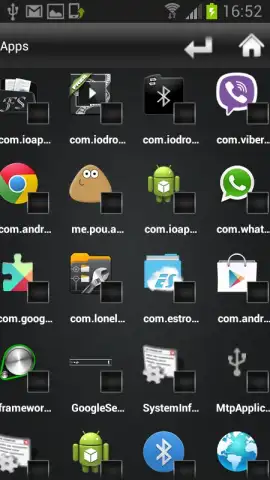
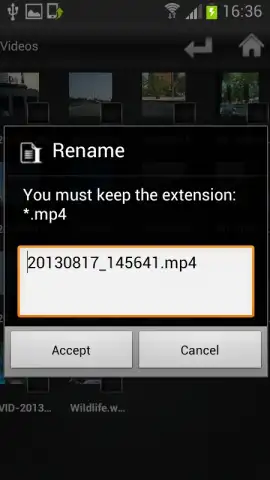
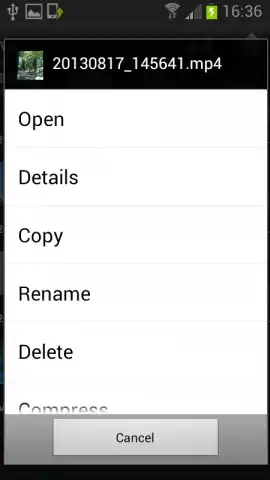
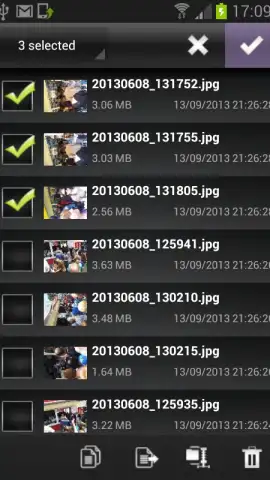
Description File Selector/Explorer
A Desktop-Grade File Manager for Android Devices
File Selector/Explorer delivers a comprehensive file management system directly to your Android device, replicating the precise control and organizational workflow found on a Windows PC. This application provides the complete toolkit necessary for handling documents, media, and folders with efficiency, eliminating the limitations often encountered with built-in mobile file systems. It functions as a central hub for all file operations, from basic organization to solving specific selection issues in other apps.
Core Functionality and Tools
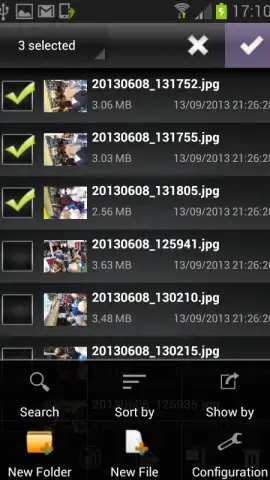
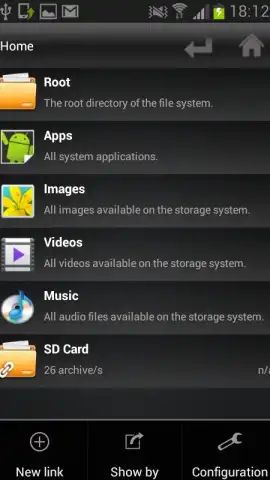
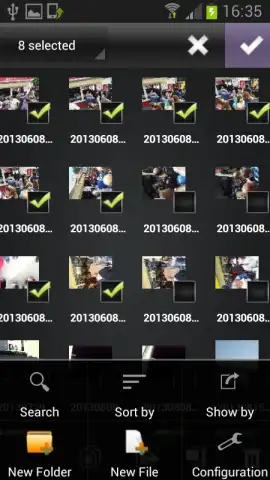
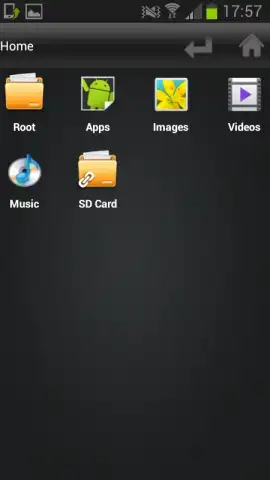
The application enables full control over your device's storage. You can execute standard file operations including copying, moving, renaming, and deleting items individually or in batches. It supports the creation of new directories and offers a search function to locate specific documents quickly. Beyond management, the tool includes utilities for compressing and extracting archive files. A key operational feature is its ability to act as a system-level file picker, allowing you to select multiple images or videos from your gallery even when other applications restrict you to choosing a single item.
Detailed Feature Overview
- Complete File Operations Suite: Perform copy, move, rename, delete, and archive extraction actions on any file or folder stored on your device.
- Advanced Selection and Picker Mode: Bypass limitations in other apps by using this manager to select and share multiple photos or videos simultaneously.
- Organizational and Search Tools: Create new folders to structure content and utilize an integrated search to instantly find specific documents by name.
We suggest trying File Selector/Explorer to experience streamlined, desktop-like file management on your Android smartphone or tablet.
Download the mobile app now.
Please note: The application requires an internet connection for initial download and certain advanced features. Some functionalities or a premium ad-free experience may be offered via in-app purchases.


