

Google Chat
Google Chat screenshots (8)
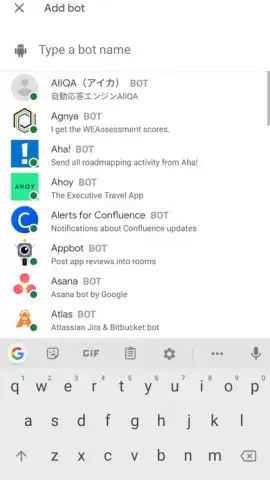

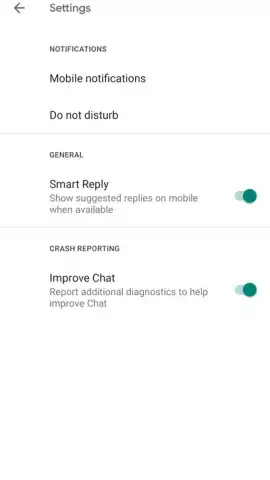

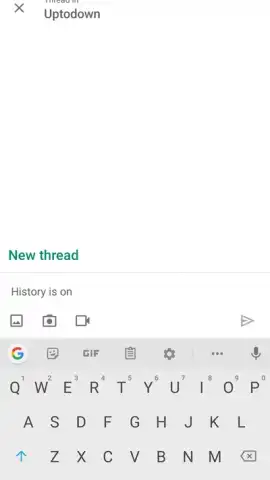
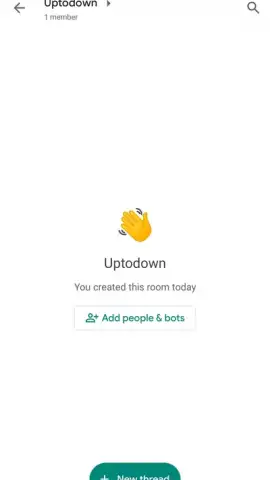
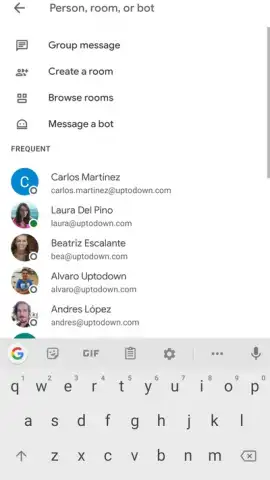

Description Google Chat
What is the most efficient way to coordinate a distributed team?
Google Chat, developed by Google LLC, is a dedicated business messaging platform designed to facilitate structured communication within organizations. It functions as a successor to Hangouts Chat, built specifically to integrate with the Google Workspace ecosystem. The application provides a centralized space for team conversations, moving beyond simple group messaging to become a hub for collaborative work. Its primary utility is found in formal project groups and direct messaging between colleagues, with architecture that supports both spontaneous discussions and organized, topic-focused channels. The interface presents a clear division between individual chats and dedicated rooms, allowing users to switch contexts based on their immediate task.
Core Functionality and Integration
The platform’s operation is tied directly to an organization’s Google Workspace account, requiring users to sign in with their designated work email. Upon authentication, the application automatically populates contact lists based on the organizational directory, displaying colleague names, photos, and email addresses. Communication can be scaled from a one-on-one dialogue to large groups, with support for up to 8,000 members in a single space. This allows for the creation of separate, persistent rooms for distinct projects, departments, or long-term initiatives, ensuring relevant stakeholders have a dedicated thread for updates and file sharing. The system maintains a continuous log of all interactions, searchable for future reference.
A defining characteristic of Google Chat is its native integration with the broader Google Workspace toolset. This is not merely a linked service but a deeply embedded functionality. Users can directly create and share Google Docs, Sheets, or Slides within a conversation thread without switching applications. Edits to these collaborative documents are reflected in real-time, with all versions automatically saved to cloud storage. Furthermore, the platform allows for the scheduling of Google Meet video calls and provides visibility into shared Google Calendar events, creating a seamless workflow from communication to execution. File sharing is streamlined, supporting drag-and-drop functionality for documents stored both locally and in Google Drive.
- Structured Team Rooms and Direct Messaging: Organize communications into dedicated, searchable spaces for projects or topics, alongside standard one-to-one messaging for quick coordination.
- Deep Google Workspace Integration: Directly create, edit, and share Docs, Sheets, Slides, and Calendar events within chats, with all changes saved automatically to the cloud.
- Large-Scale Group Support and File Management: Facilitate communication in groups of up to 8,000 members, with robust support for sharing and managing various file types directly within the conversation interface.
Consolidate your team's communication and collaborative work into a single, integrated platform. Start streamlining your project coordination today.
Download mobile app now
Internet required. IAP available.
 GooglePlay


