
Google TV
Google TV screenshots (16)
Description Google TV
What if one app could organize every streaming service you subscribe to, showing you exactly where to watch any movie or series?
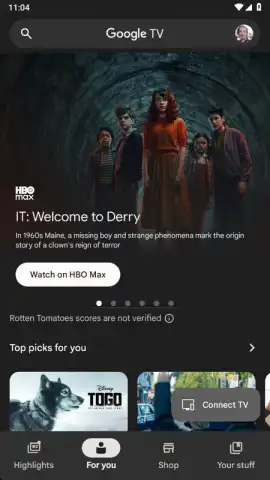
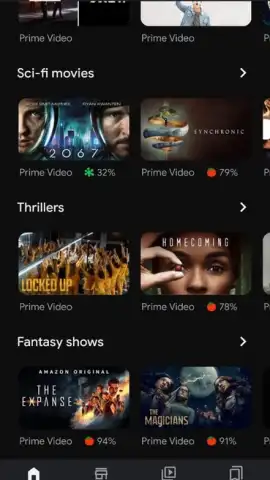
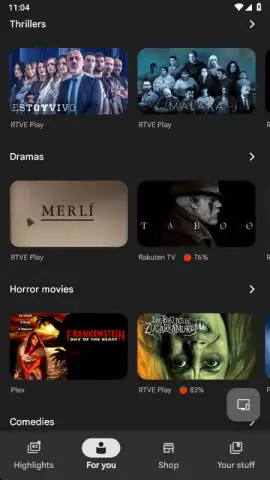
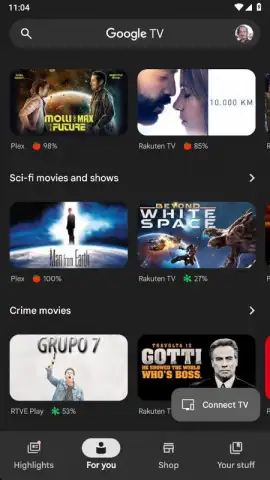
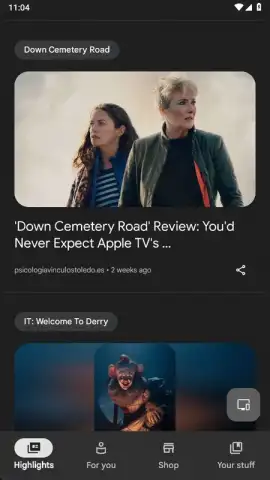
Google TV operates as a centralized content aggregator and discovery platform. Its primary function is to index titles from a vast array of streaming services, presenting them in a unified, searchable library. The core value proposition is efficiency: it eliminates the need to open multiple apps to find something to watch. By requiring a simple Google account login, it personalizes recommendations and syncs your watchlist and preferences across devices. The interface is designed for rapid navigation, categorizing over half a million films and series with metadata like genre, release year, and critic scores. The most significant operational mechanic is its integration with external streaming platforms; it does not host content itself but acts as a sophisticated directory and remote control for your existing subscriptions.
A Detailed Analysis of Functionality and Integration
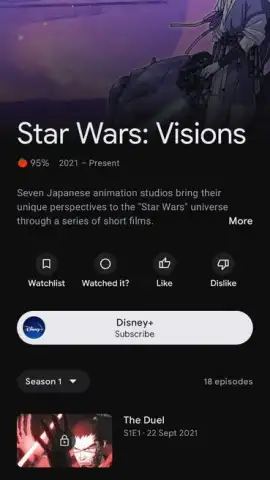
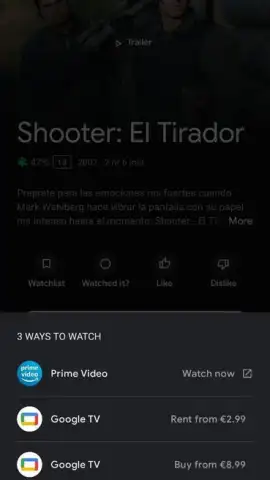
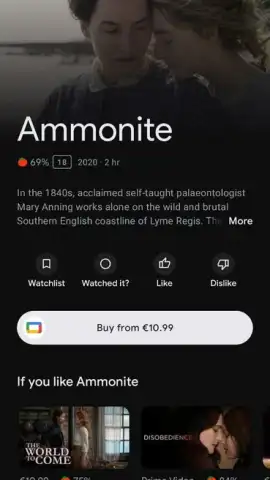
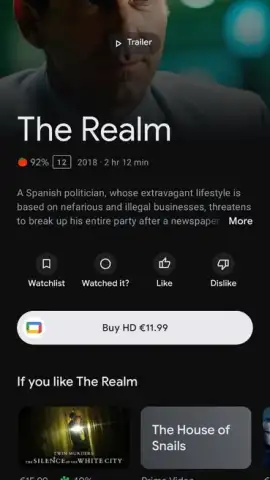
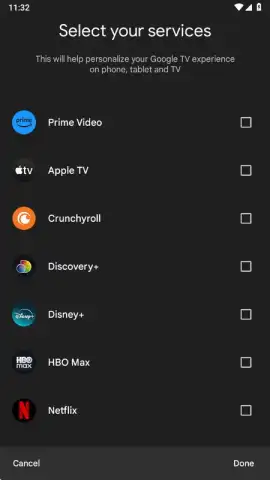
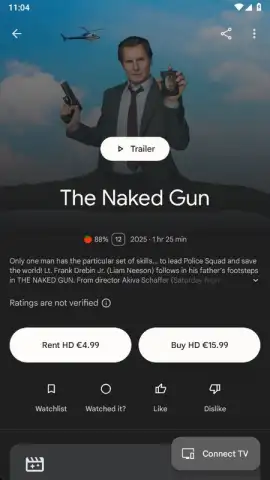
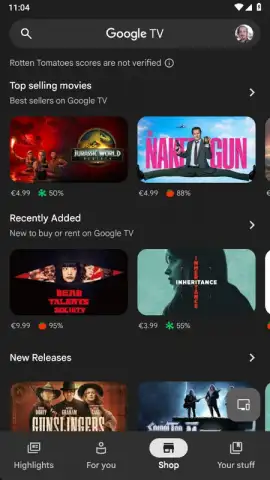
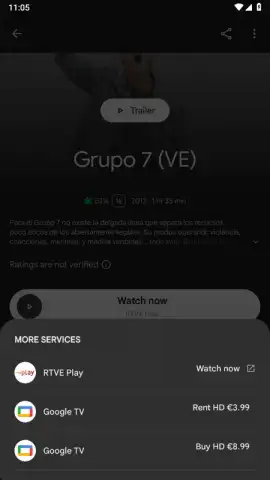
The application's architecture is built around connectivity and personalization. Upon logging in with your Google account, you can link supported streaming services such as Netflix, Prime Video, HBO Max, Disney+, Apple TV+, and many others. The system then cross-references your subscriptions against its global database. In the settings, you can select which services to display, ensuring your browseable catalog only shows titles available on your active platforms. For content not included in your subscriptions, the app provides direct links to rent or purchase options from digital storefronts, which is particularly useful for new releases.
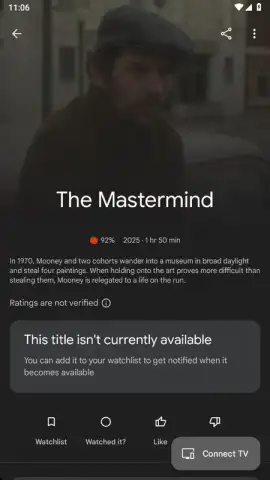
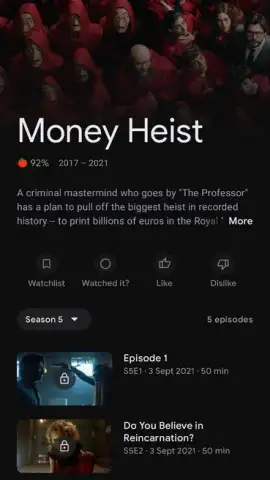
Each title features a dedicated profile page with comprehensive metadata, including director, full cast list, runtime, synopsis, and episode guides for series. A notable integration is with Rotten Tomatoes, displaying both the official "Tomatometer" score from critics and the audience score alongside user reviews. This allows for informed decision-making without leaving the app. The search function is granular, allowing filters by service, genre, and release date. Furthermore, the app facilitates exploration by linking directly to filmographies; tapping on an actor's or director's name pulls up a list of their other available works within the connected services.
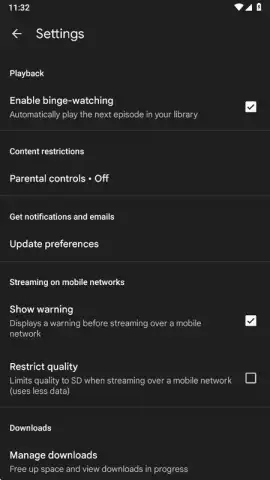
Playback and device synchronization are handled seamlessly. The app integrates natively with Chromecast and Google Cast-enabled devices. With a single tap, you can initiate streaming from your phone to any compatible smart TV or speaker on the same Wi-Fi network. For optimal performance, the settings menu includes a data saver option and a default streaming quality selector, which is crucial for managing bandwidth on slower connections. The experience is designed for a multi-user environment; on shared devices like smart TVs, you can easily switch between different Google accounts, each with its own tailored recommendations and linked services.
- Unified Streaming Library: Aggregates titles from Netflix, Disney+, Prime Video, HBO, and dozens more into a single, searchable catalog of over 500,000 movies and series.
- Intelligent Availability Tracking: Instantly displays which linked subscription service hosts a specific title and provides a one-tap deep link to start watching immediately.
- Enhanced Discovery with Rotten Tomatoes: Integrates professional critic scores and audience ratings directly into film profiles to inform your viewing choices.
- Cross-Device Casting & Control: Seamlessly stream or control playback on any Chromecast or Cast-enabled smart TV directly from your mobile device.
- Personalized Profiles & Multi-Account Support: Create individual watchlists and receive tailored recommendations under one Google account, with easy switching for household members.
Centralize your entire entertainment ecosystem and never waste time searching across apps again. Download the Google TV mobile app now to transform your phone into a universal media remote and discovery hub.
Disclaimer: This application requires an active internet connection and a Google account for full functionality. It provides access to content from third-party streaming services, which require their own separate subscriptions and payments. In-app purchases for movie rentals or purchases may be available. Data usage depends on streaming quality settings and browsing activity. Please check your device compatibility and the app's data practices via the official Google Play Store listing.
 GooglePlay


