

Hola Launcher
Hola Launcher screenshots (14)
Description Hola Launcher
Looking for a home screen launcher that actually delivers on both customization and performance without the usual clutter? Hola Launcher presents a systematic approach to Android interface management, focusing on structured organization and gesture-based navigation to streamline device interaction.
Core Functionality and System Performance
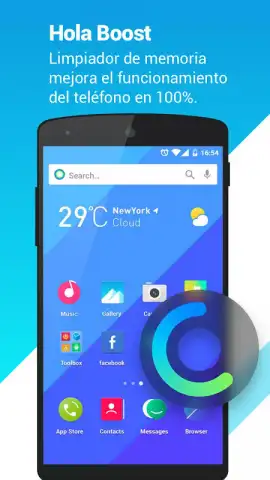
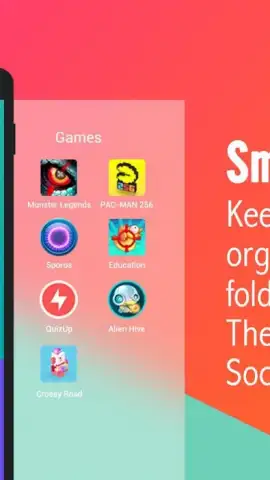
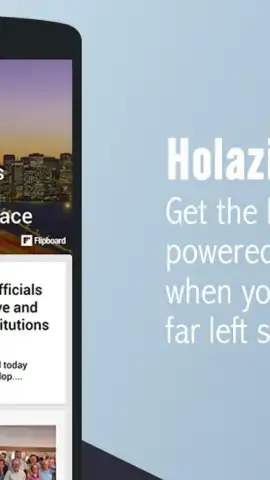
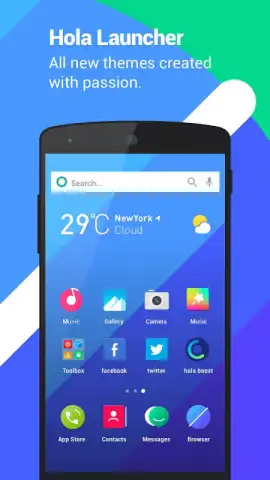
Hola Launcher operates by implementing an automated categorization engine that sorts all installed applications into logical groups. This system actively reduces visual chaos on the home screen and in the app drawer. The categorization is not final; users retain full manual control to reassign apps and create custom folders, making it a foundational tool for persistent home screen order. Beyond organization, the launcher integrates a direct search tool accessible from the main screen, allowing for system-wide queries without first opening a separate application.
Advanced Controls and Customization Layers
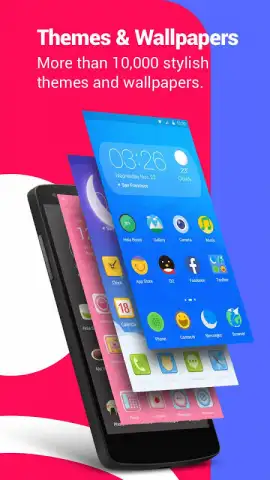
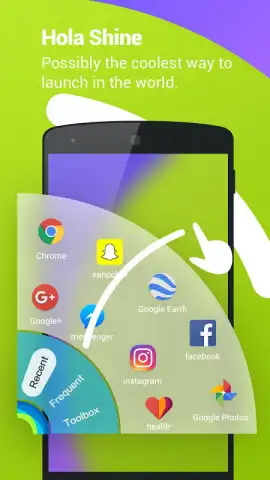
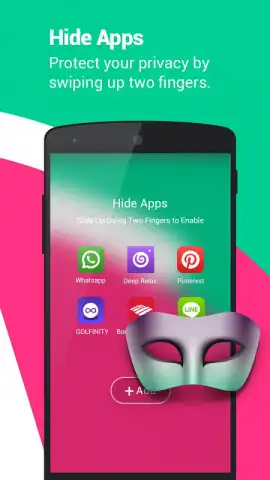
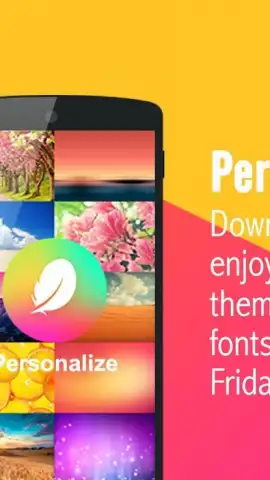
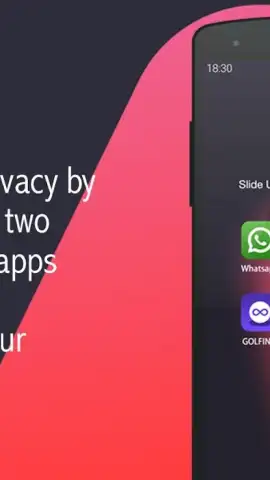
A distinct operational feature is the gesture command system. Users can assign specific applications or actions to touch gestures, enabling the launch of tools without directly tapping their icons. This layer of control is complemented by several utility modules not commonly found in standard launchers. These include the ability to hide applications from the main view entirely, edit the visual transition effects between screens, and schedule daily changes for the home screen background, pulling from a curated library of high-resolution wallpapers.
Operational Environment and User Adjustments
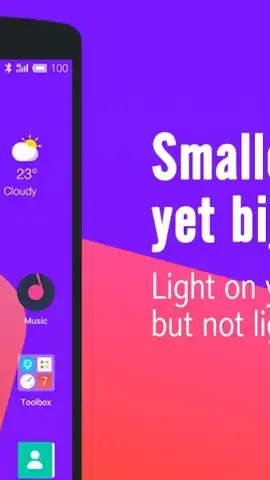
The interface is designed for sustained speed, a claim supported by its ad-free core experience. The architecture avoids injecting promotional content into the navigation flow, which typically contributes to lag in similar tools. This results in a consistently responsive interaction model, from swiping between home panels to opening grouped applications. The design philosophy emphasizes a clean, elegant visual baseline that users can then modify through the provided settings, rather than an overwhelming array of immediate, complex options.
- Automated App Categorization: Instantly groups all applications into sorted folders to eliminate home screen disarray.
- Gesture-Based Application Launch: Assign specific apps to touch gestures for one-step access beyond the icon grid.
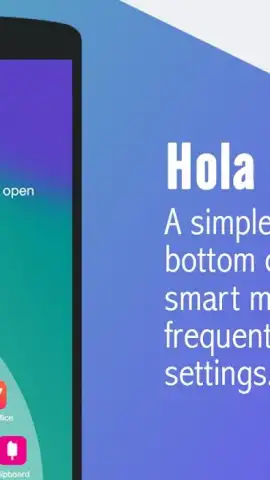
- Integrated Direct Search & Tools: Features a built-in search bar and utilities like app hiding and transition effect customization.
Download Hola Launcher now—this limited promotional version offers exclusive, ad-free access to the turbo performance features for the first wave of users.
Heads up: you'll need wifi for initial setup and for downloading daily wallpapers. Some advanced customization options are part of additional theme packs.



