

Task Manager
Task Manager screenshots (11)
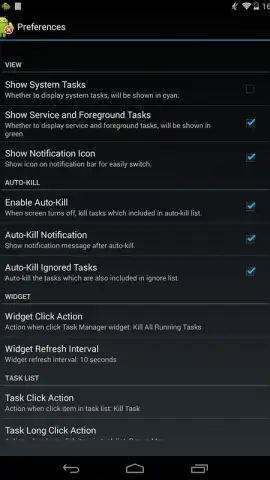
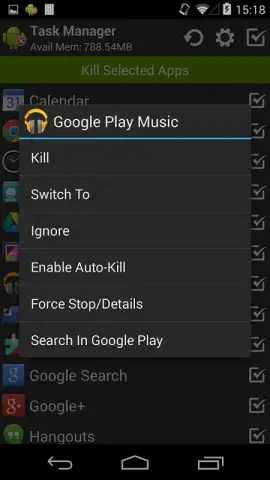
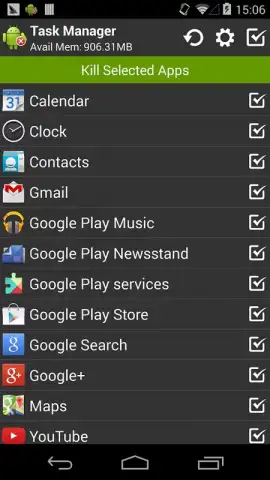
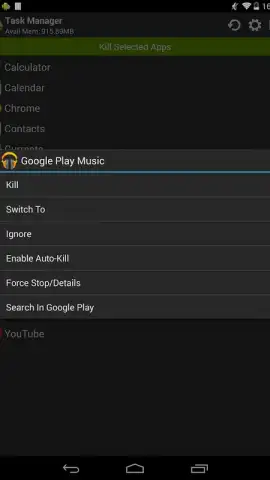
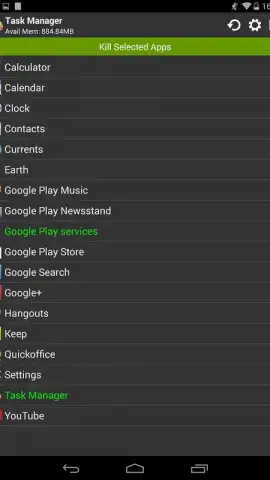
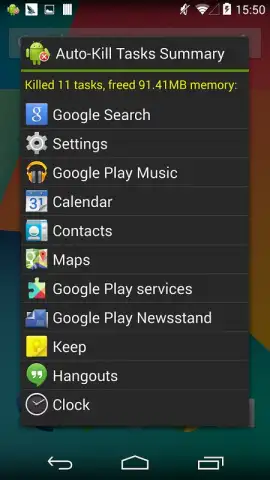
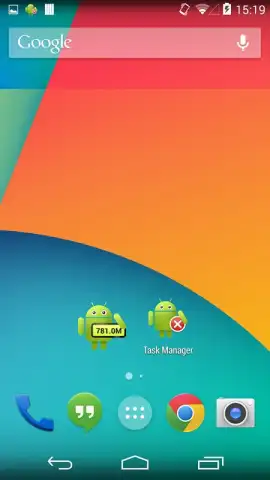
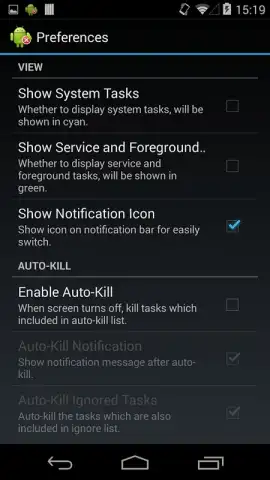
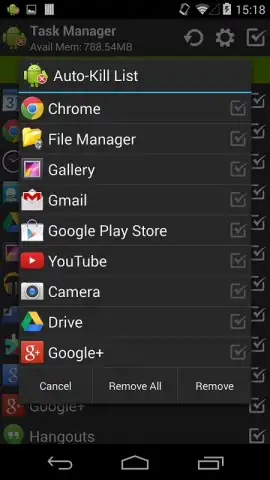
Description Task Manager
Ever Feel Like Your Day is Running You, Instead of the Other Way Around?
You start with a clear plan, but by lunchtime, your notes are scattered, urgent messages are piling up, and that critical project feels miles away. It’s not a lack of effort—it’s a lack of rhythm. What if your to-do list could actually work with your natural workflow, helping you focus on what moves the needle instead of just what’s shouting the loudest? Imagine closing your day with a clear head, knowing exactly what was accomplished and what’s primed for tomorrow.
Command Your Workflow with Intelligent Tools
This isn't just another checklist. It's a central command hub designed for how you actually work. You can capture tasks instantly, whether typing, dictating, or forwarding an email. Each task can be broken down into actionable sub-tasks, given a priority level, and tagged for specific projects. The smart scheduling feature suggests optimal times to tackle work based on deadlines and your energy patterns, while recurring task templates automate your daily stand-ups or weekly reports. For collaborative projects, you can share lists, assign items with clear owners, and track progress in real time without switching to a clunky messaging app.
Why This Task Manager Feels Different
- Frictionless Capture: Your brain dumps ideas at random times. With quick-add widgets and voice input, you can capture a thought in seconds before it’s lost, keeping your mind clear and your list complete.
- Visual Priority Planning: Not all tasks are created equal. The intuitive interface uses color-coding and visual markers to make your high-impact work stand out immediately, so you start your day attacking the right things.
- Focus Mode: When you need to dive deep, a dedicated focus timer minimizes distractions by temporarily silencing non-critical notifications, helping you power through complex work in concentrated bursts.
- Seamless Cross-Device Sync: Start a task on your phone during your commute, review it on your tablet at a cafe, and finalize it on your desktop. Your entire workflow stays perfectly synchronized everywhere.
- Clean, Customizable Interface: Avoid visual clutter. Choose from multiple layout views—simple list, kanban board, or calendar—and tailor the theme to an interface that feels calm and professional.
We suggest trying Task Manager by Rhythm Software to finally build a productive rhythm that lasts. Consider downloading it to transform your overwhelming list into a clear, actionable plan.
Download the mobile app now.
Heads up: you'll need wifi for initial sync and cloud backup. Some advanced collaboration and reporting features are part of optional premium plans. Requires Android 5.0 or later.
 GooglePlay


