

Company Portal
Company Portal screenshots (8)
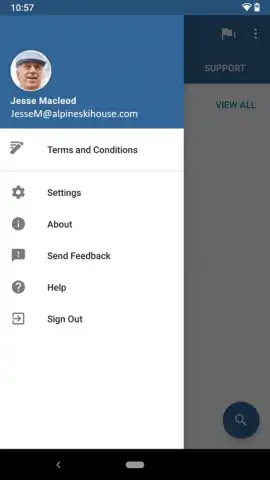
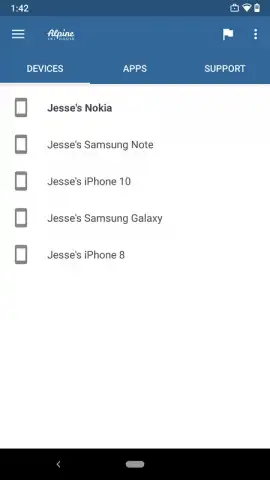
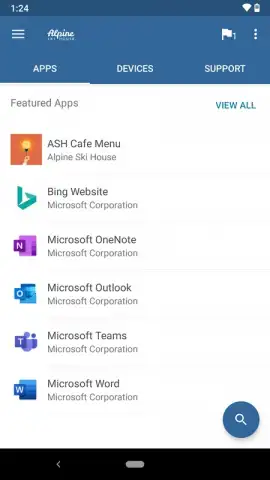
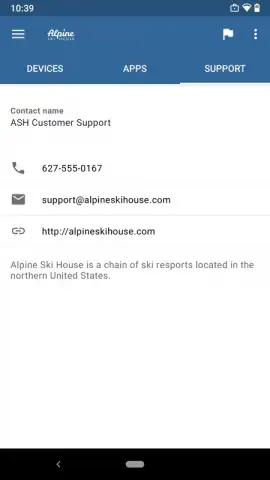
Description Company Portal
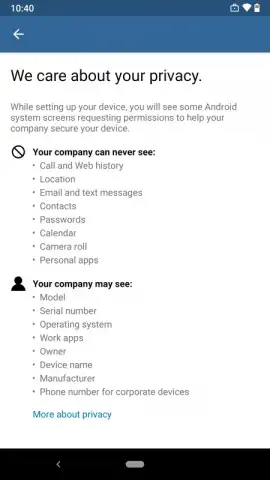
Imagine a single, secure gateway on your phone that connects you to all your work resources, without mixing them with your personal data. Company Portal provides that managed workspace, allowing you to access corporate email, documents, and applications from your personal Android device, keeping your professional life organized and protected.
Core Functionality & Managed Access
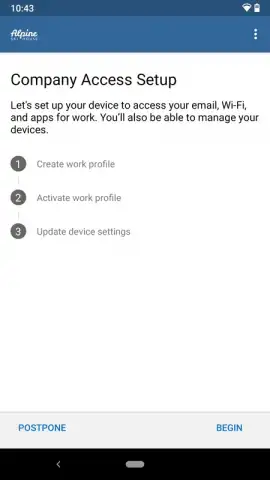
This application acts as the secure entry point for your organization's mobile ecosystem. Once enrolled by your IT department, it creates a containerized work profile on your device. This separation ensures that company data, policies, and applications remain distinct and secure. You can remotely install approved business apps directly through the portal, receive important IT notifications, and ensure your device complies with organizational security requirements.
Key Features for Productivity
The portal is designed for clarity and control, putting essential work tools and information at your fingertips.
- Securely access your corporate email, calendar, and contacts from your personal phone.
- Install and launch company-approved applications from a dedicated, managed work profile.
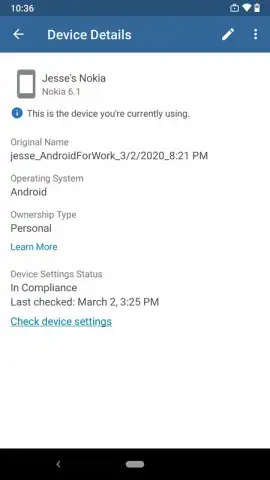
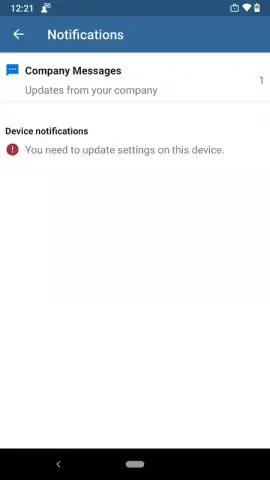
- Check device compliance status and receive important updates from your IT administrator.
- Reset your work account password directly from the app if allowed by your organization's policy.
- Remotely lock or selectively wipe the corporate data from your device if it is lost or stolen.
We suggest trying Company Portal to seamlessly integrate your work tools into your daily mobile routine while maintaining clear boundaries and security.
Heads up: you'll need wifi or mobile data for initial setup and syncing. Some organization-specific features and applications require separate enrollment and approval from your IT admin.
 GooglePlay


