

iGallery iOS 16
iGallery iOS 16 screenshots (24)
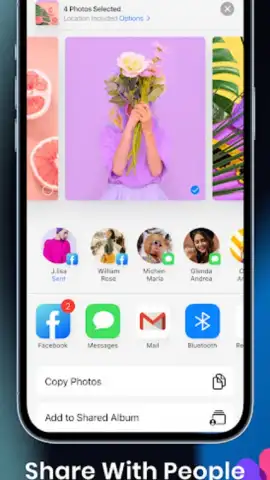
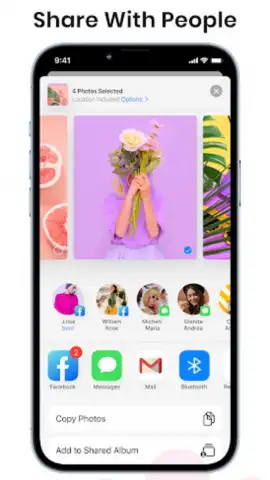
















Description iGallery iOS 16
What if your photo library could be as intelligent and organized as the iOS 16 Photos app, but with deeper control and customization for Android? iGallery iOS 16 bridges that gap, delivering a meticulously crafted gallery experience that prioritizes intuitive navigation, powerful media management, and a clean, familiar aesthetic to users outside the Apple ecosystem.
Core Functionality & Tools
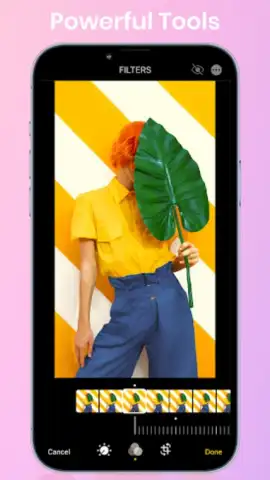
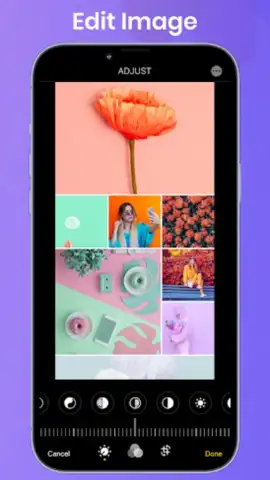
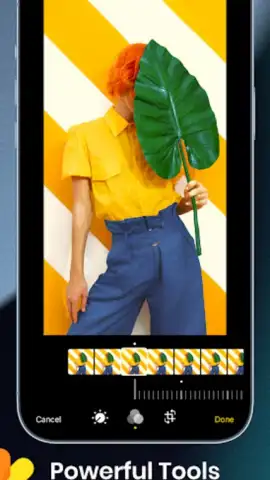
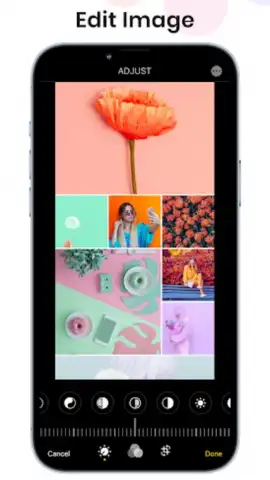
This application is engineered as a functional replica of the iOS 16 photo management interface. It parses your device's local storage to present photos and videos in a unified library. The core mechanics revolve around automated sorting and user-driven organization. The app creates a seamless chronological timeline, while also generating memory albums and grouping media by location without requiring cloud uploads. Beyond replication, it introduces tools for batch operations, allowing for efficient selection and movement of large numbers of files. The editing suite, while focused on quick adjustments, integrates directly into the gallery flow for on-the-fly corrections to exposure, color balance, and cropping before sharing.
Key Operational Advantages
The primary strength of iGallery iOS 16 lies in its user experience and performance optimization. The interface reduces clutter, presenting media in a visually spacious grid with smooth, high-fidelity animations for scrolling and opening images. It operates with minimal permissions, focusing on local device storage for enhanced privacy and faster loading times compared to cloud-dependent galleries. The app's stability on older Android versions is a notable technical achievement, ensuring consistent performance without demanding excessive system resources.
- iOS 16 Style Interface: Navigate with the distinctive look and fluid gestures of Apple's latest design language.
- Local Storage Focus: All organization happens on-device for maximum privacy and instant access.
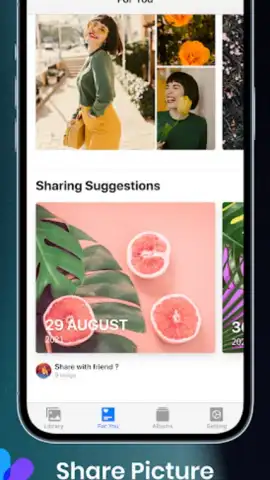
- Smart Automatic Albums: Memories and places are grouped automatically from your photo metadata.
- Efficient Batch Management: Select, move, hide, or delete hundreds of photos in just a few taps.
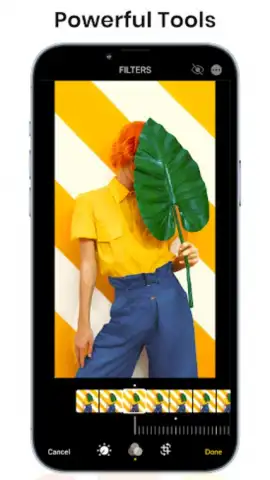
- Integrated Quick Editor: Apply essential lighting, color, and crop edits without leaving the app.
Start organizing your digital memories with the clarity and efficiency you deserve. Download the app now and transform your photo library.
Disclaimer: This is a third-party application. An internet connection may be required for certain features. The app is free to download and use. It requires access to your device's photo/media storage to function. This product is not affiliated with or endorsed by Apple Inc. iOS is a registered trademark of Apple Inc. Data usage and performance may vary. Please be aware of your device's age restrictions and permissions.
 GooglePlay


